Feed: Control and show your Home Assistant entities on an Elgato Stream Deck
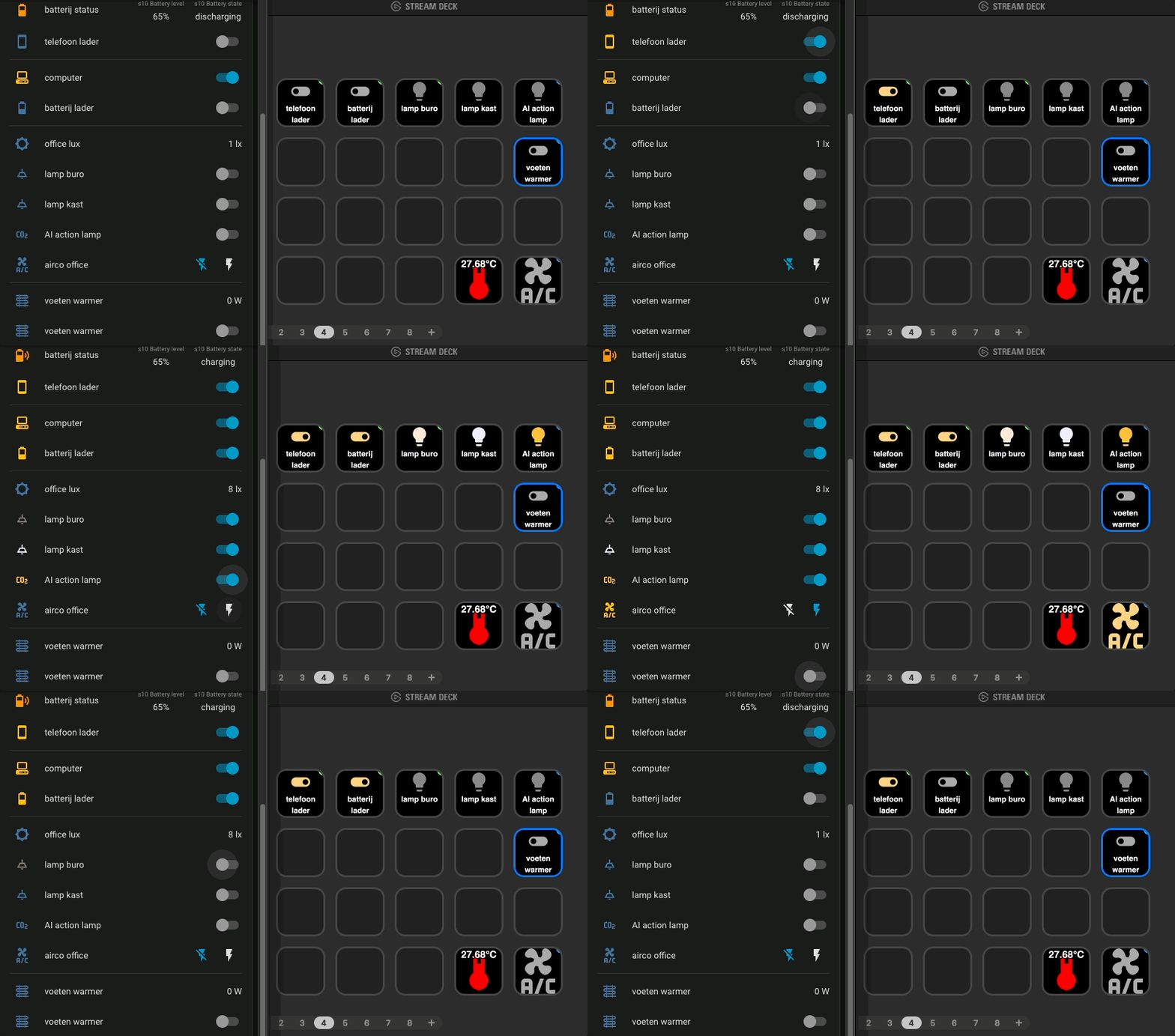 The Home Assistant dashboard next to the Stream Deck app: fast and interactive
Your Home Assistant dashboard needs a screen to see and manually control your home.
With the Stream Deck Home Assistant plugin, every key of an Elgato Stream Deck can control DIRECT a Home Assistant entity as well.
The key is more than a button: its icon can shows the live state of entities as well, so you can see what is going on in your home at a glance.
What you can do with it
- Lights: toggle a
lightentity. The key shows a bright, colored bulb when the lamp is on, in the same color as the lamp, and a pale bulb when it is off. - Smart sockets: switch
switchentities on or off and see which devices are still powered, like the chargers on my desk. - Live sensor values: show the current office temperature, humidity or CO2 on a key. It updates as soon as the
sensorentity reports a new value. - Infrared devices: turn a non-smart air conditioner on or off. A Zigbee IR transmitter and a template switch in Home Assistant send the original IR code.
- Dashboards: open a Home Assistant view, like your camera streams, with one key press.
 light
light
 socket (off)
 socket (on)
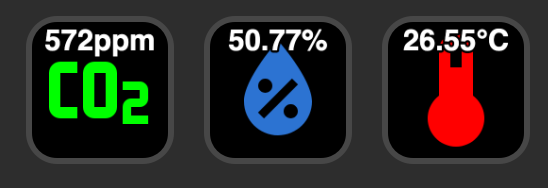 live sensor values
 IR air conditioner
Advantages
- No extra automation needed for a manual action: the key calls the entity directly.
- The key always shows the real state, so you do not have to guess whether the lamp or charger is on.
- It works with anything that is already an entity in Home Assistant.
Related articles
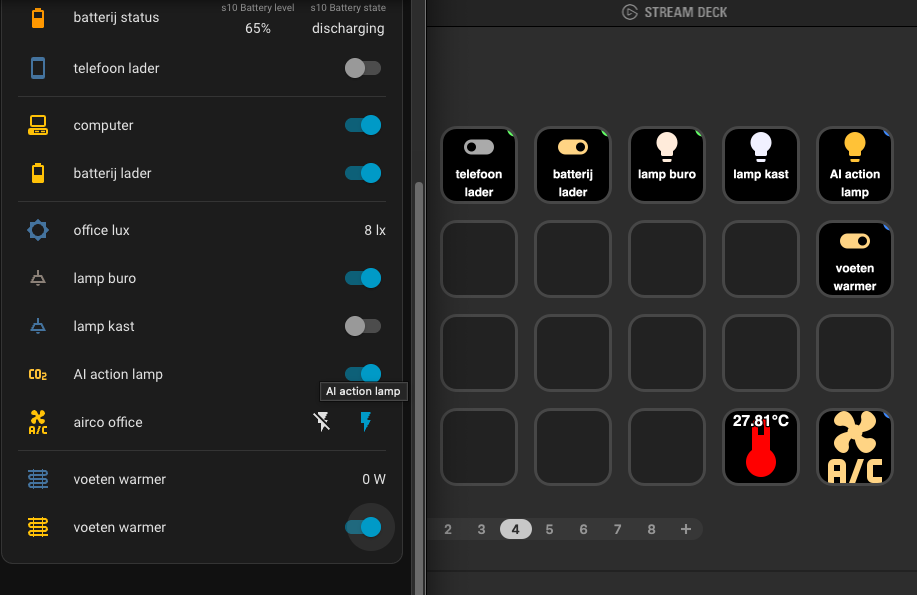
Stream DeckElgato Stream Deck - Home Assistant integration
The full guide with all examples.
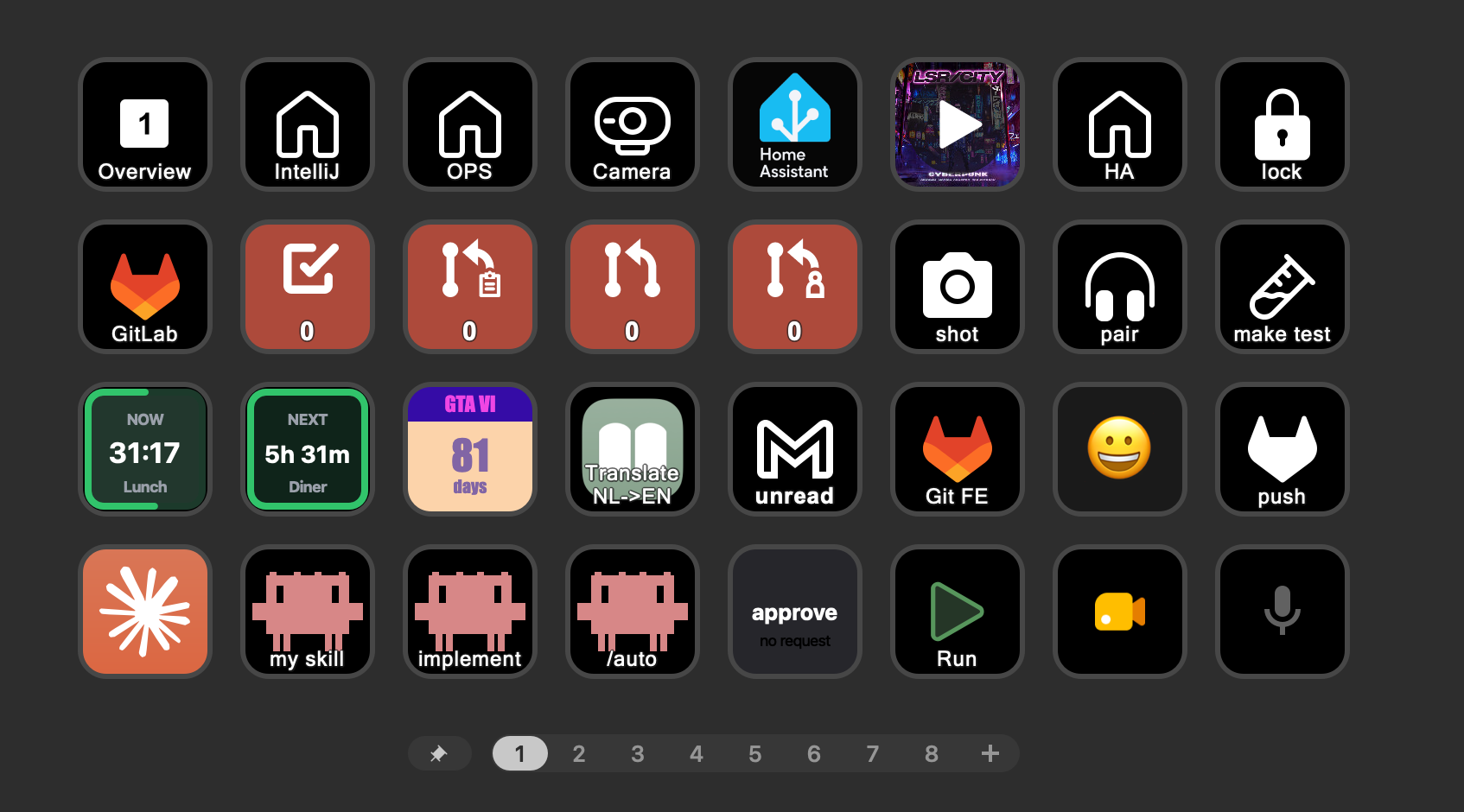
Stream DeckStream Deck button action examples
Download the buttons and more examples for all kinds or applications.
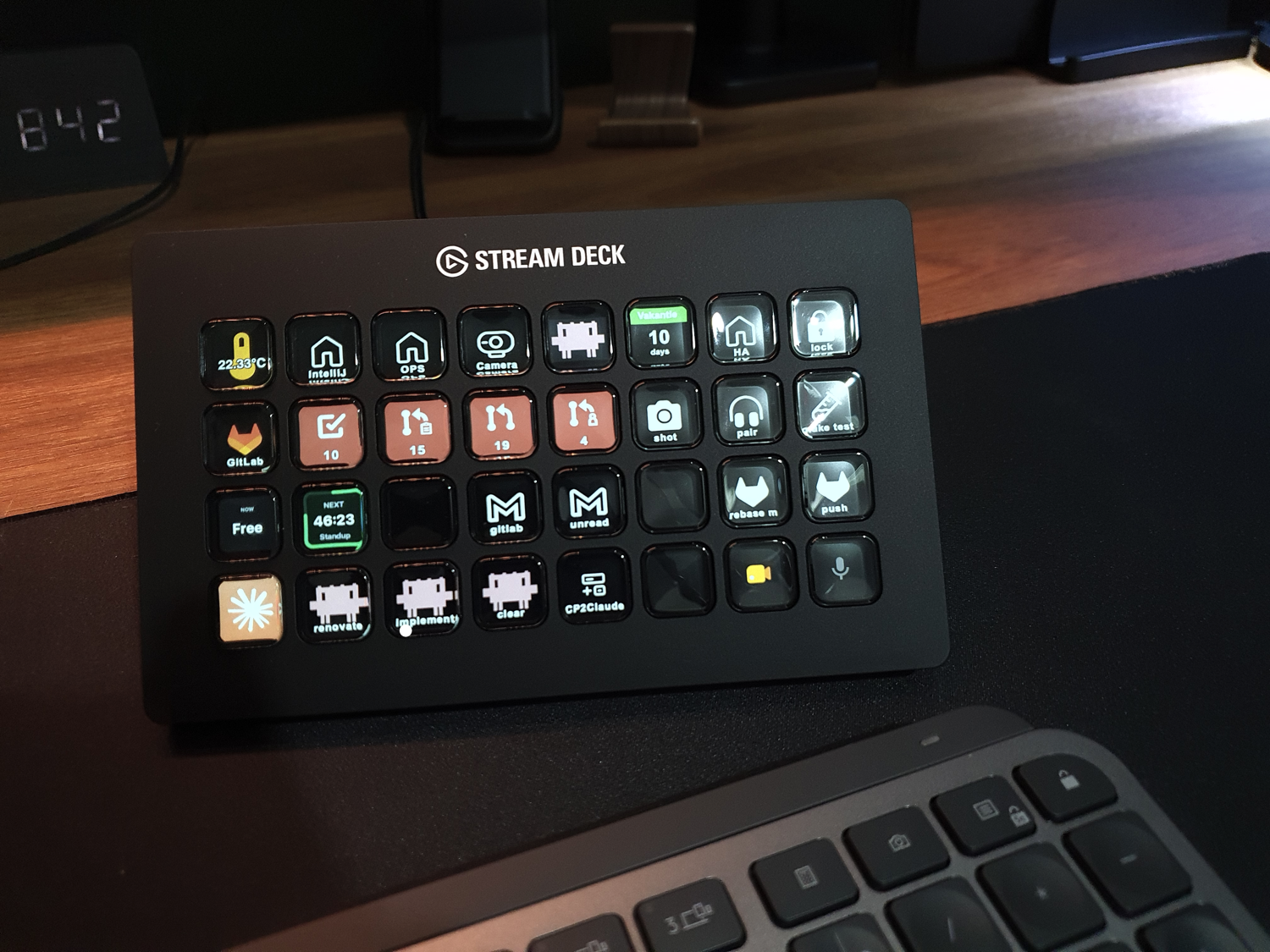
Stream DeckElgato Stream Deck for developers
Read more about the Stream Deck and what it can do.
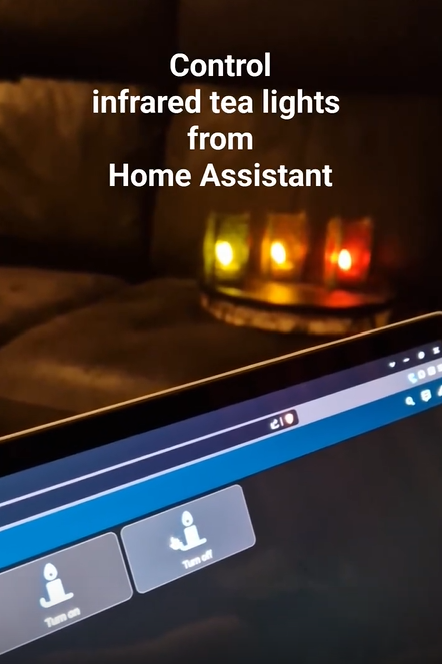
ZigbeeAutomate infrared devices
How to make dumb infrared devices smart with a Zigbee IR transmitter.
^^ Top | Homepage | Best Buy Tips | Automation Ideas | Blog posts | Sitemap