Feed: Logitech MX Keypad for developers, or a Stream Deck?
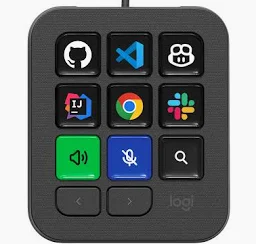 The Logitech MX Keypad, 9 programmable keys
I read this article on Tweakers: Logitech now sells its Stream Deck-like MX Keypad separately for 100 euro. It was previously only available as part of the MX Creative Console bundle.
They have this device created for the target group software developers, not aimed at streamers or designers, the groups these devices were previously mainly used by.
A while ago I started with an Elgato Stream Deck myself, and as a software developer it turned out to be much more useful than I expected. On a keypad with a little interactive display behind every key. With all the plugins it can be used for many purposes.
Similar devices
The MX Keypad has 9 keys. Elgato’s family covers the same idea in many different sizes, from 6 up to 32 keys.
Logitech MX Keypad, 9 keys
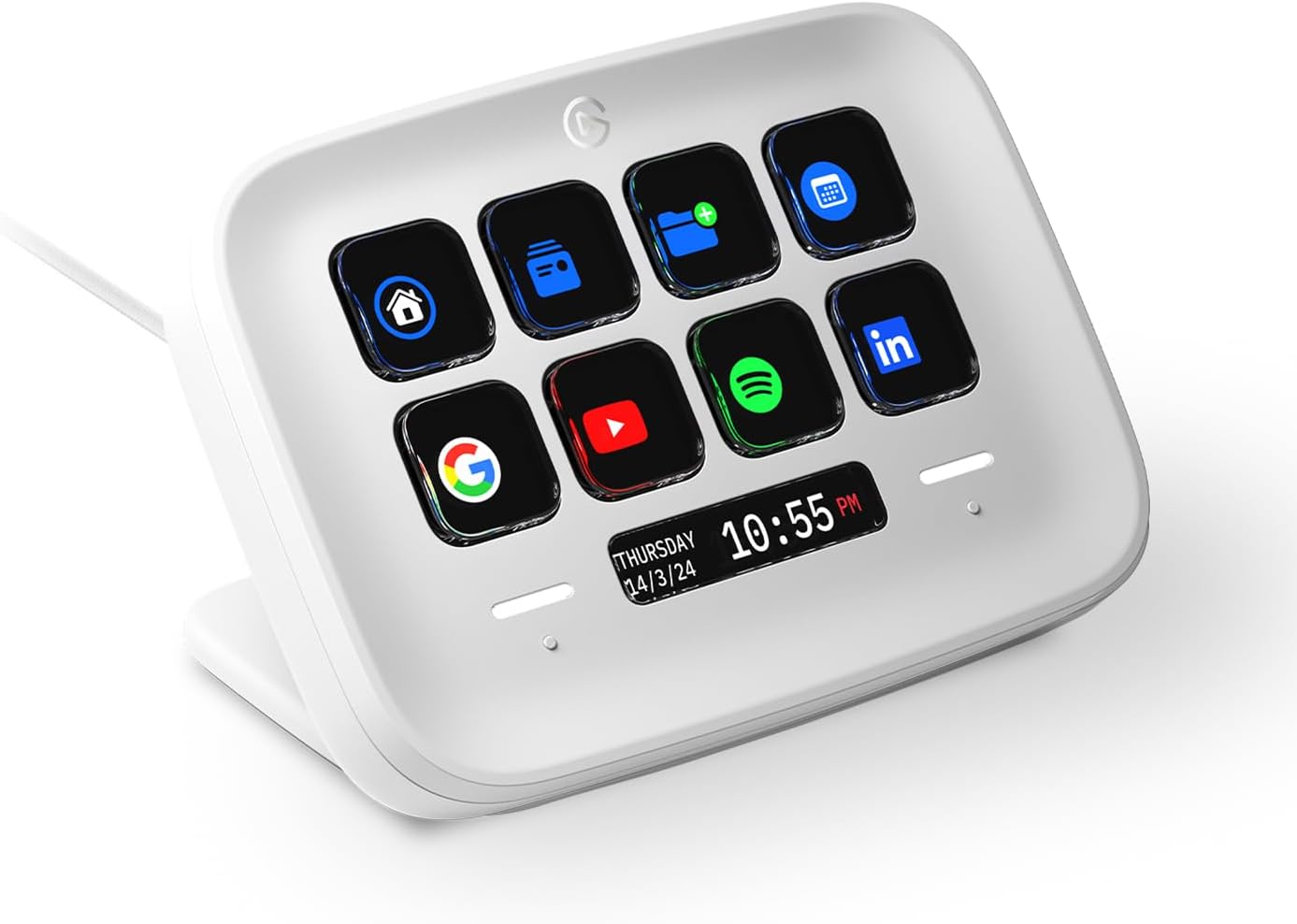 Elgato Stream Deck Neo, 8 keys
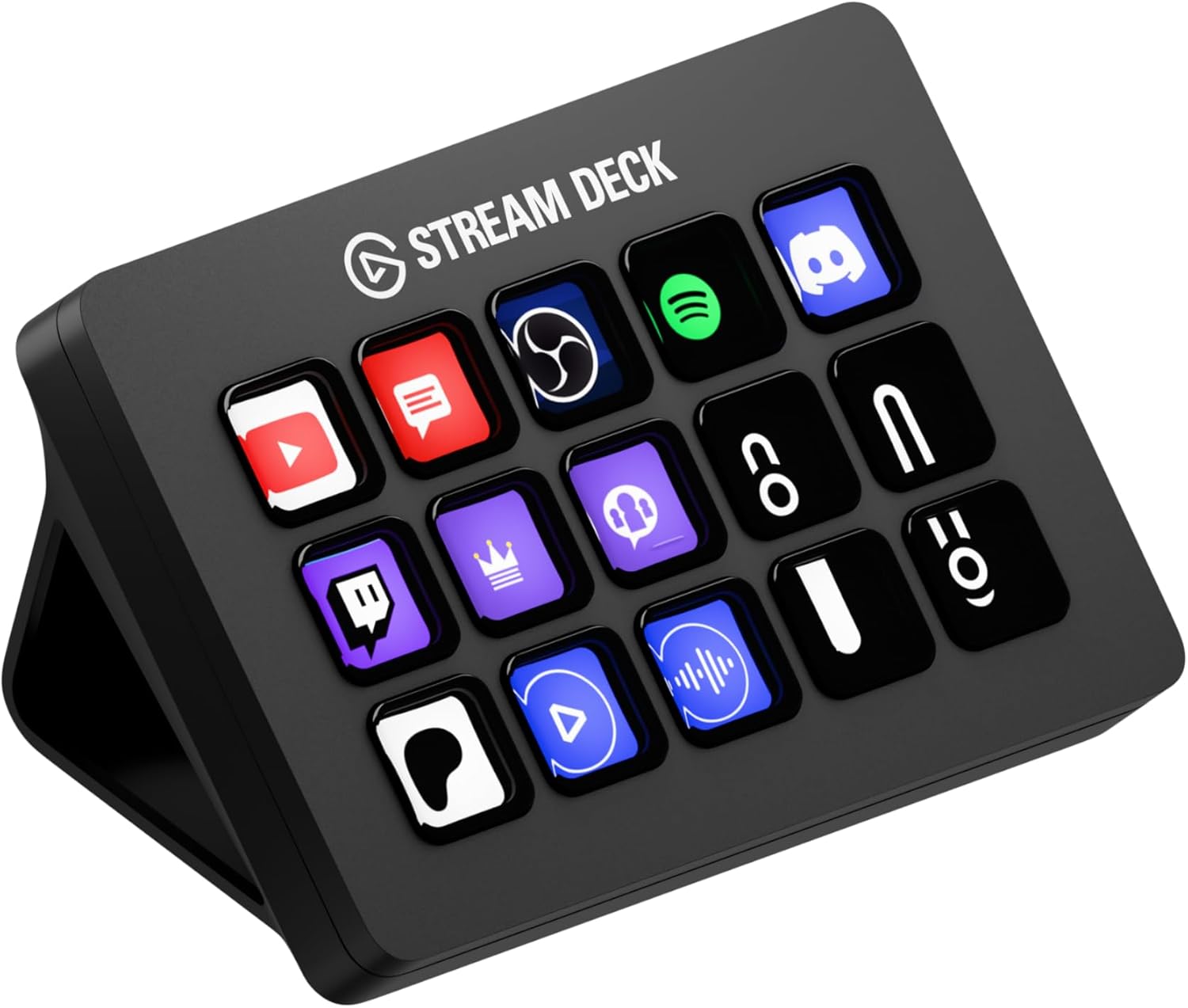 Elgato Stream Deck MK.2, 15 keys
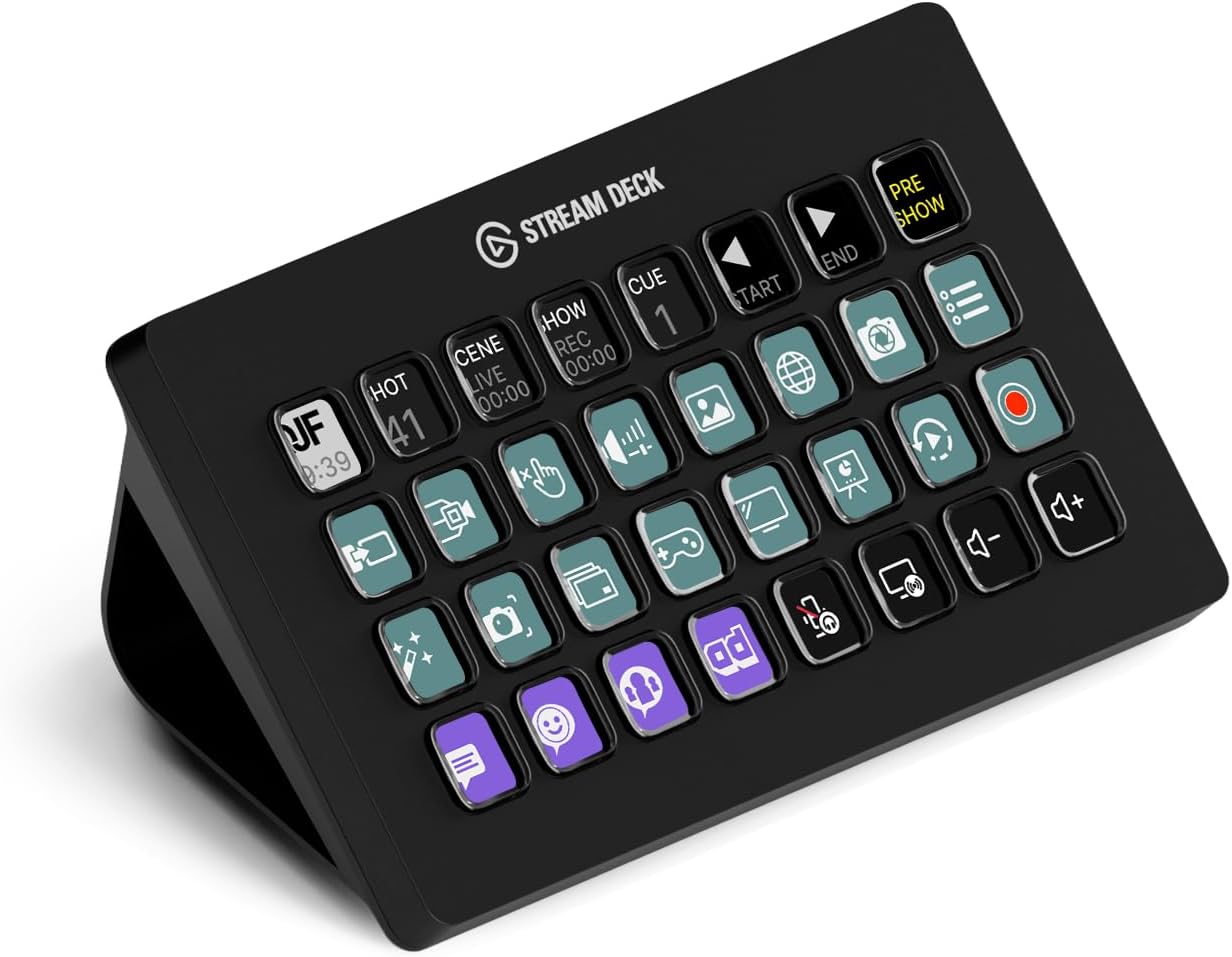 Elgato Stream Deck XL, 32 keys
Logitech also has the MX Creative Console, the same 9-key pad plus a dial, with designers as target group.
I went for the Stream Deck 32-key XL, and created a page where I share my button actions I use on my Stream Deck as software developer. I couldn’t find many pages with examples for developers, that’s why I started one myself. Now you see more and more keypads available with as target group developers.
The Stream Deck has many features for developers too
The keypad itself doesn’t know anything about streaming or about coding, it just triggers whatever you configure in the application on the computer where the Stream Deck is connected to. These are actions I actually run from my own deck:
- Claude Code / AI agents - start Claude, paste a fixed prompt, run skills, see per project which session is still running and which one needs your input.
- IntelliJ - Keyboard shortcuts: open project, open terminal, clear console, next change, next file, next diff, optimize imports.
- GitHub and GitLab - jump straight to your notifications, your pull requests or your assigned issues.
- Video calls - mute/unmute, raise hand, hang up, and a calendar key counting down the minutes to your next meeting (pressing it opens the meeting link).
- macOS - lock the screen, take a screenshot, pair headset.
- Browser - open Google Translate with the text you just selected.
- Home Assistant - control lights and smart plugs from your desk.
- Days countdown - How many days until the GTA release?
This is what one of my pages looks like:
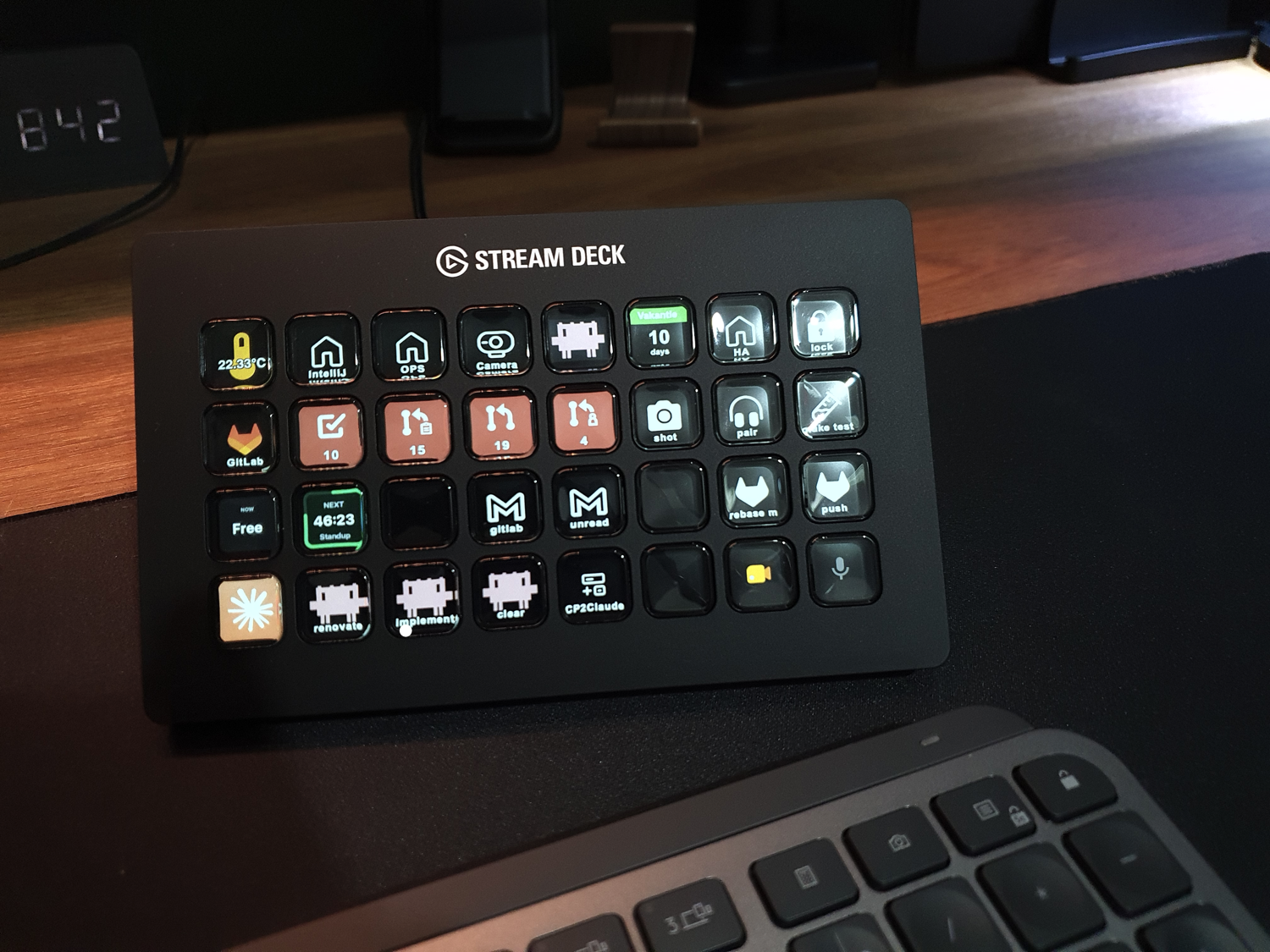 One of the pages on my own deck: not only buttons, but also live information displayed on them.
Read more
- What is a Stream Deck?
- Alternatives: Stream Deck, Logitech MX, Codex Creator
- Stream Deck models comparison
- Home Assistant integration
- Many example Stream Deck button actions to download like Claude, Spotify, Gitlab, Google Meet, Home Assistant, etc..
- My introduction to a Stream Deck
^^ Top | Homepage | Best Buy Tips | Automation Ideas | Blog posts | Sitemap