Smart Aquarium
Water temperature graphs, alarms and automatic lights
Introduction
An aquarium is a perfect candidate for home automation. The fish depend on a stable water temperature, and the lights need a fixed day and night rhythm. Both are easy to automate with a few cheap Zigbee devices and Home Assistant.
 My aquarium
What I automated:
- Measure the water temperature and show it in a graph on my dashboard.
- Get a notification when the water gets too cold or too warm.
- Switch the lights off at night with a smart socket.
Table of Contents
- Introduction
- Table of Contents
- Temperature monitoring
- Control the lights
- Future additions
- Related articles
Temperature monitoring
Most tropical fish want a stable temperature, usually between 24 and 26 °C. A heater keeps the water warm, but if it breaks or gets stuck, you want to know it before your fish do.
For this I use a water-resistant Zigbee temperature sensor with a probe, which you put in the water. It runs on a battery and reports to Home Assistant via Zigbee, so no cloud, no extra wires and no ESP to build.

IP65 sensor with a probe and display, for aquarium, pool or bath water. I use it for my aquarium. Battery: CR2477.

Place the probe in the water, away from the heater and the filter outlet, so it measures the average water temperature instead of a hot or cold spot.
After pairing, you get a temperature entity, for example sensor.aquarium_temperature. I use this name in the examples below. Replace it with your own entity.
Show the temperature on your dashboard
Home Assistant keeps the history of your sensors, so a graph is only one card away.
History graph card
The default card. Good for the last hours or days.
# Source code by vdbrink.github.io
# Aquarium water temperature of the last 24 hours
type: history-graph
title: Aquarium
hours_to_show: 24
entities:
  - entity: sensor.aquarium_temperature
    name: Water temperature
Statistics graph card
Shows the mean, min and max per hour or day. Good to see the long-term trend, for example if your water gets warmer in summer.
# Source code by vdbrink.github.io
# Aquarium water temperature statistics of the last week
type: statistics-graph
title: Aquarium trend
days_to_show: 7
period: hour
stat_types:
  - mean
  - min
  - max
entities:
  - sensor.aquarium_temperature
Mini graph card (HACS)
A compact graph with the current value on top. Nice for a small spot on your dashboard. Install mini-graph-card via HACS first.
# Source code by vdbrink.github.io
# Compact aquarium temperature graph with threshold colors
type: custom:mini-graph-card
name: Aquarium
entities:
  - sensor.aquarium_temperature
hours_to_show: 48
points_per_hour: 2
line_width: 3
show:
  extrema: true
color_thresholds:
  - value: 22
    color: "#3498db"
  - value: 24
    color: "#2ecc71"
  - value: 27
    color: "#e67e22"
Grafana
Want the history for months or years instead of days? Store it in InfluxDB and embed a Grafana graph, as I explain in Home Assistant dashboard: Grafana integration.
Alarm on a threshold
A graph is nice, but you don’t look at it all day. Let Home Assistant send a notification when the temperature leaves the safe range.
Set the thresholds to the species you keep. The values below are an example for a tropical aquarium.
Control the lights
Aquarium lights are often a normal lamp with a power plug, so a Zigbee smart socket makes them smart without any modification. Plug the lamp into the socket, and plug the socket into the wall.
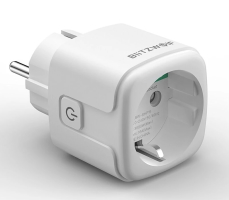
I use the Zigbee BlitzWolf EU SHP-15, or any other WiFi / Zigbee socket for your country, to switch the aquarium lights.
My automation only switches the lights off, for example at night or when everybody goes to bed. I don’t switch them on automatically, because the lights on are my signal that someone has to feed the fish. This way everybody in the house knows that the fish still need food today. Whoever feeds the fish switches on the lights, and the automation turns them off again later.
# Source code by vdbrink.github.io
# Switch the aquarium lights off at night, only if they are on
alias: Aquarium - lights off at night
triggers:
  - trigger: time
    at: "22:00:00"
conditions:
  - condition: state
    entity_id: switch.aquarium_lights
    state: "on"
actions:
  - action: switch.turn_off
    target:
      entity_id: switch.aquarium_lights
mode: single
The socket still has its physical button, so everyone can still switch the lights by hand, even when Home Assistant is down.
Future additions
Ideas I don’t use myself yet, but which are a nice extension.
Feeder
You can buy an automatic fish feeder, with a timer, to feed the fish when you are away for a few days. Some feeders are Zigbee or WiFi devices which you can control from Home Assistant, others only have a built-in timer.
If you automate the feeding, you don’t need the lights as a reminder anymore. Then the lights can also be switched on automatically in the morning, in the same way as the automation above, with a switch.turn_on action at a fixed time.
Camera stream
Add a small (WiFi) camera in front of the aquarium to see your fish from your phone or dashboard, for example when you are on holiday. You can also use it to check whether the fish have eaten.
Show the stream with a picture-entity or webrtc card on your dashboard.
Related articles
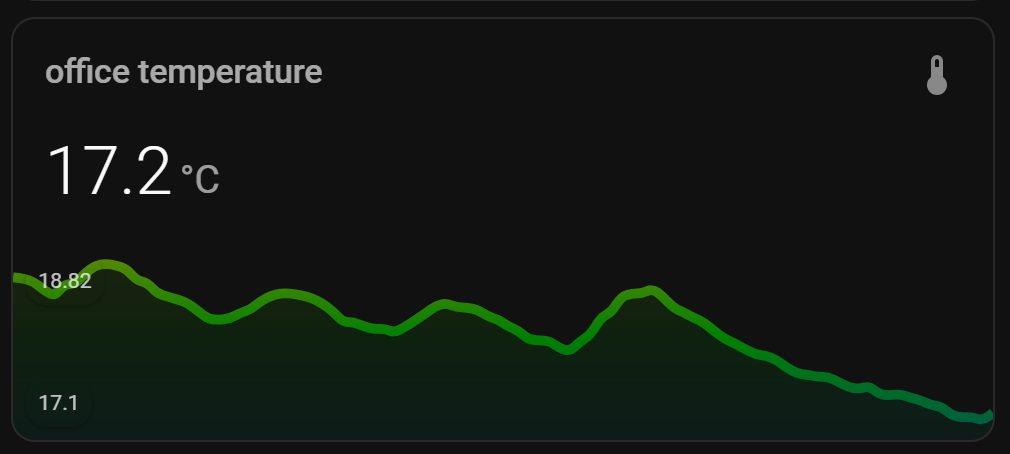
A dashboard layout with history graphs for a stretched display.

Install custom cards like mini-graph-card via HACS.
Zigbee smart sockets to make any plugged-in device smart.
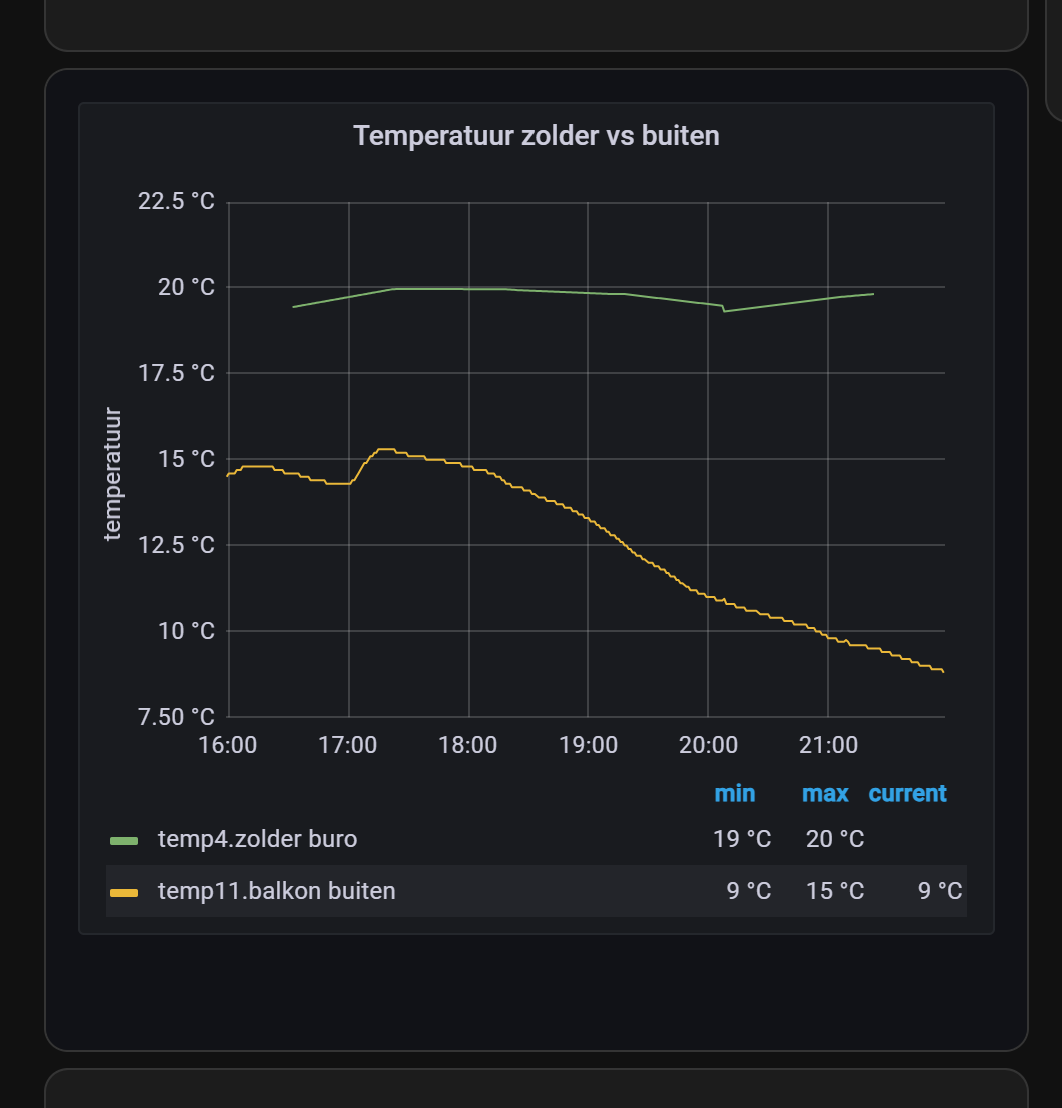
Show long-term graphs from InfluxDB and Grafana in your Home Assistant dashboard.
^^ Top | Homepage | Best Buy Tips | Automation Ideas | Blog posts | Sitemap