DIY Zigbee outlet sensor
Based on a battery powered sensor and a battery replacements
Introduction
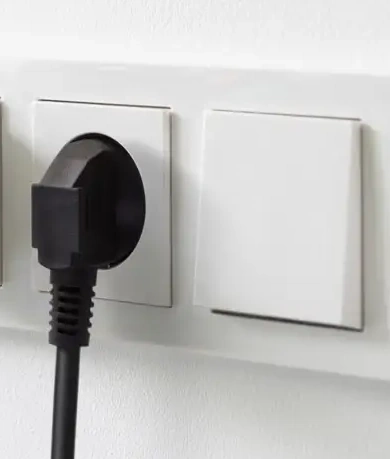 Zigbee sensors, like a temperature sensor measure periodic the current temperature and run on a battery for a long time, but still that battery needs to be replaced from time to time.
Sometimes you just want a solution which always works, without the need to replace batteries once in a while.
Zigbee sensors, like a temperature sensor measure periodic the current temperature and run on a battery for a long time, but still that battery needs to be replaced from time to time.
Sometimes you just want a solution which always works, without the need to replace batteries once in a while.
This solution works for all these types of sensors:
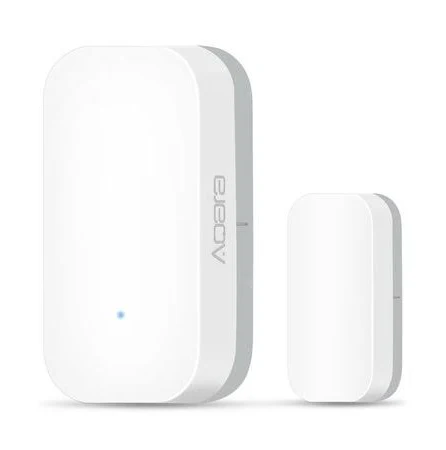
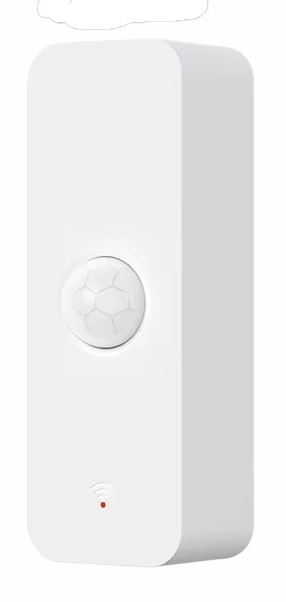
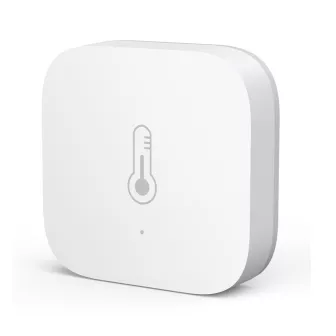
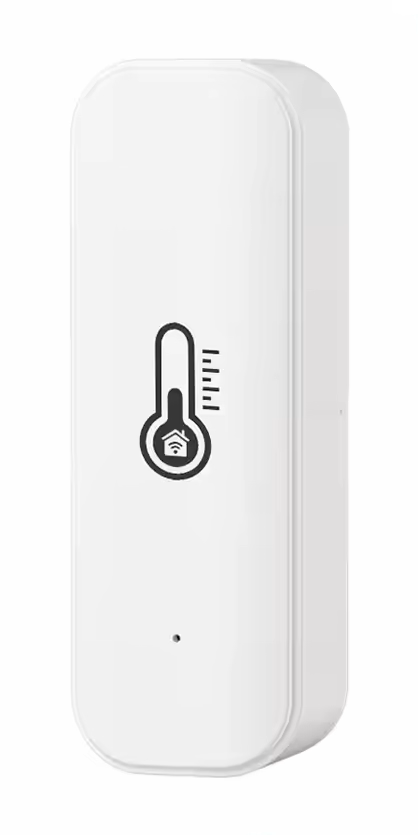
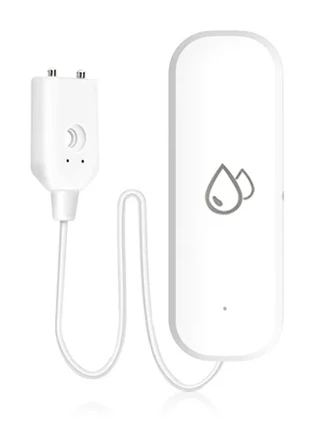
Table of Contents
My solution
 You can create a DIY WiFi based temperature sensor with the BME280 temperature sensor and a 5V adapter powered ESP, flashed with ESPHome.
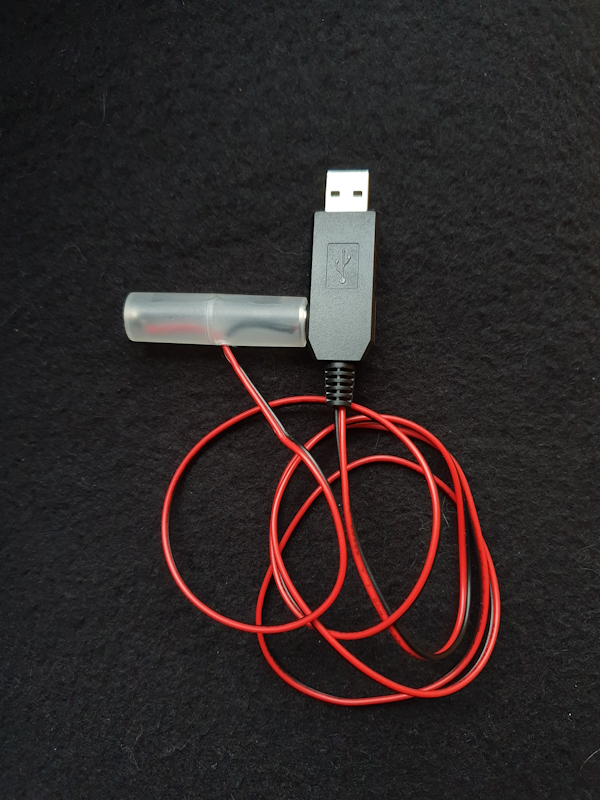
Or, what I choose, use a Zigbee temperature sensor and replace the normal battery with a dummy battery adapter to USB and connect it to an outlet.
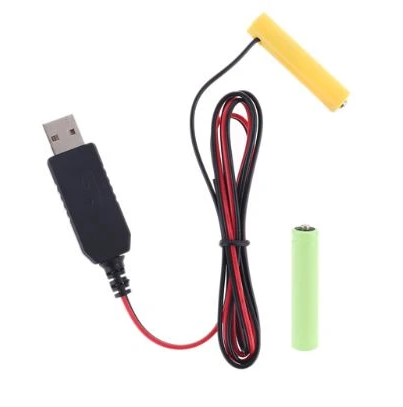
There are multiple battery-eliminators:

Required hardware
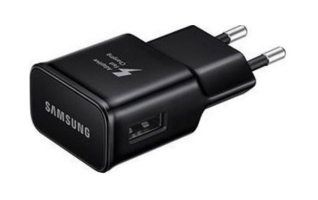
This project only requires these devices: A battery powered sensor and a battery replacement kit with a power adapter.
I have a Zigbee network, so I use a Zigbee temperature sensors, but any other protocol sensor can also do the trick.
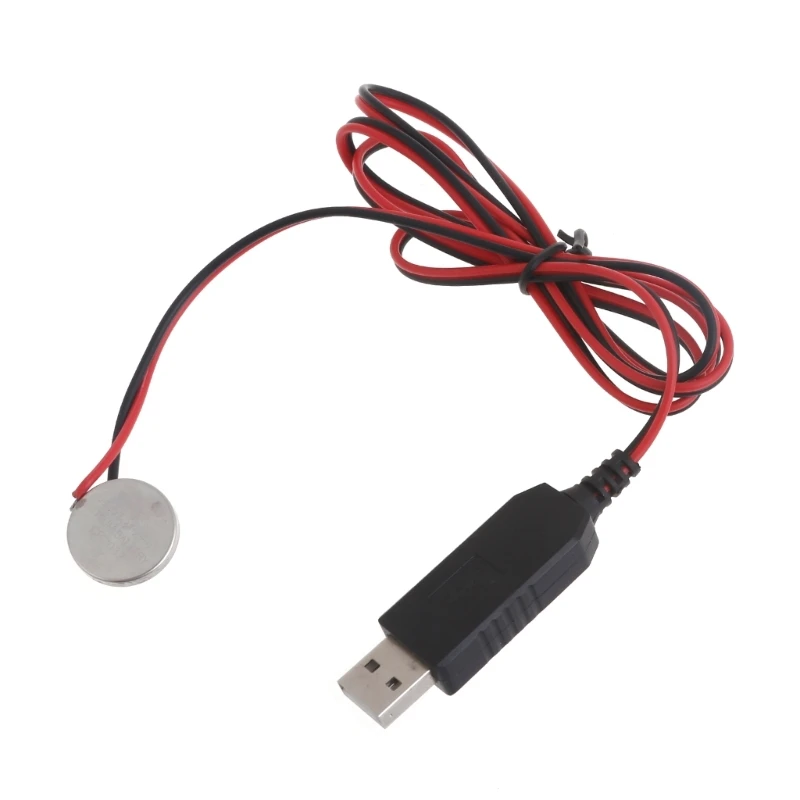
Combination 1: Temperature sensor with CR2032 battery replacement
A compact setup for sensors that run on a single CR2032 coin cell, like the Aqara temperature sensor. The CR2032-to-USB adapter takes the place of the coin cell and is powered by a USB adapter in the outlet, so this sensor never runs out of battery.
Replaces the CR2032 battery and is powered via USB.
Combination 2: Temperature sensor with AAA battery replacement
The same idea for a temperature and humidity sensor that runs on AAA batteries. Put the AAA battery eliminator in the battery compartment instead of the batteries, and connect its USB cable to an adapter in the outlet.
An AAA battery powered temperature and humidity sensor.
Replaces the AAA batteries and is powered via USB.
Combination 3: Leak sensor with AAA battery replacement
This also works for other sensor types. This leak sensor runs on two AAA batteries, so the same AAA battery eliminator and USB adapter can power it permanently. Handy for a spot where you want it always on.
It also works with other sensors, like this leak sensor with two AAA batteries.
Replaces the AAA batteries and is powered via USB.
Combination 4: motion sensor with AAA battery replacement
A motion sensor on two AAA batteries can be powered the same way. A sensor that reacts to movement is used a lot, so its batteries drain faster. Wired to an outlet it always keeps working.
It also works with other sensors, like this motion sensor with two AAA batteries.
Replaces the AAA batteries and is powered via USB.
Any other solutions or feedback? Please let me know!
« See also my other Zigbee content
^^ Top | Homepage | Best Buy Tips | Automation Ideas | Blog posts | Sitemap