Home office: Accessories
Overview | Mood board | Virtual design with AI | Room decoration | Desk setup hardware | Accessories
On this page, you can read about the accessories I use to decorate my office and make working there a joy for both myself and my cats, who like to keep me company during the day!
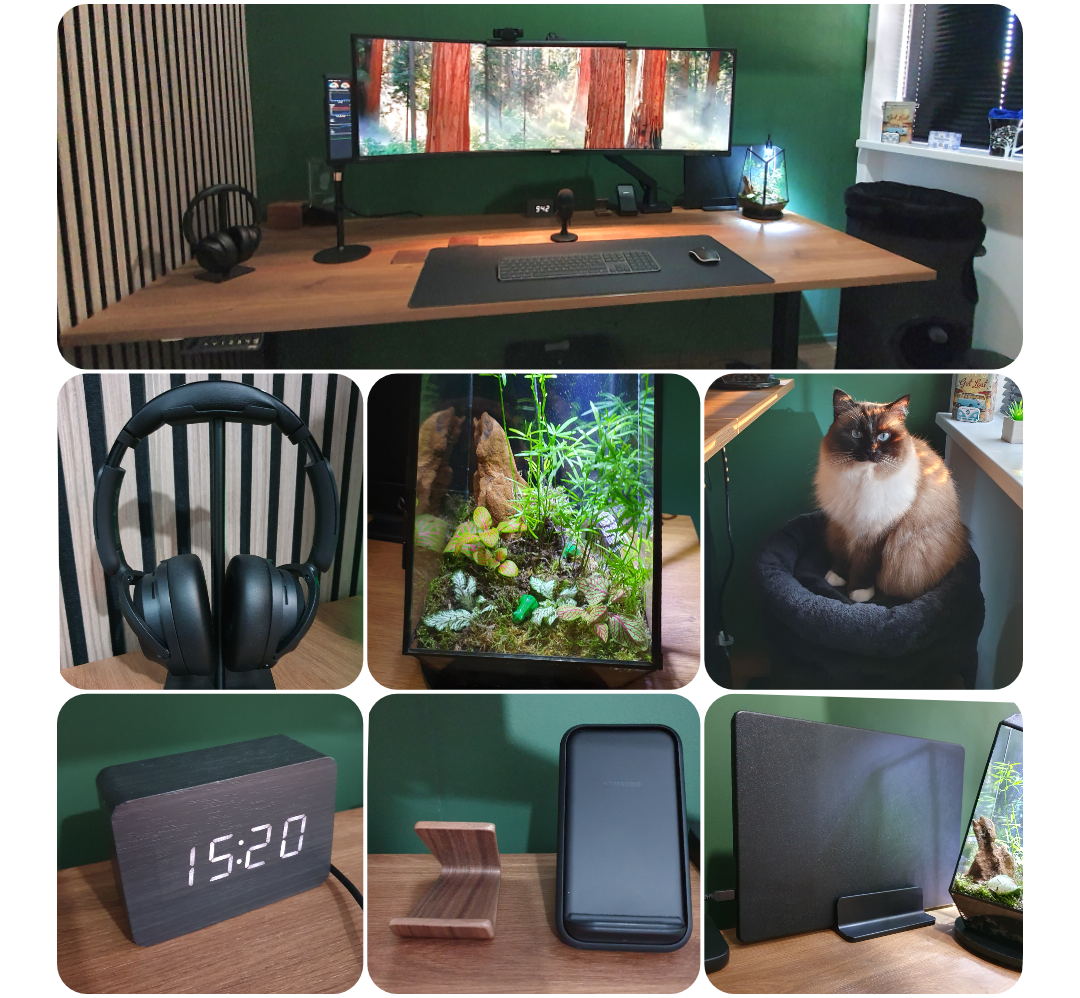 Accessories and my home-company-cat
Table of Contents
- Amazon shop list
- Cable management
- Monitor light
- Desk mat
- Headset
- Laptop charger
- Laptop stand
- Laptop case
- Headphone stand
- Desk clock
- Mug coaster
- Wireless phone charger stand
- Walnut phone stand
- Cat tower
- Camera
- Microphone
- Smart notification light
- Stretch display
- Retractable USB charger
- Footrest
- Floor protection mat
- Floor heated mat
- Moss terrarium
- Shortcut keyboard
- Vacuum cleaner
NOTE: Links on this page can be affiliate links. You pay the normal price and also support my blog.
Amazon shop list
Products from this page that are available on Amazon are listed on (Amazon US) and Amazon NL. Not everything on this page is available through Amazon. Some items, like the desk, monitor, and chair, are excluded because they have been replaced by newer models or were purchased somewhere else. Where a newer version exists, I link to that instead.
Cable management
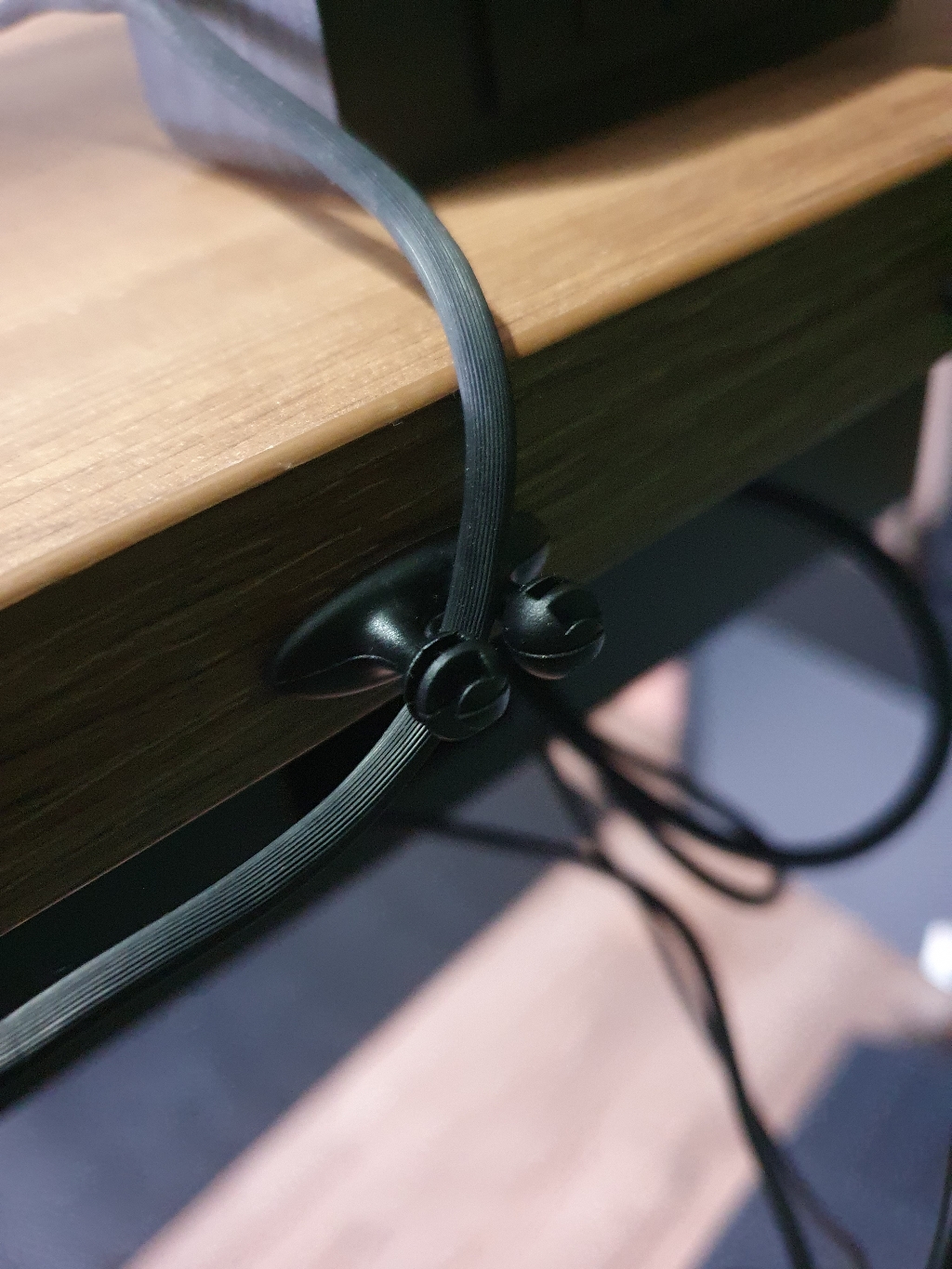
For a clean desk cable needs to be hidden as much as possible. Cable management is the solution to hide and guide the required cables under and behind the desk.
I use these types of guides to accomplish this.
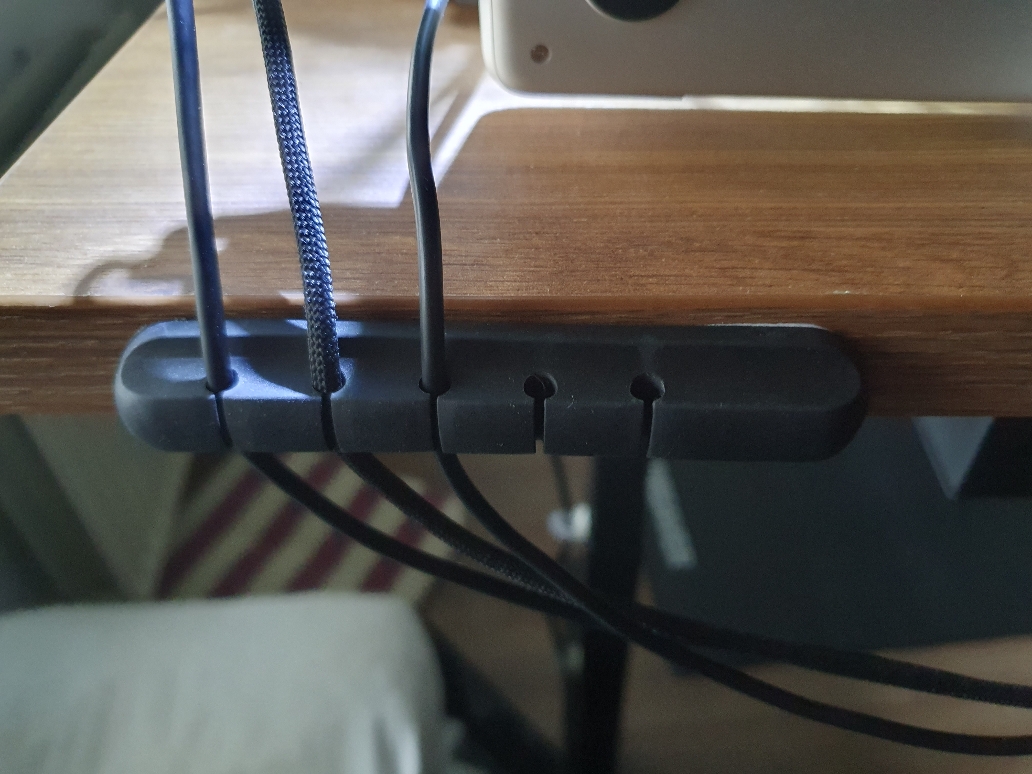
Guide multiple cables to avoid falling behind the desk when not connected.

Monitor light
To get enough light on my desk, I use a monitor light bar that shines in front of the screen on the desk and keyboard and doesn't reflect in my eyes.
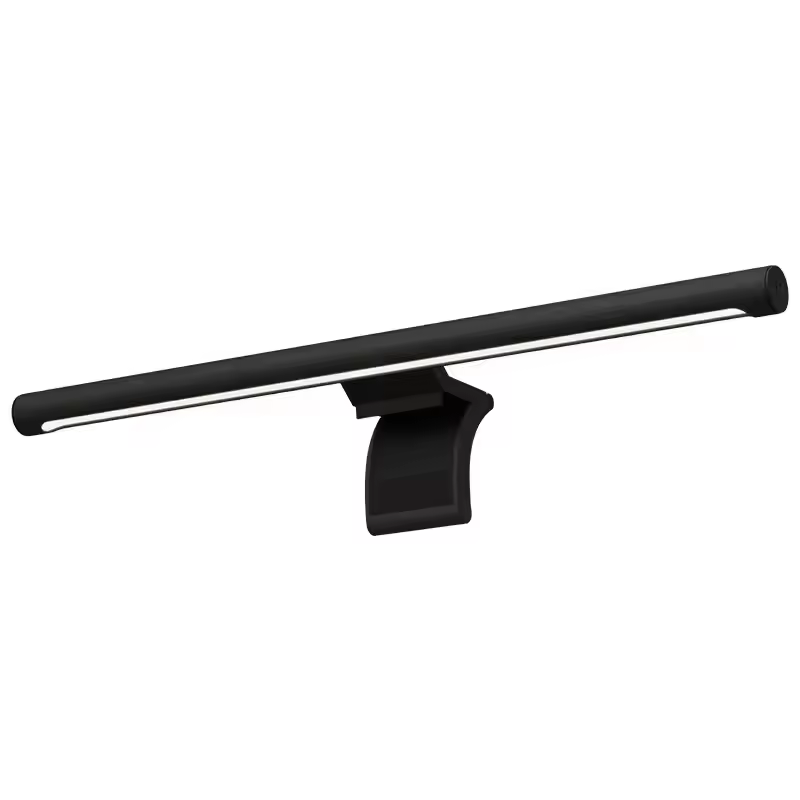
This bright light has a remote knob to dim the light, and it attaches easily to the monitor with counterweights.
Desk mat
A very large mouse mat under my keyboard and mouse.
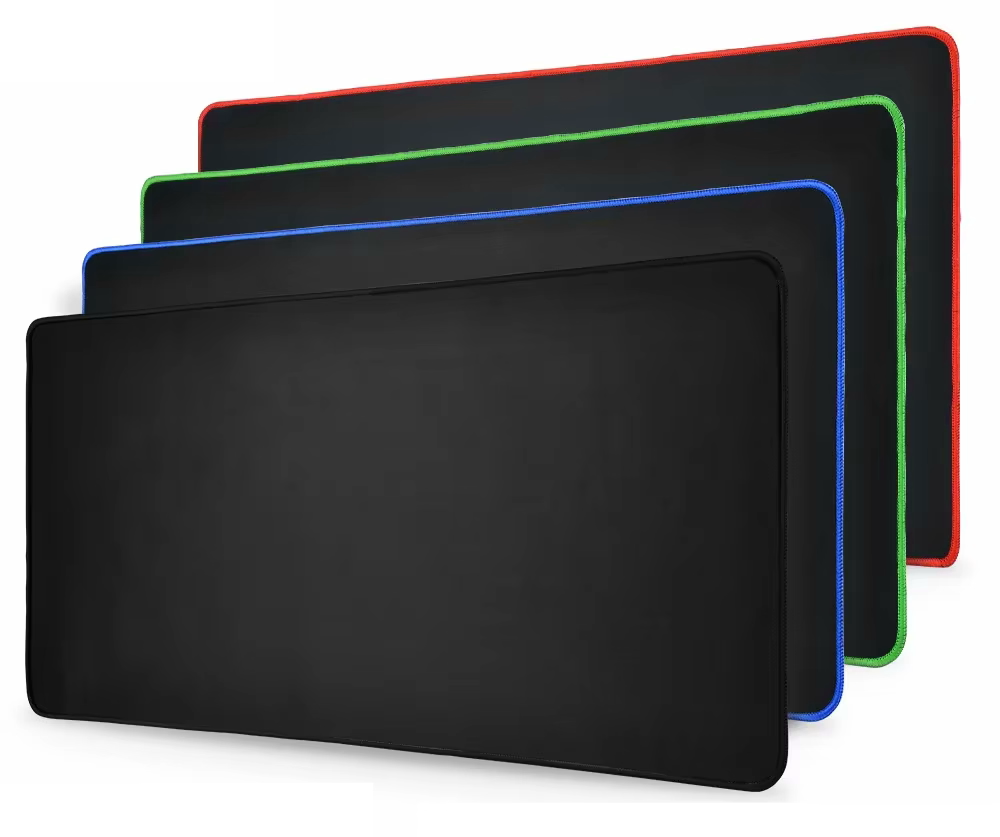
The top material of this mat is soft with a smooth surface for sliding the mouse, and the bottom is rubber to keep it in place. I have the fully black version without distracting artwork. Size: 90 x 40 x 0.3 cm (31.5" x 15.7"). Available in many sizes and border colors.
Headset
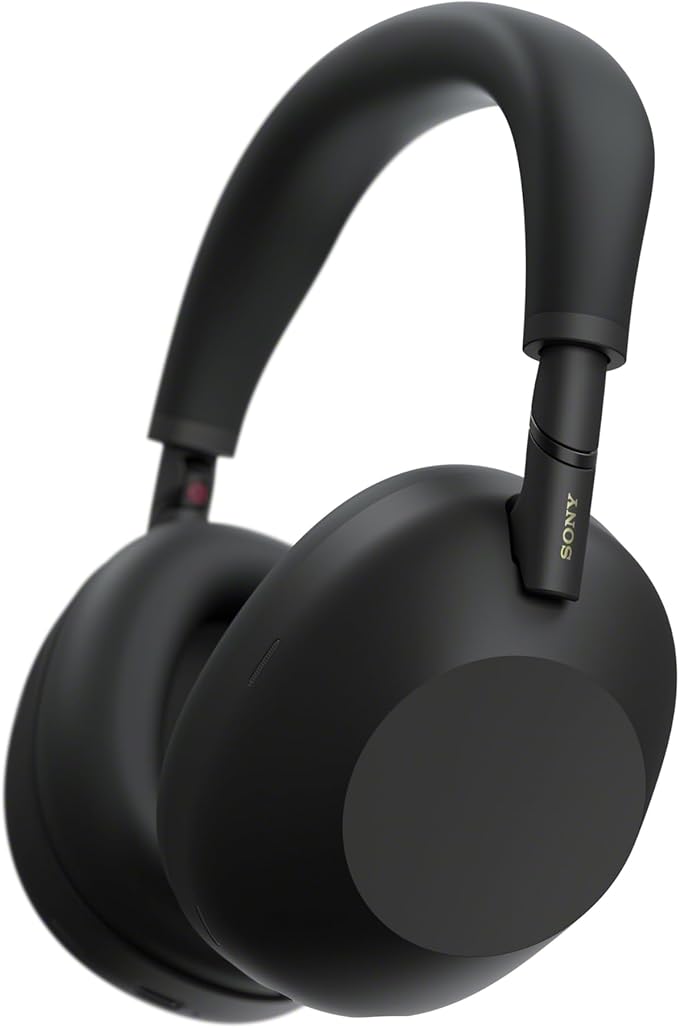
For my new office, I looked for a newer and improved over-ear headset. ANC keeps improving every year, and my daily three-year-old headset was ready for an upgrade. I wanted to go for the overall best option, the Sony WH, but the price is very high for a headset. That kept me looking further. I heard and read good things about the QCY H3, and when I found out the improved 2026 H3S version had been released, I went for that one! In the past, I already had a good experience with QCY in-ear earbuds for on-the-go use.
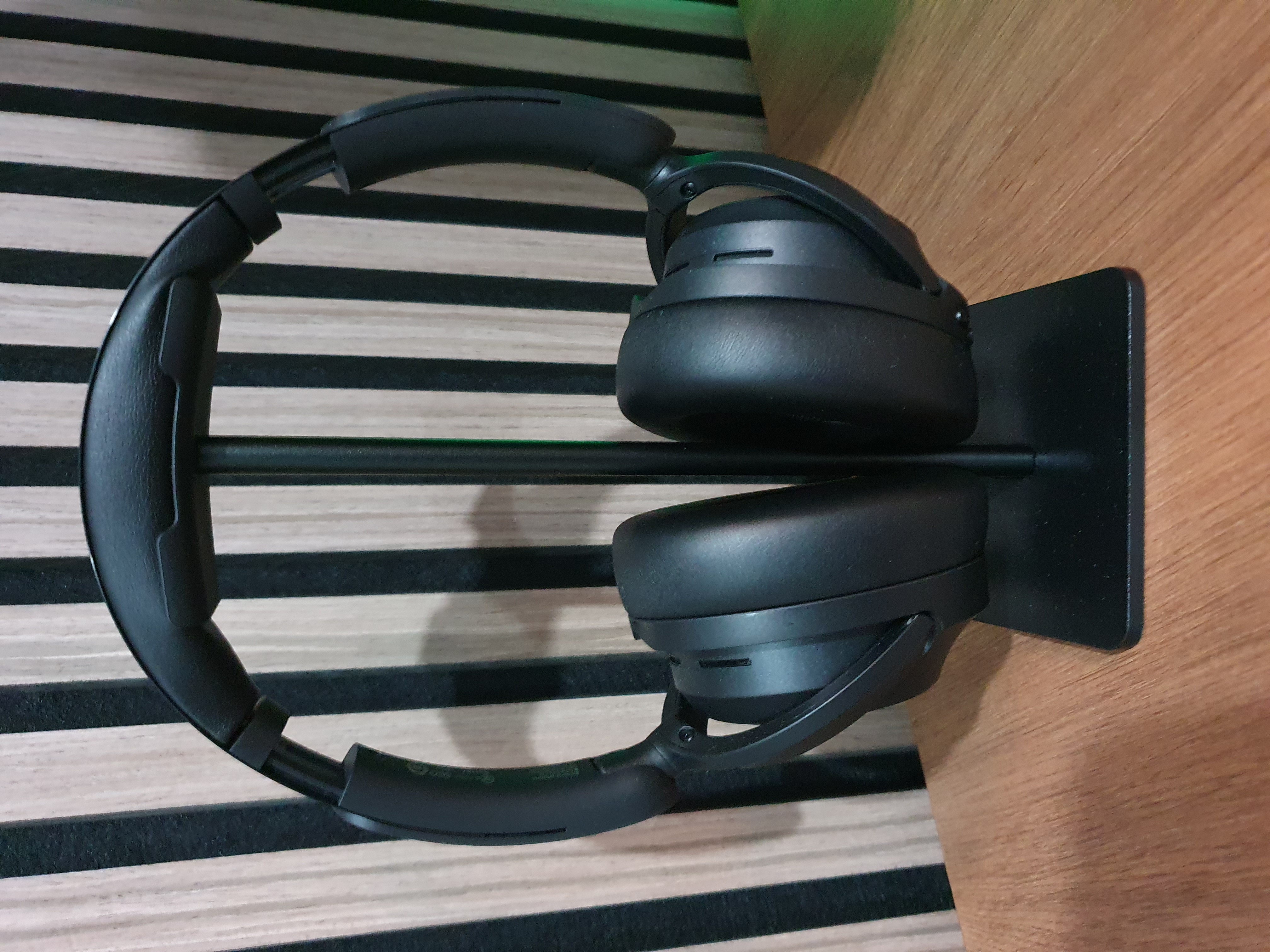
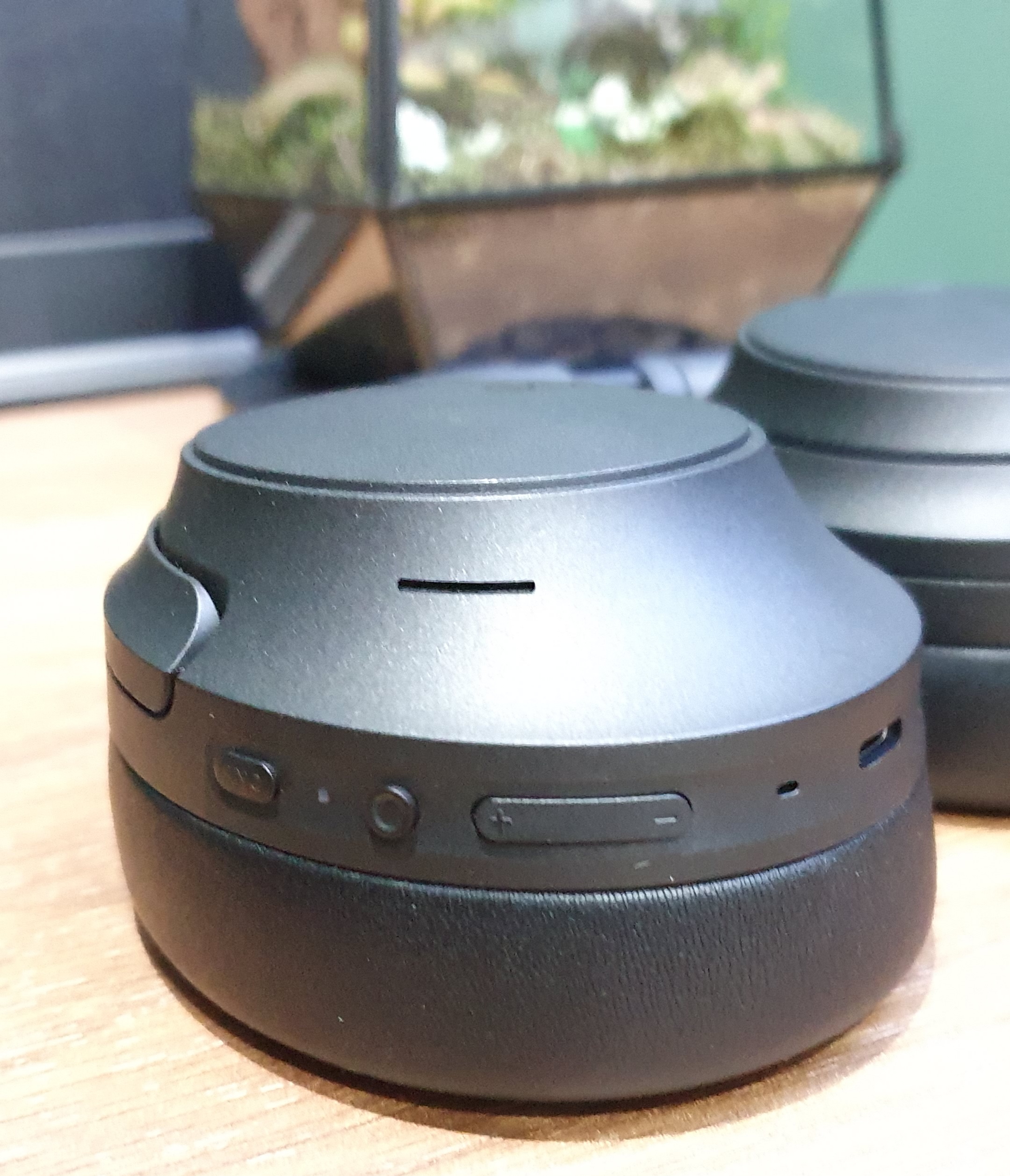
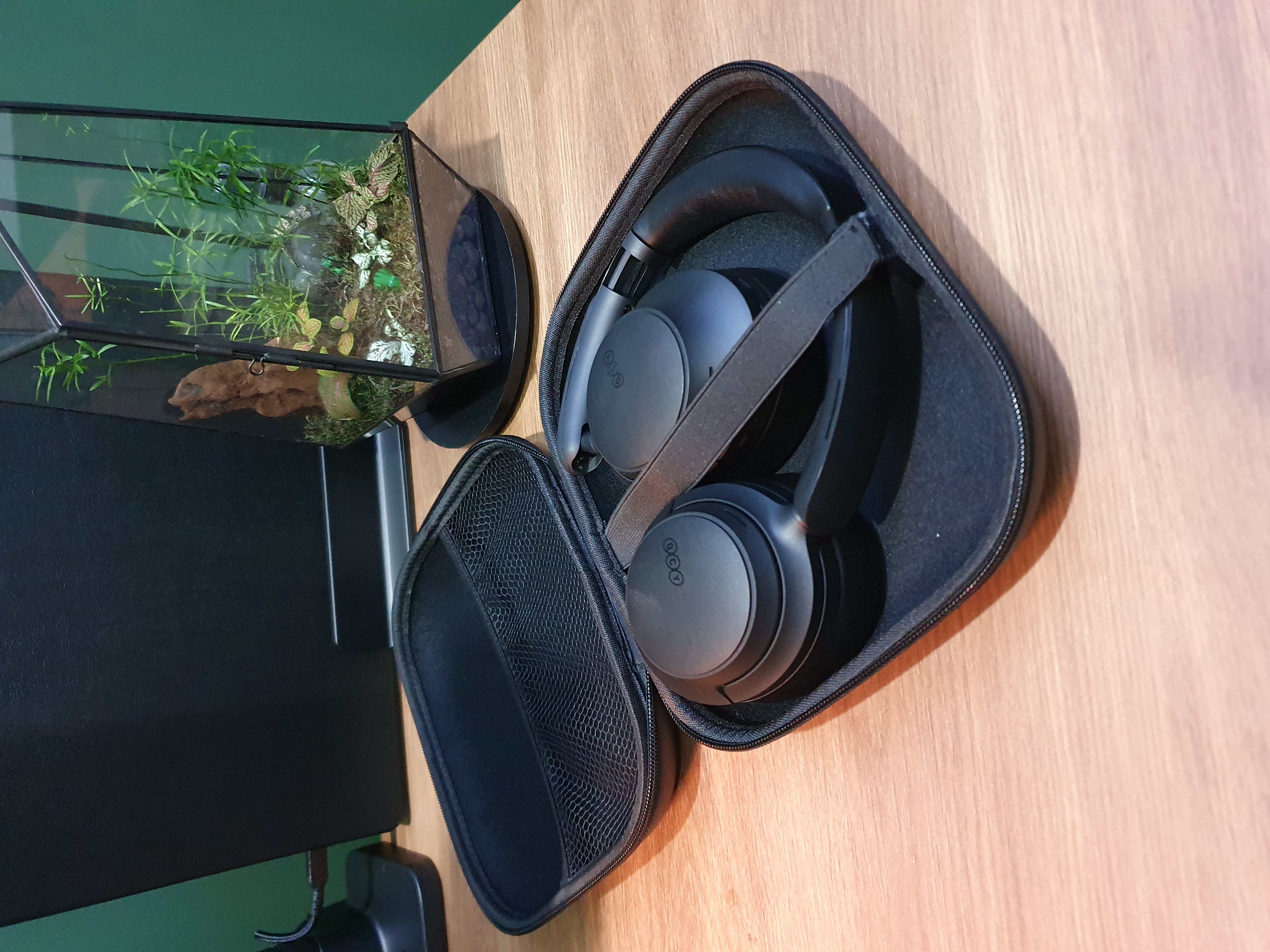
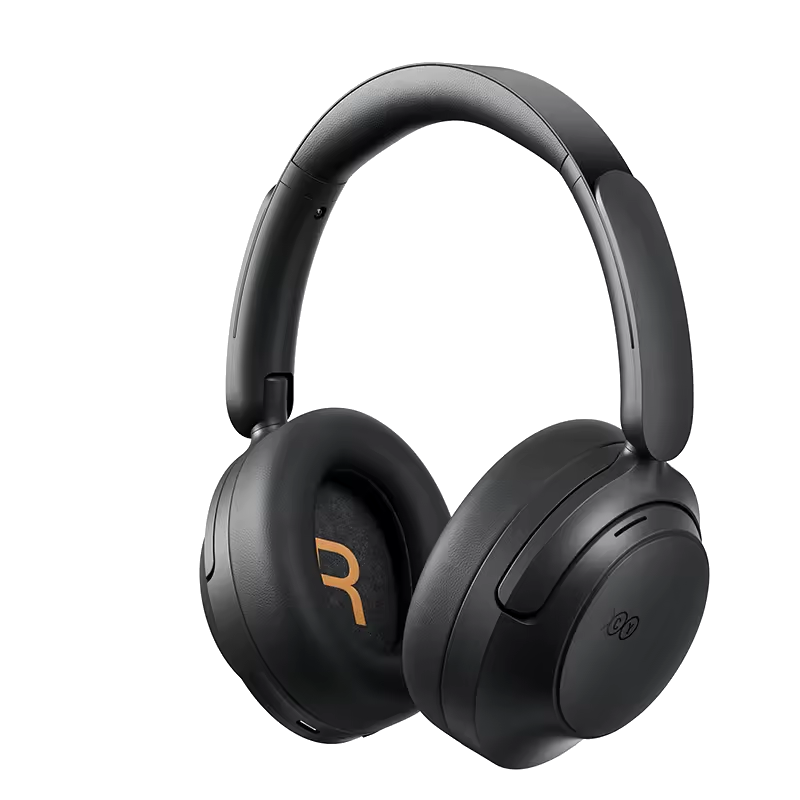
Dual device connection (laptop and phone at the same time), a soft top with no hard plastic pressure on your head, and the QCY app to set custom sound settings and the level of noise cancellation. Bluetooth 6 for a long battery life, physical buttons to control ANC/sound/calls, and 5 adaptive ANC modes (Adaptive/Crowded/Commute/Indoor/Anti-Wind). Foldable with a hard case for traveling.
Just read the reviews! Available in black/white/gray.
Laptop charger
Keep your laptop charged.
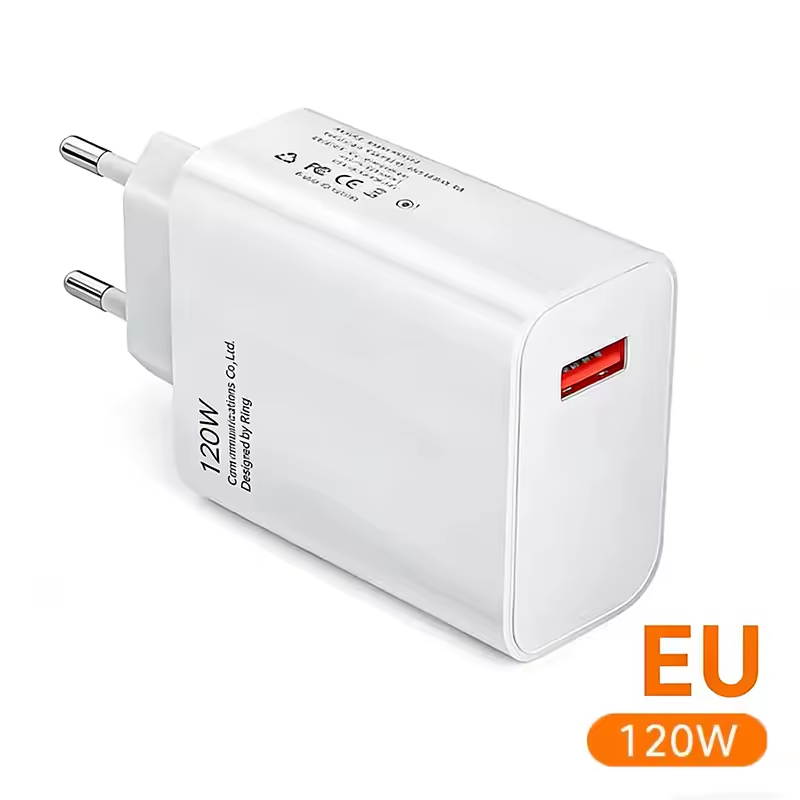
A powerful USB-C charger with enough power to fast charge any new laptop.
Laptop stand
To keep the desk clean, I place my laptop upright in a black vertical laptop stand. It takes up less space on my desk surface, and I can easily detach it and replace it with my personal laptop.
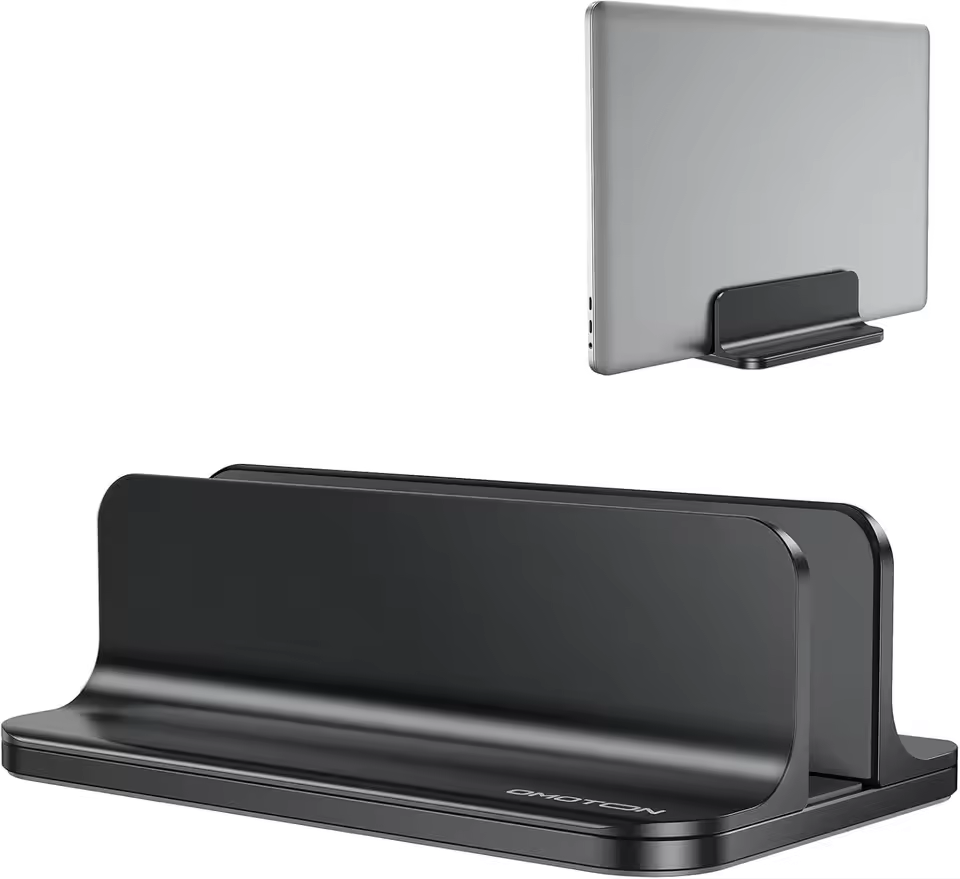
Single vertical laptop holder, the width can be ajusted.
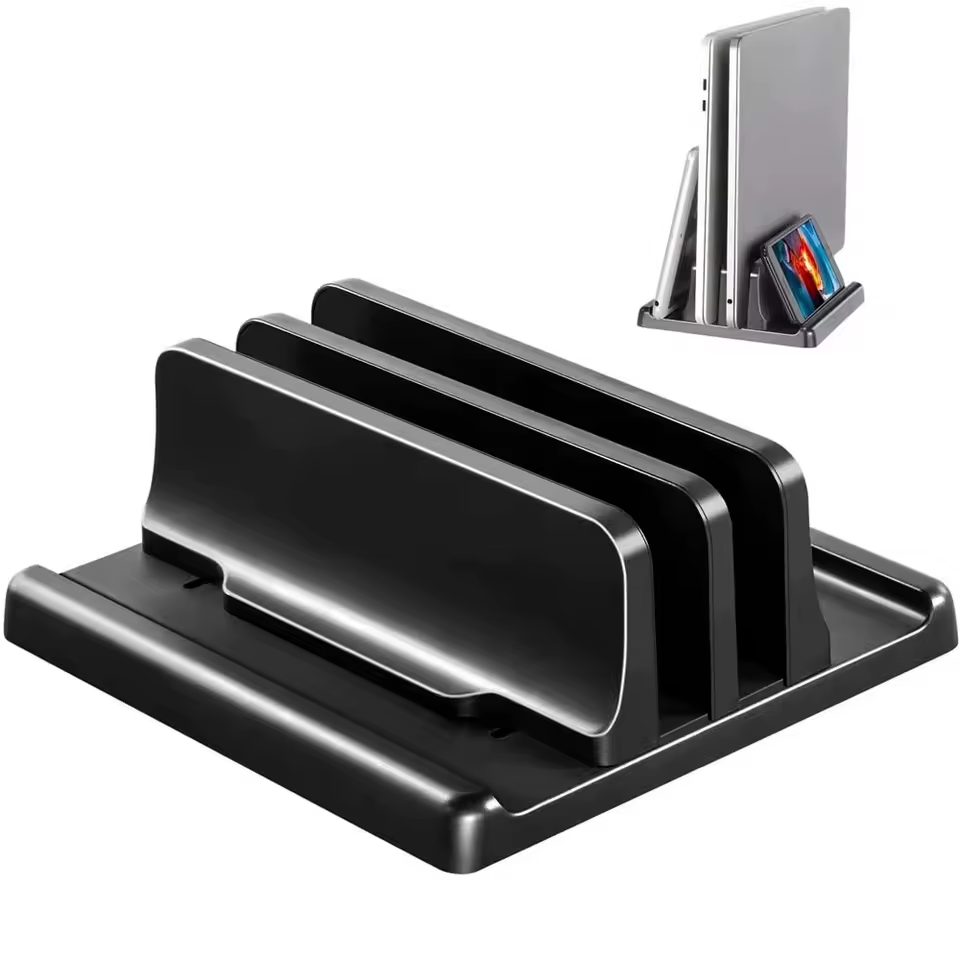
Dual vertical laptop holder, the width can be ajusted.
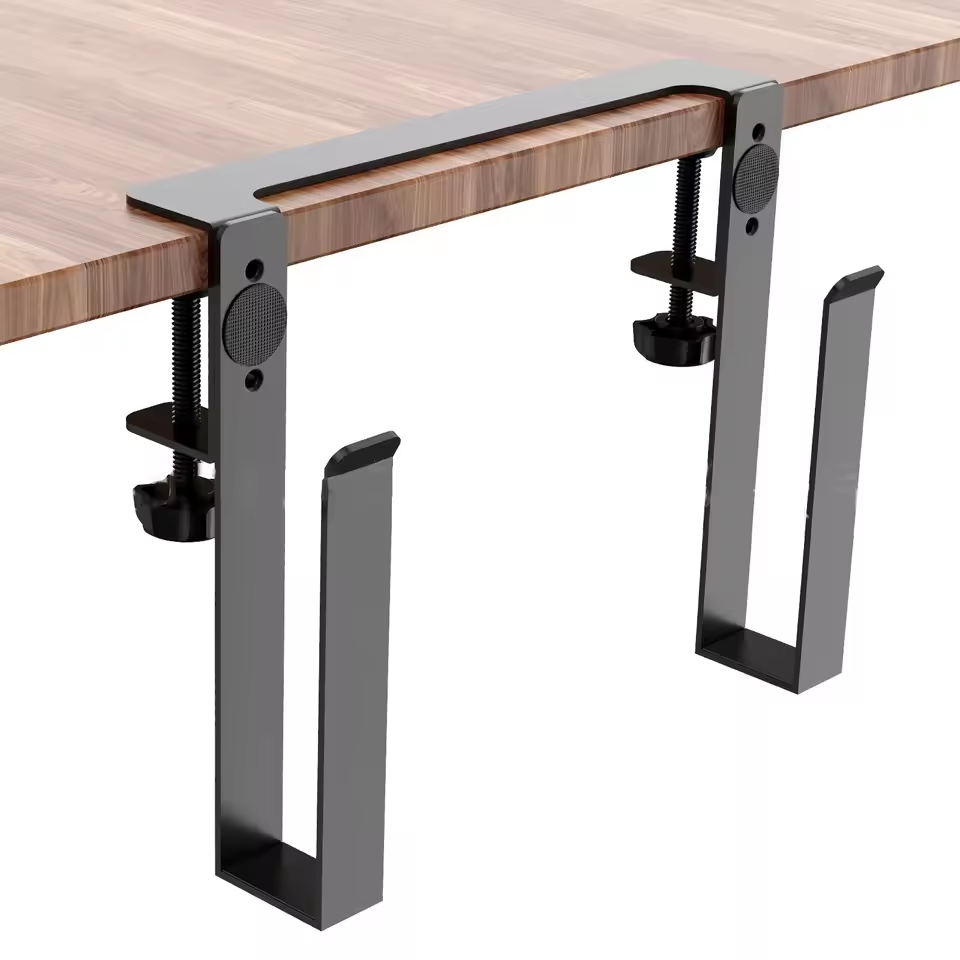
Hide your laptop on the side of your desk.
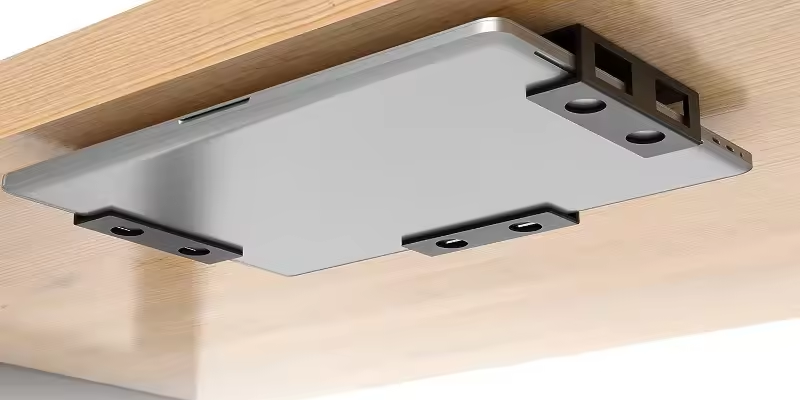
Hide your laptop under your desk.
Laptop case
To avoid reflections from the nearby window and distractions from the silver laptop on my desk I looked for a cover.
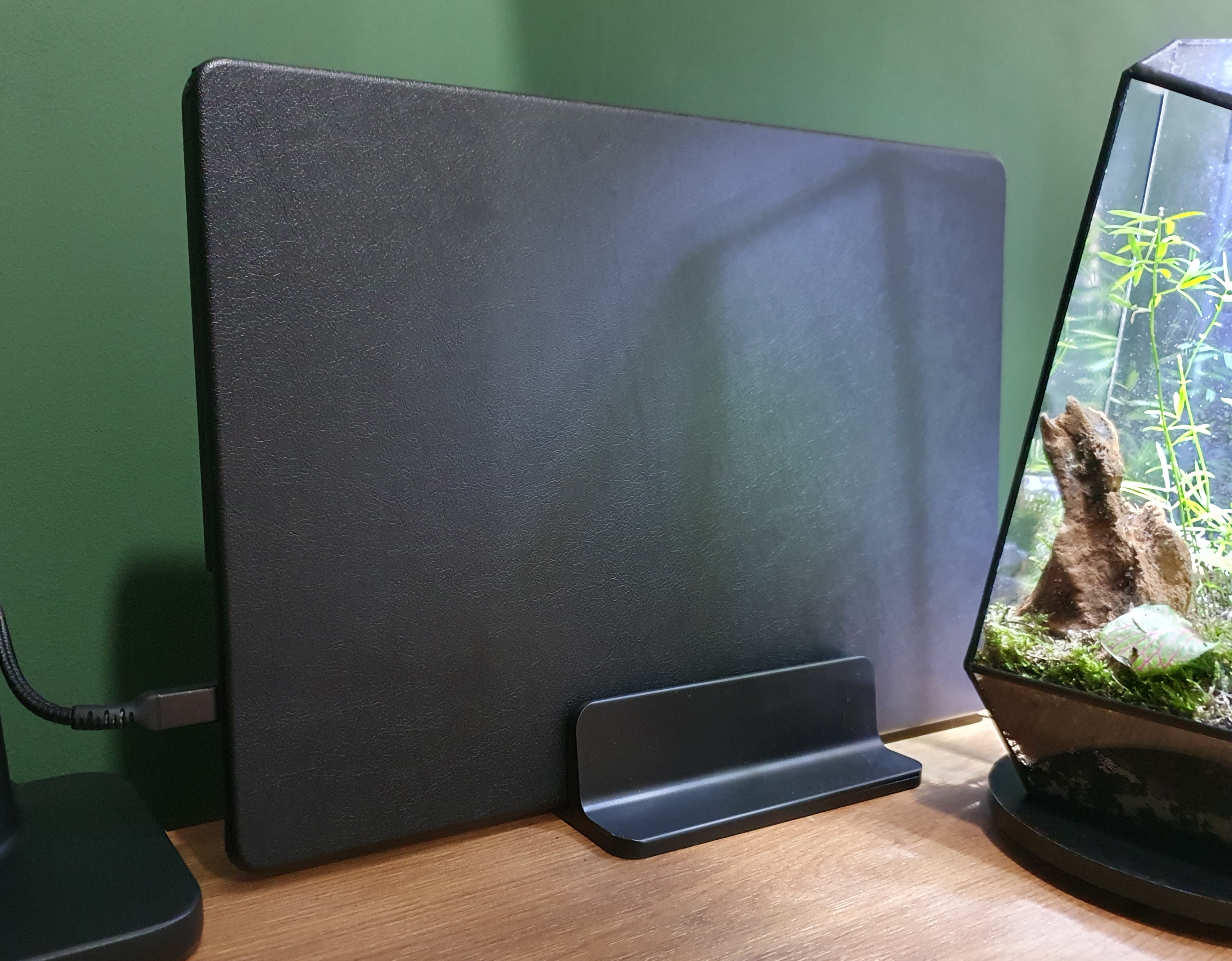
I found this black case for around my laptop. I chose walnut or black for all items below my monitor and on my desk to make it look calm.
Headphone stand
To hang your headset on while you don't use it.
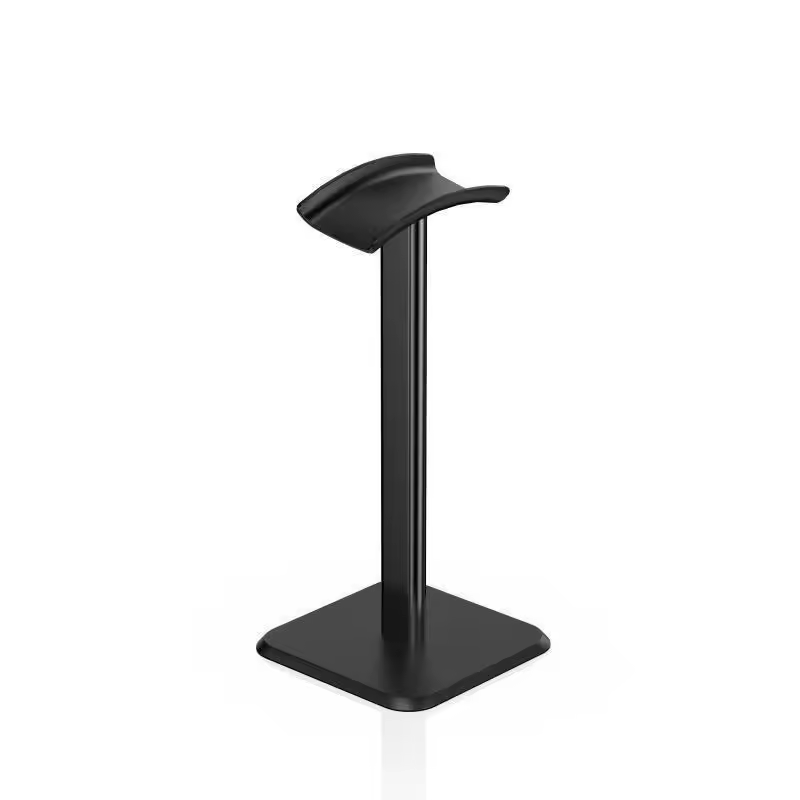
A basic plastic headphone stand. It just does its job: holding the headphones!
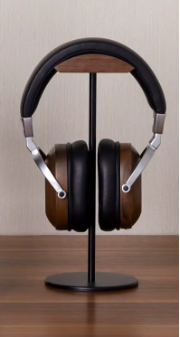
A more stylish wood and metal headphone stand
Desk clock
What time is it?
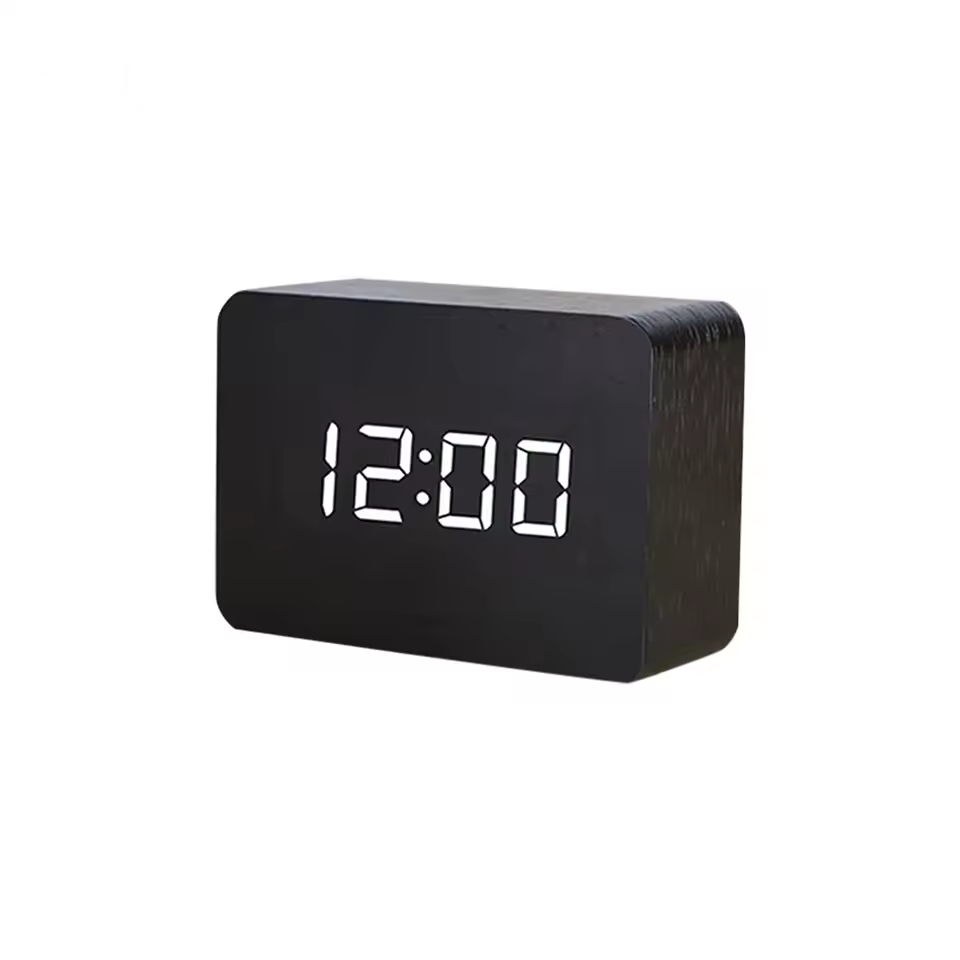
A basic wooden digital clock that doesn't attract more attention than needed.
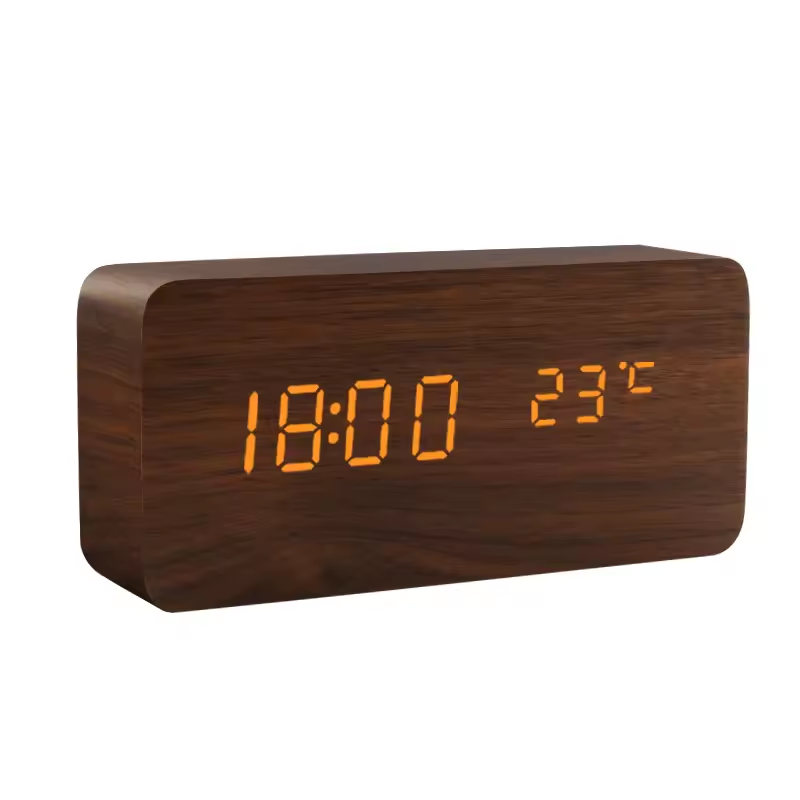
Also wood-colored, with other shapes, other colors, or an additional temperature and humidity display.
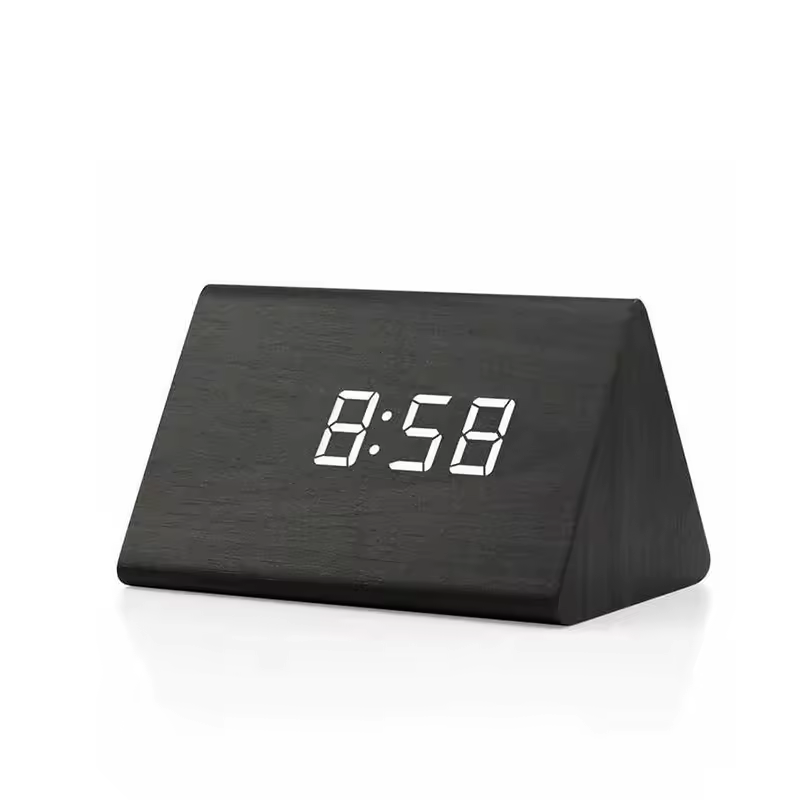
Also a wooden clock, but with a triangle shape
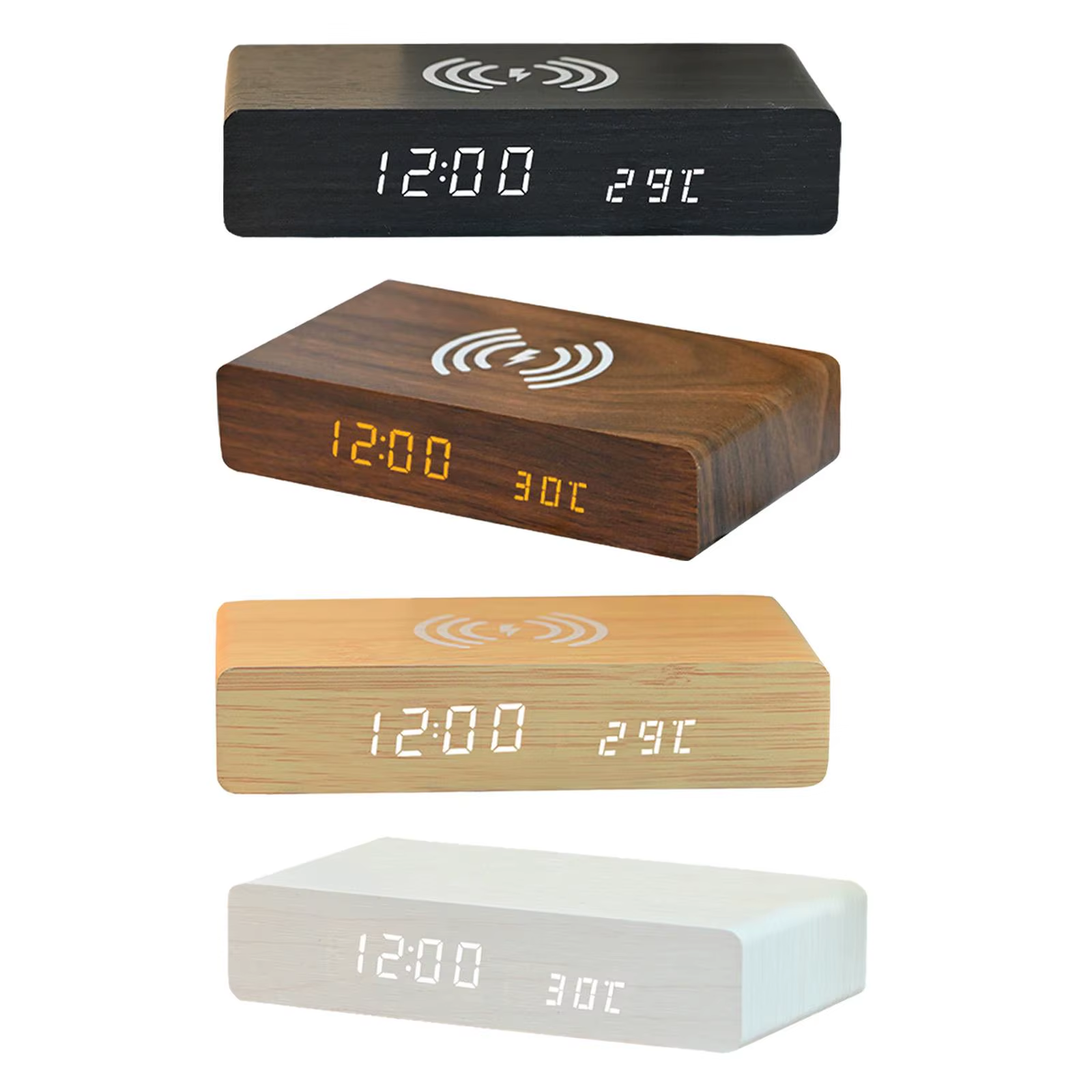
Also a wooden clock, but with a wireless phone charger
Mug coaster
Mug and glas coaster, it protects your desk from spills and stains.
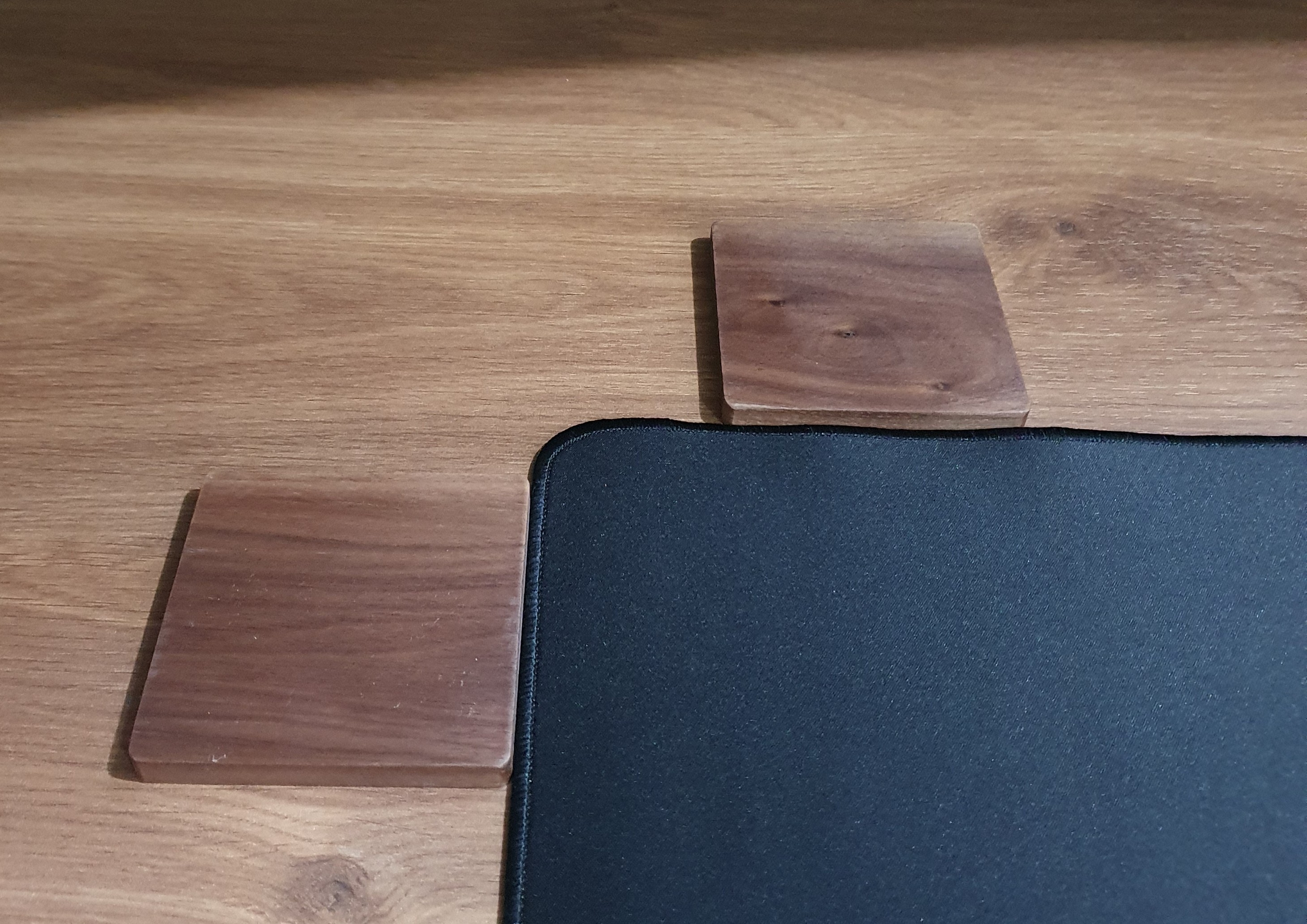
A personalized mug coaster (not in the photo due to business logos) that nobody else has is both fun and practical. This coaster has a walnut look. Upload your own image to create a coaster with your own design.
Wireless phone charger stand
Fewer wires make a desk look cleaner and more organized. If your phone supports wireless charging, place it on the charger and it starts charging, with no extra loos cable on your desk.
It’s also useful in other rooms, like the bedroom or kitchen.
If your phone doesn’t support wireless charging, consider a retractable USB charger.
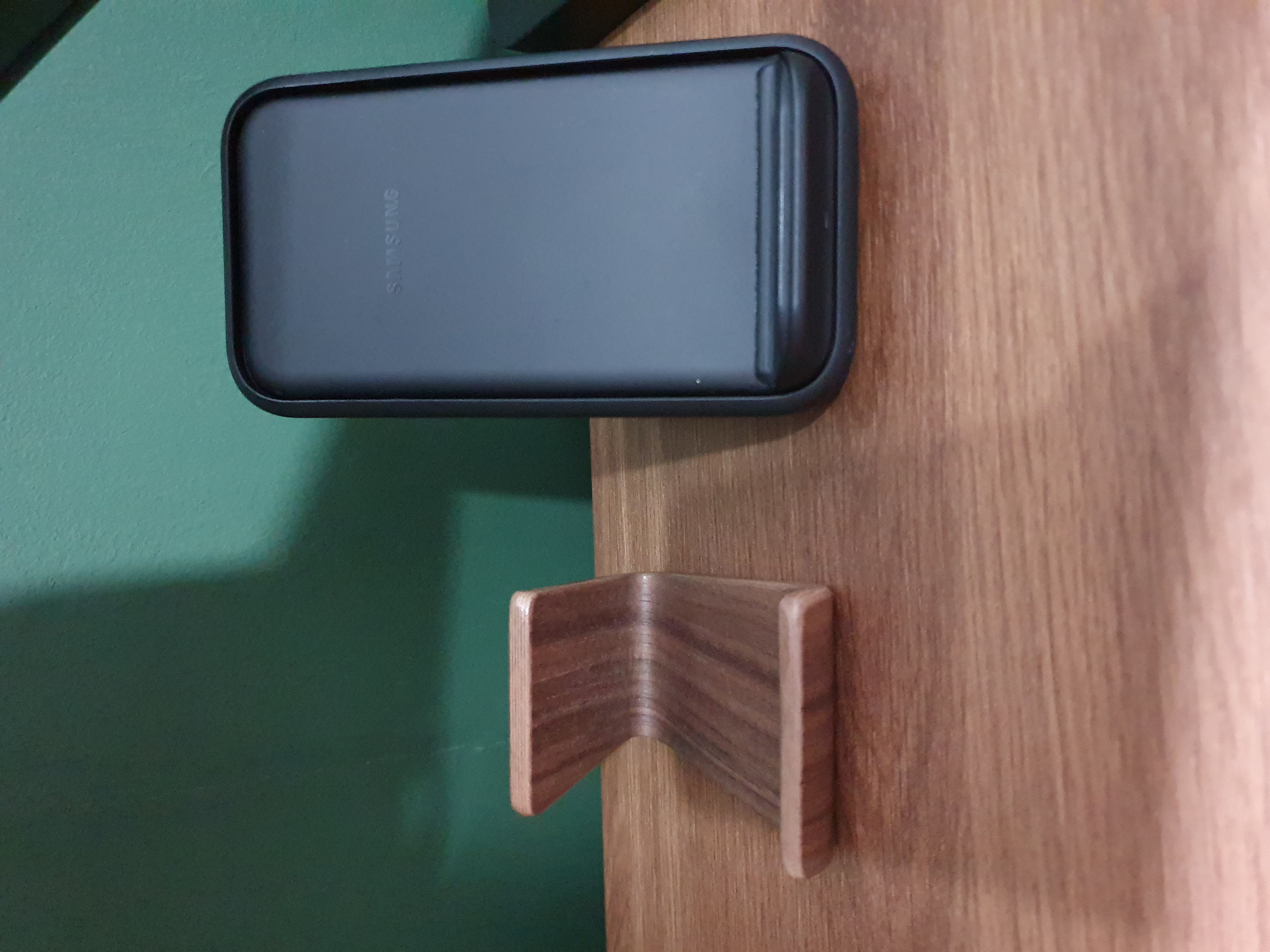
Wireless phone charger, for a clean desk.
Walnut phone stand
A basic phone stand in the same style as the desk and for easy view on it and easy to grab when needed.
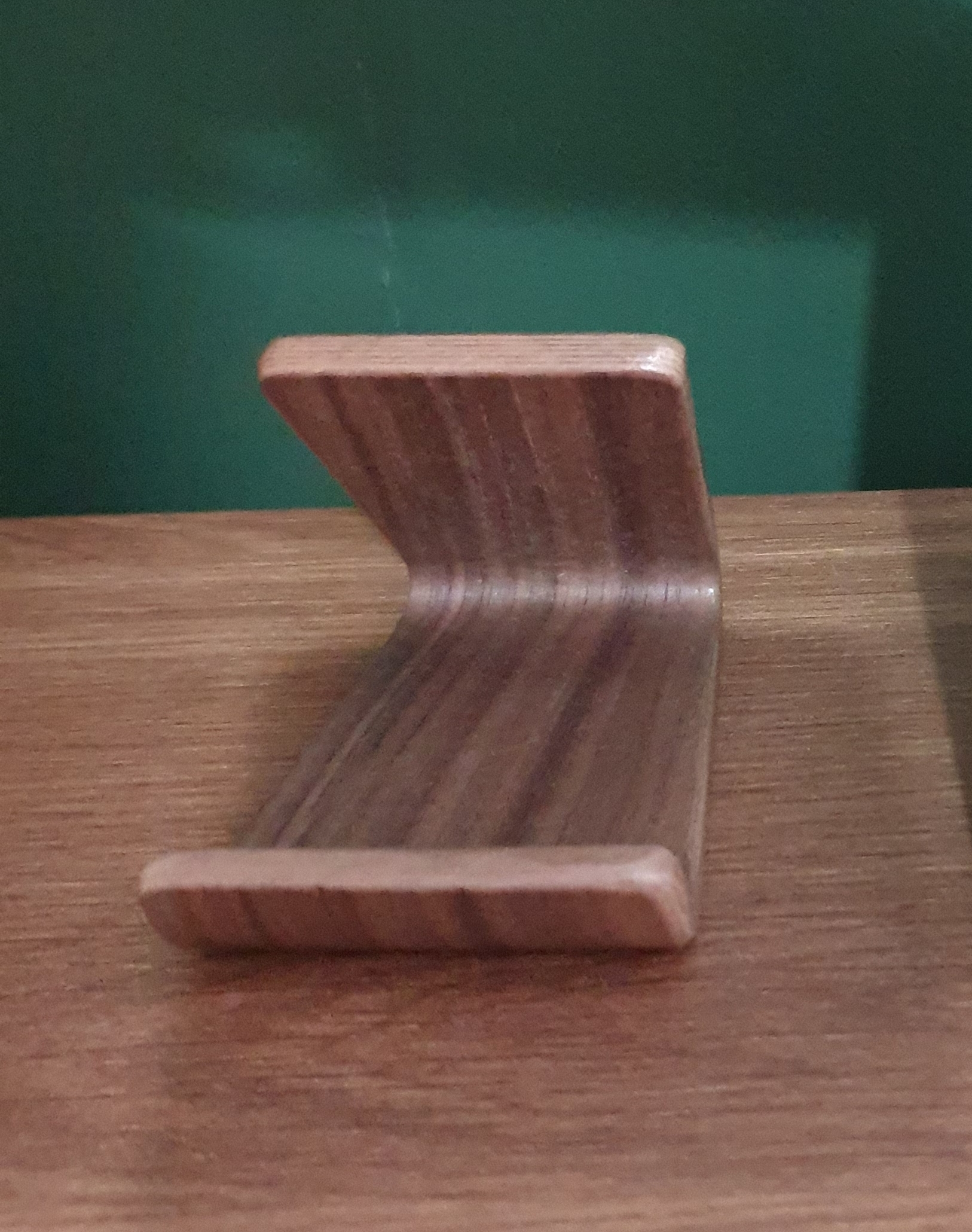
A basic walnut-colored stand for my work phone, which is also walnut colored, so it fits perfectly with the rest of the accessories on my desk.
Cat tower
When I am in the office, my cats like to stay nearby.

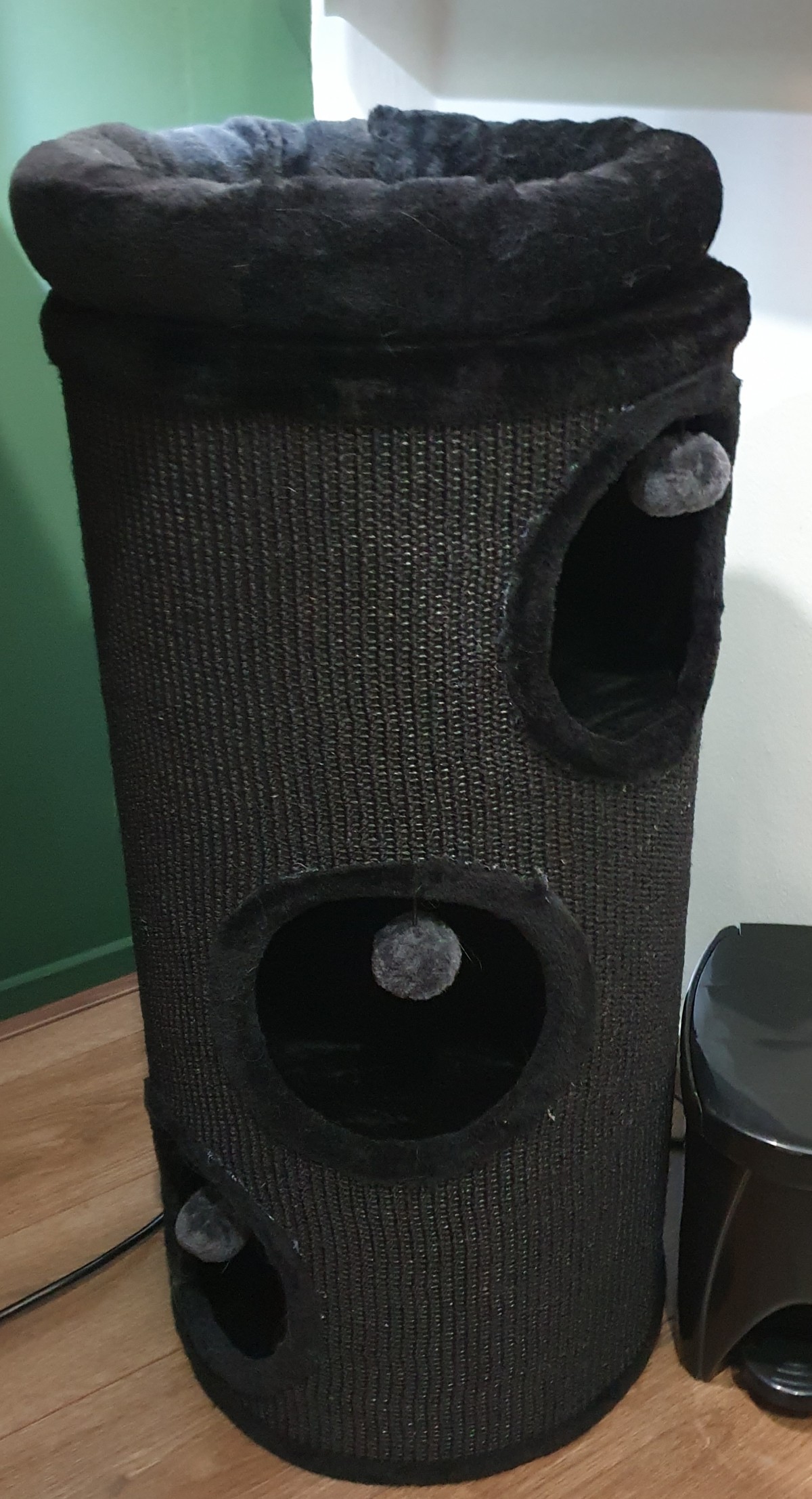
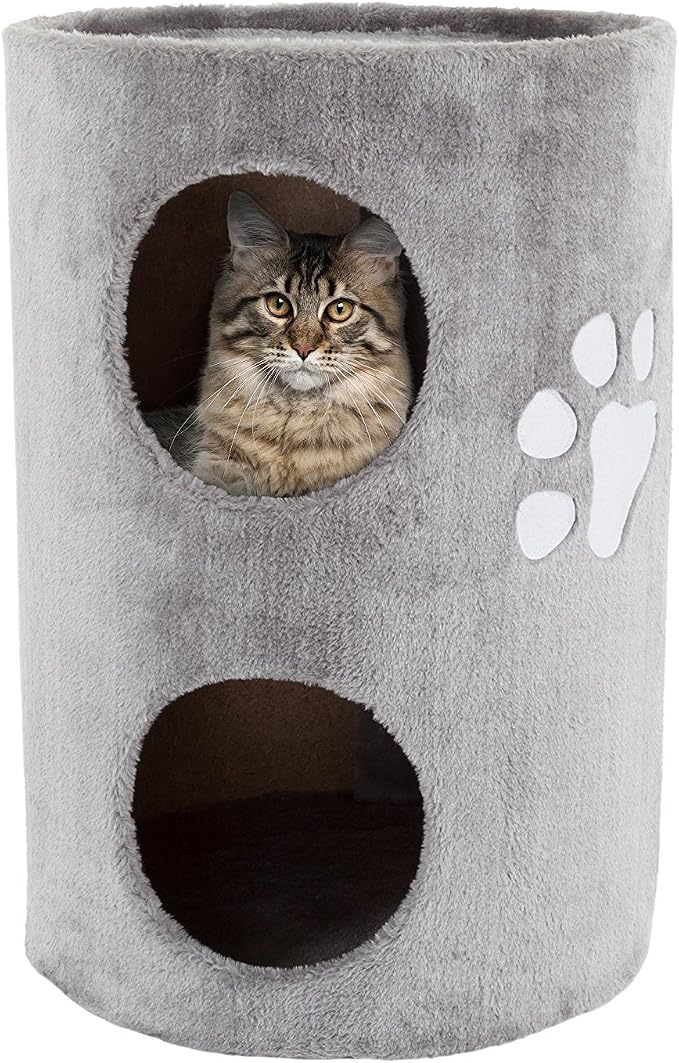
At first, I used a spare chair, but it took too much space, and we could not see each other well while I was standing. I found a compact tower where they can lie inside or on top of it. It is available in three colors: black, beige, and gray.
Camera
Basic peripheral for video calls.
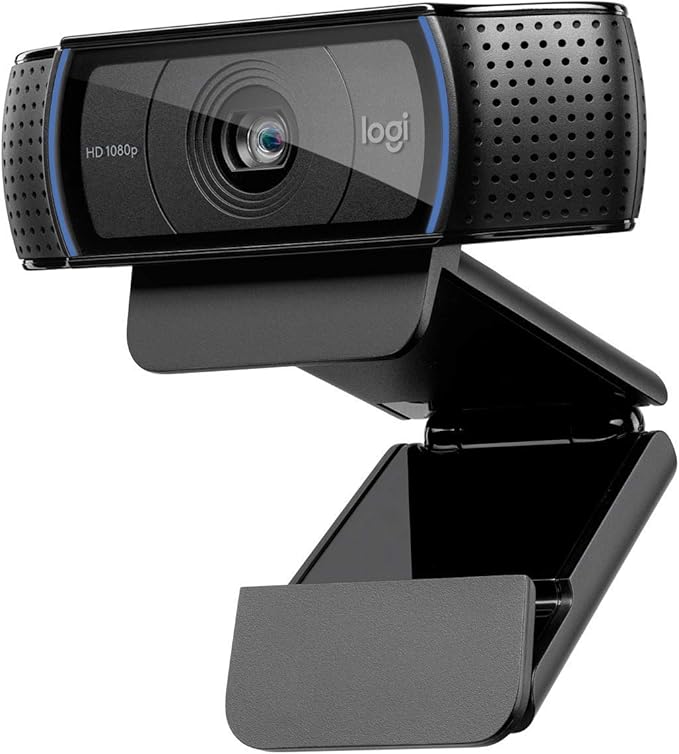
I chose this basic camera years ago because of its HD USB camera with a lens cover, 30 fps, light correction, good sound and microphone quality (now I use a separate microphone), and a mount with contra weight to place on top of a monitor. Back in the day, it was a perfect match for me, and it still works fine. But it could be upgraded to a newer one with 4K resolution and an auto-follow feature.
SUGGESTION?: I’m looking for a replacement camera, suggestions are welcome!
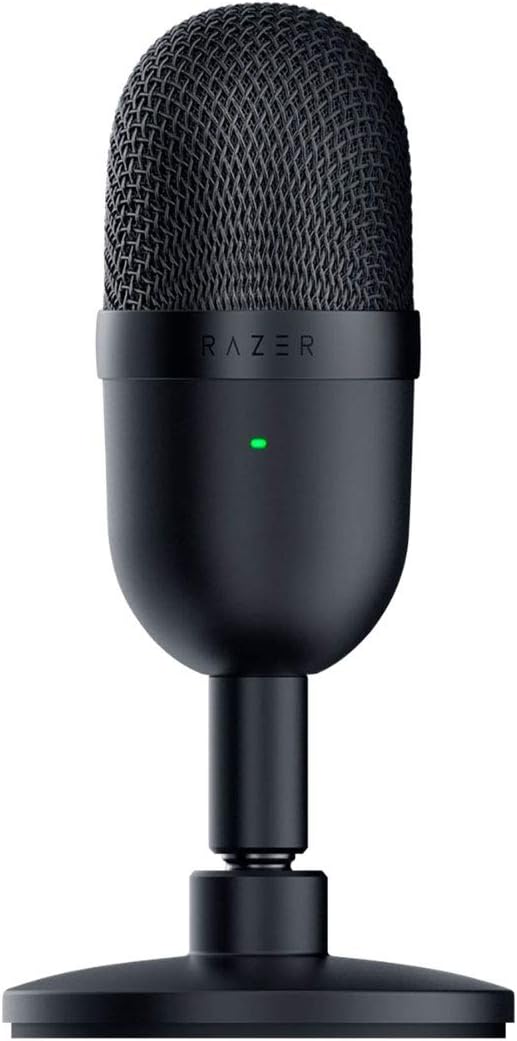
Microphone
Basic peripheral for video calls.
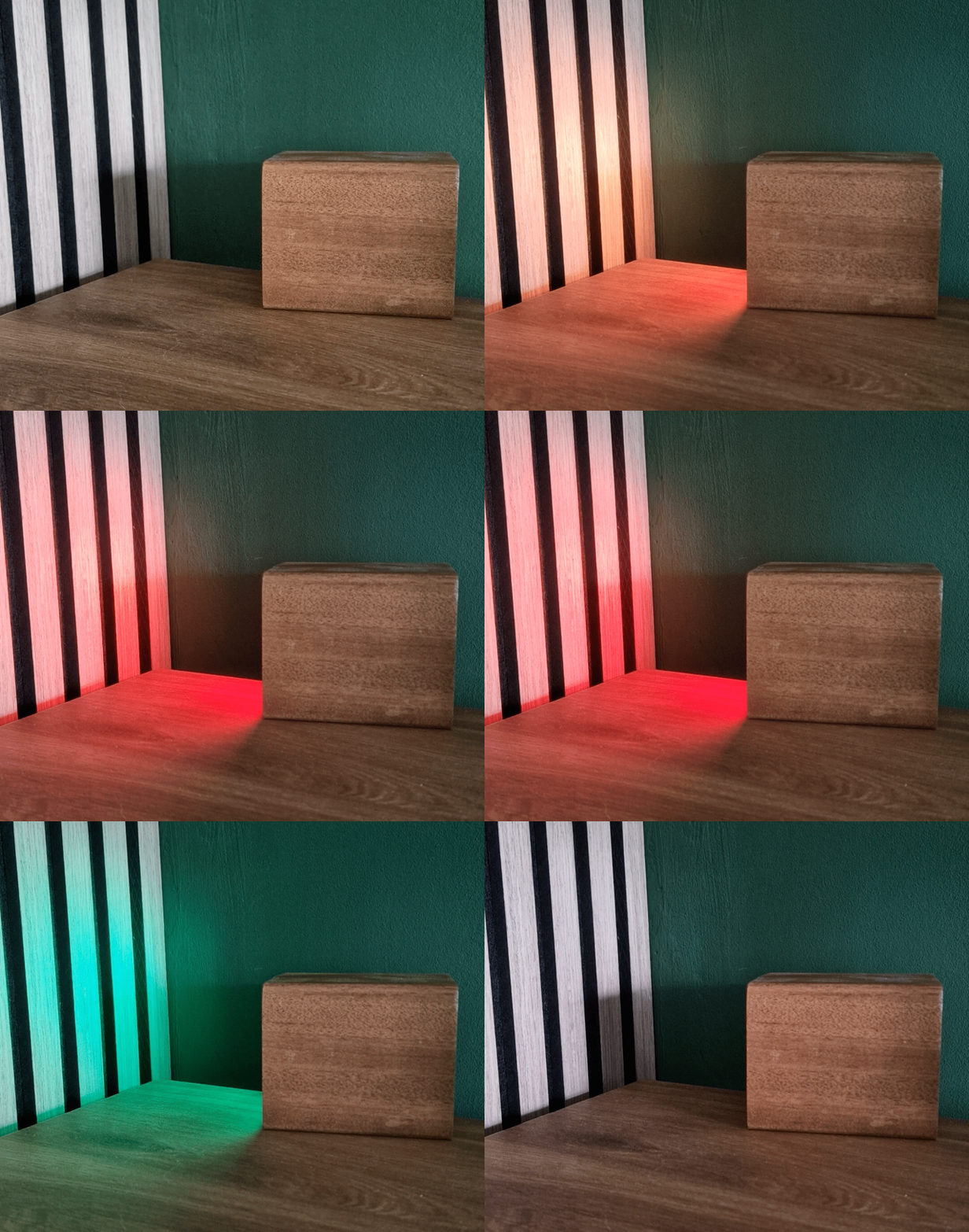
Smart notification light
A light indicator to alert you, in the style of the desk.
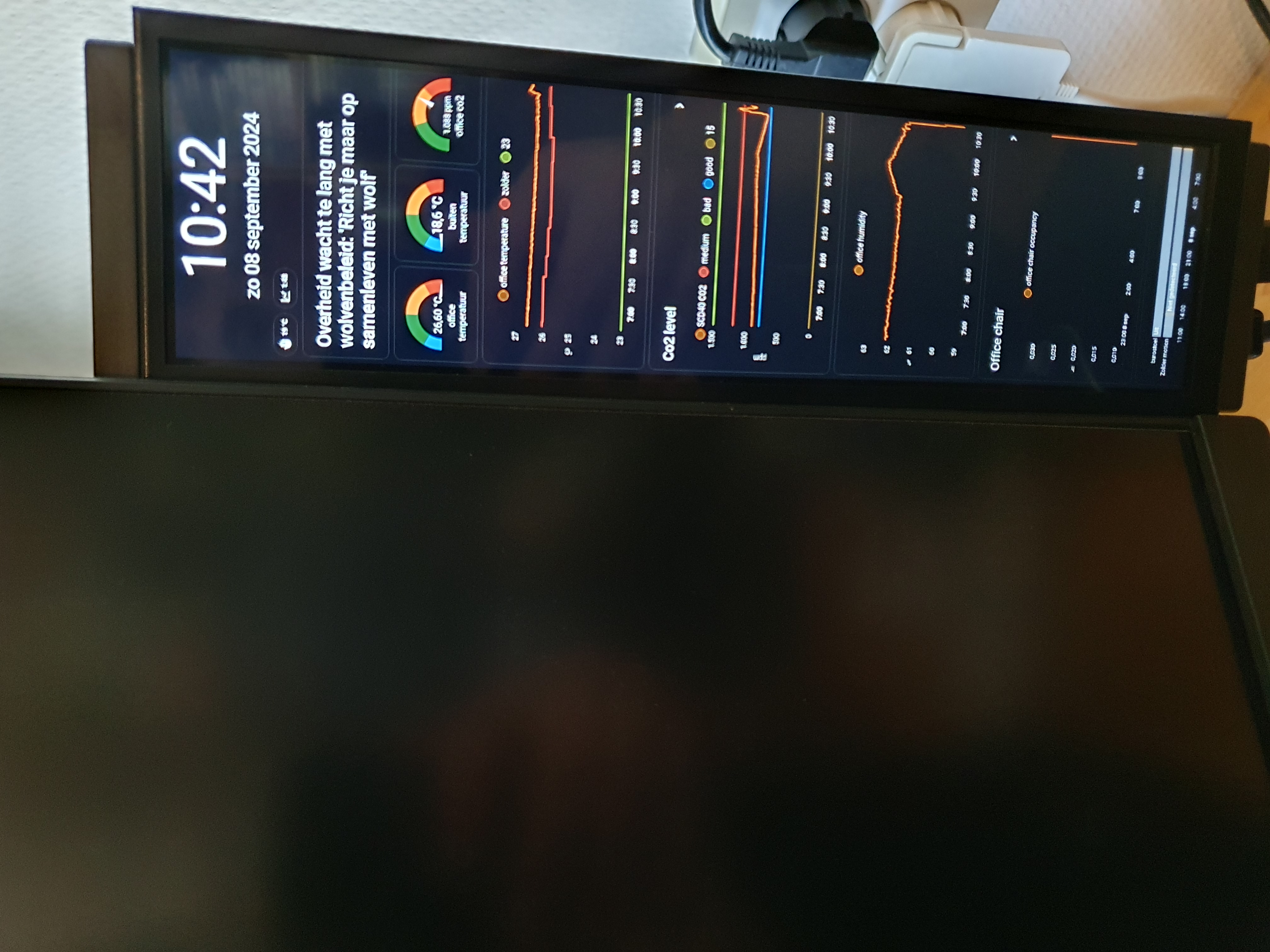
Stretch display
A separated display with a Home Assistant display with home and room information.
Retractable USB charger
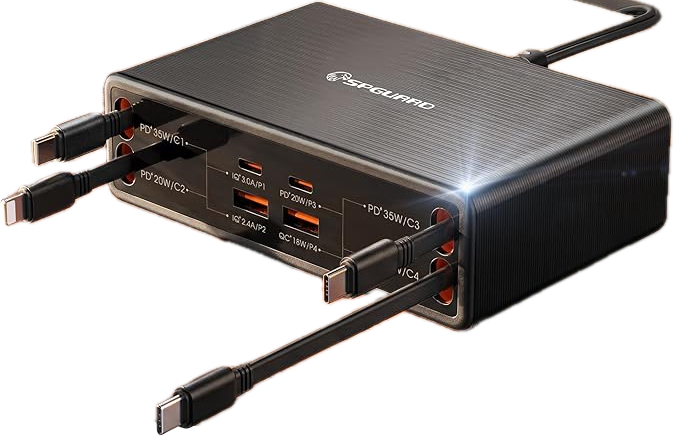
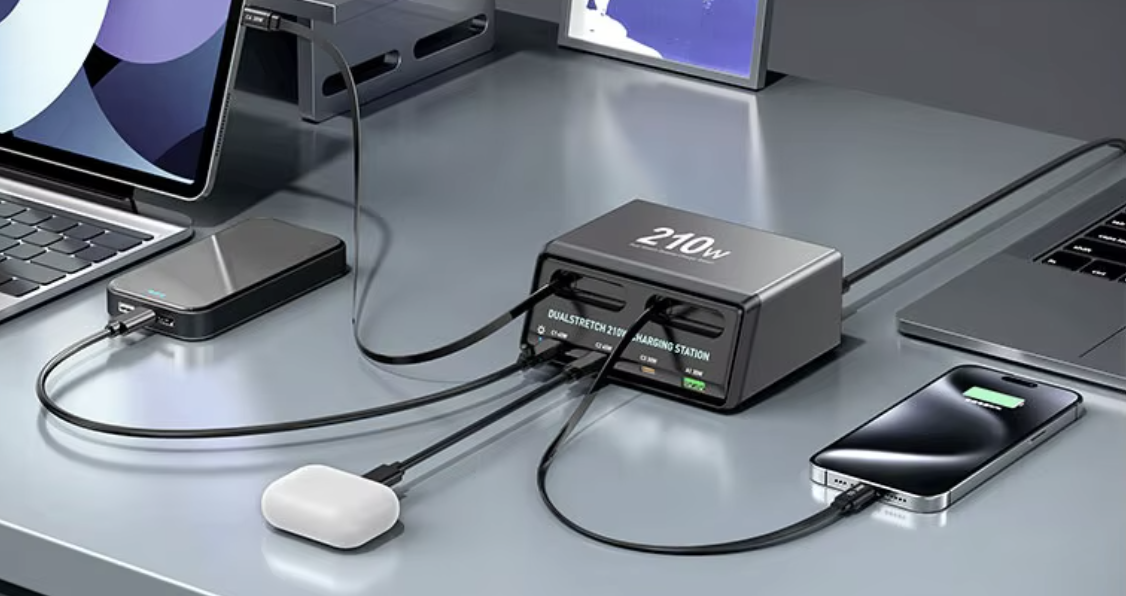
Not everything can be charged wirelessly. Sometimes you need a cable to charge headphones or a keyboard. Most of the time, you do not need that cable and want to keep it out of sight. But when you do need it, you do not want to dive under the desk or use loose hanging cables to connect one.
A nice solution is a retractable USB charging cable.
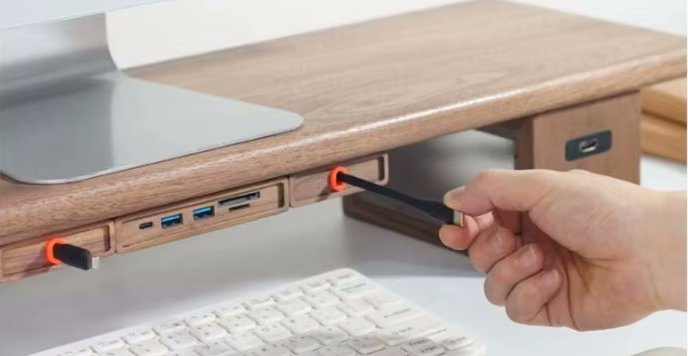
You can pull it out when you need it, then it locks, pull again and it will automatically rolls back in when you are done.
The length of the cable is mostly 1m, enough range to different devices.
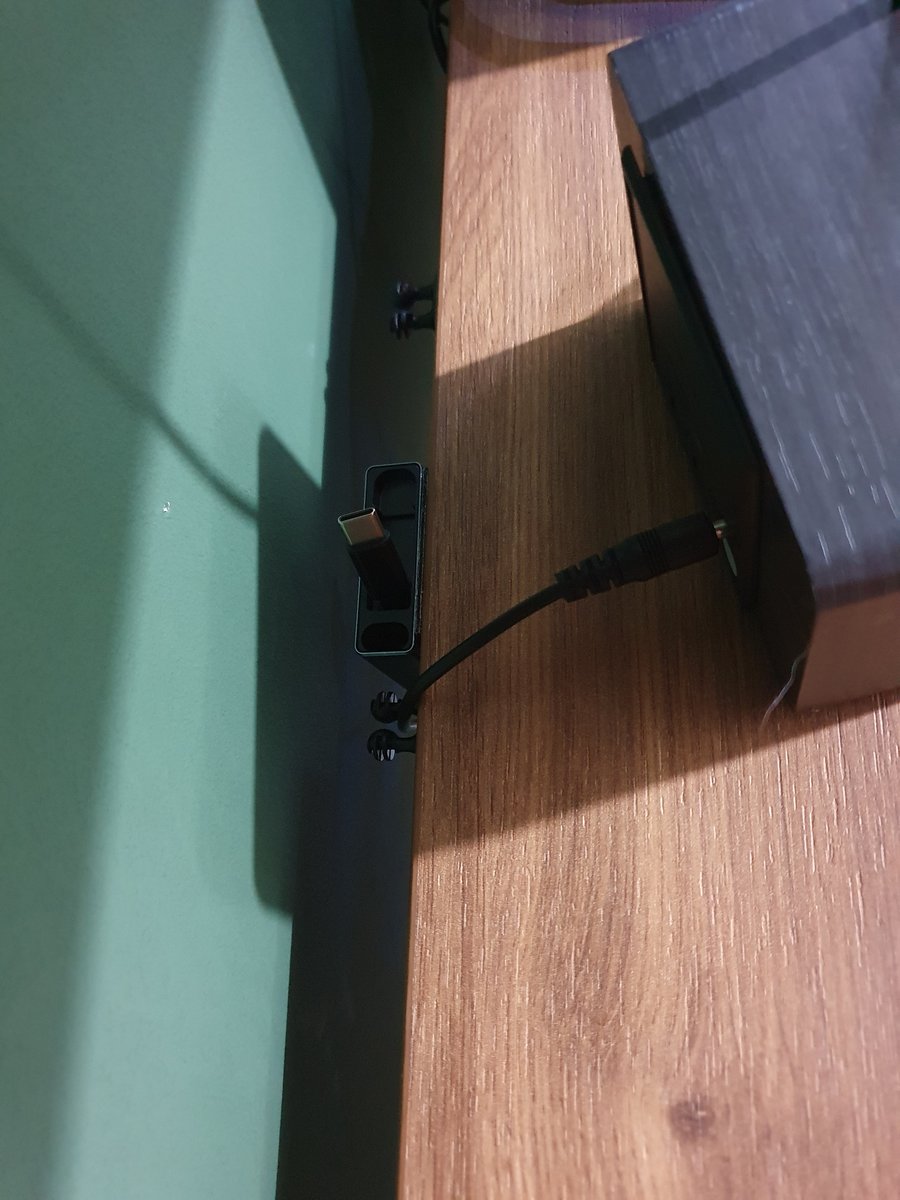 (Click to enlarge) Retractable USB charger, by default invisible and hidden behind my clock, but still reachable to pull the USB cable when needed to charge my keyboard or headphone.

Pull it out when you need it, it's a 1m cable, and it rolls back in when you are done.
Footrest
To support my posture and stretch my legs while sitting, I use a footrest under my desk. It can be changed to different angles.

Floor protection mat
To protect the floor from scratches and reduce chair-wheel noise, I placed a rubber protection mat underneath my chair.

Floor heated mat
To keep my feet warm during winter, I placed a heated floor mat under my desk where I stand. This way, I do not need to heat the whole room, and I avoid cold feet from the floor while standing at my desk.
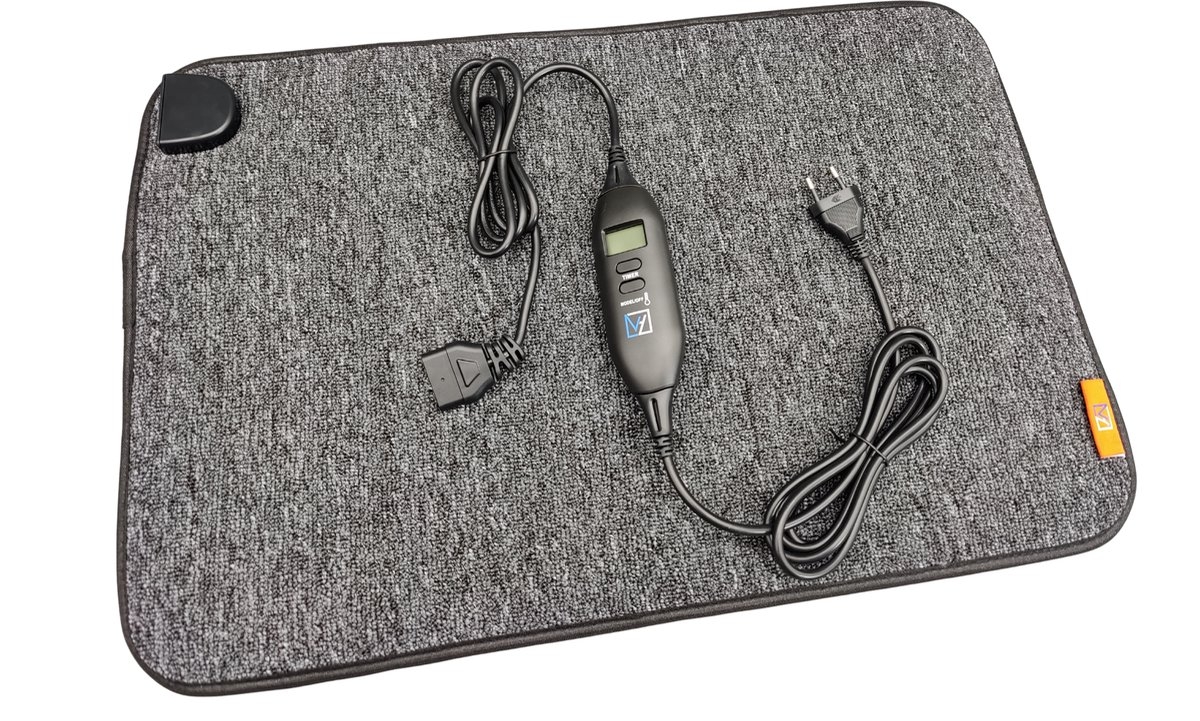
This mat has a power output of 110 watts and an inline remote with 4 levels; most of the time the 4th level is already too hot. The built-in timer shuts it off automatically. It has a three-meter power cable.
Moss terrarium
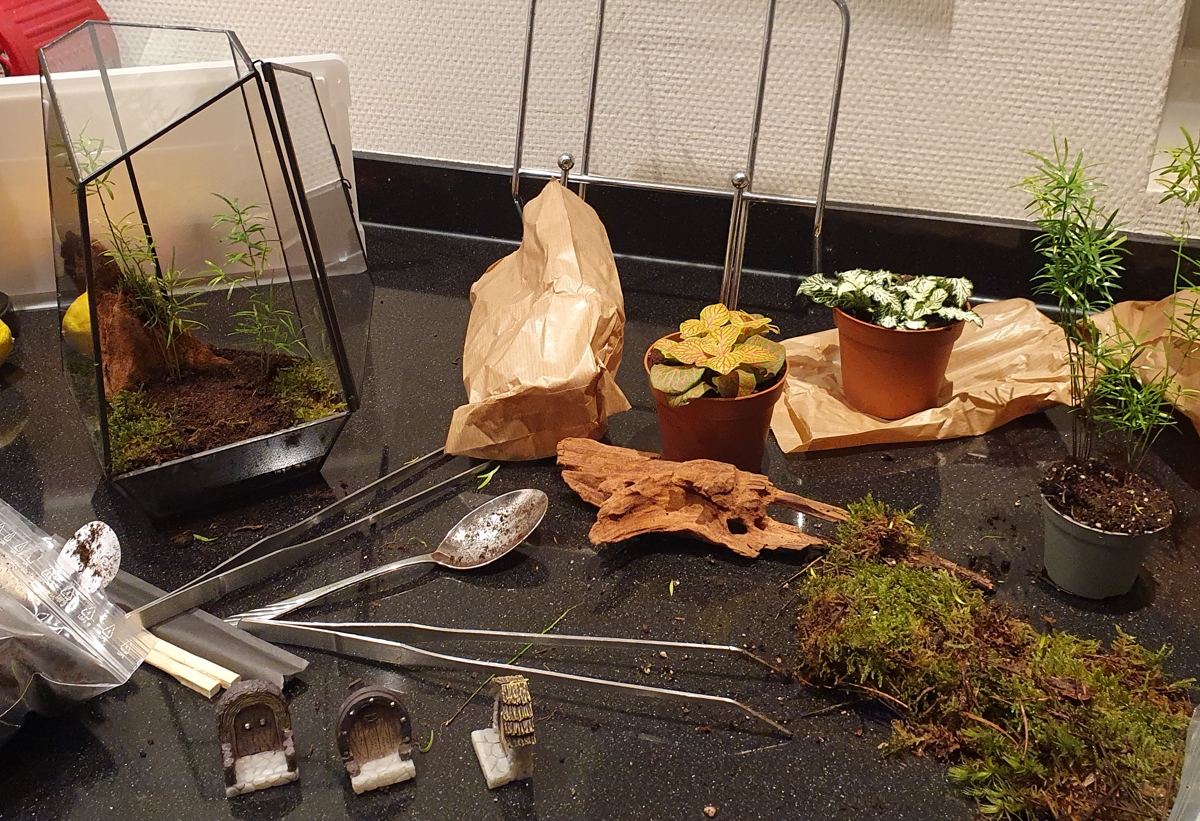
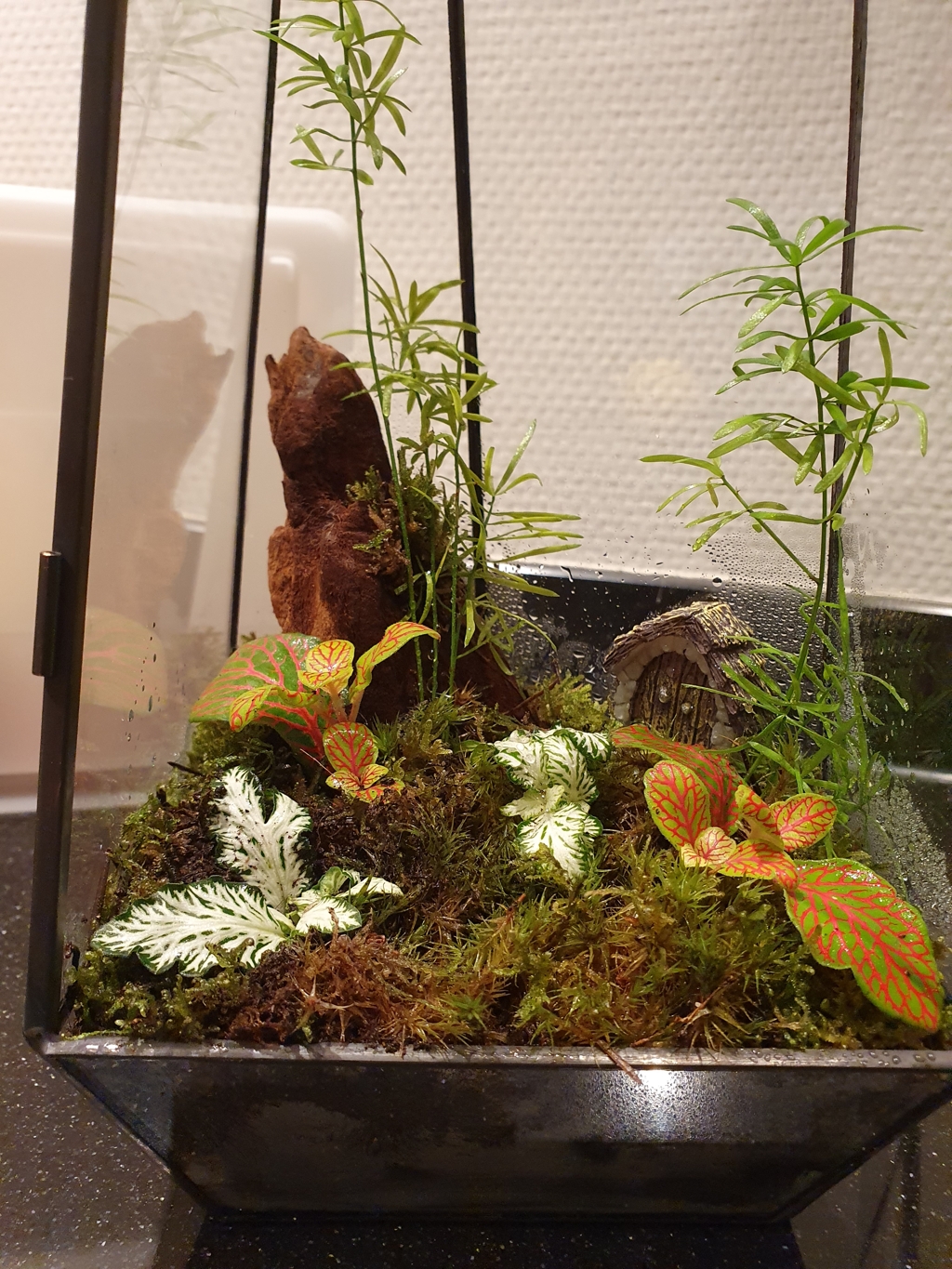
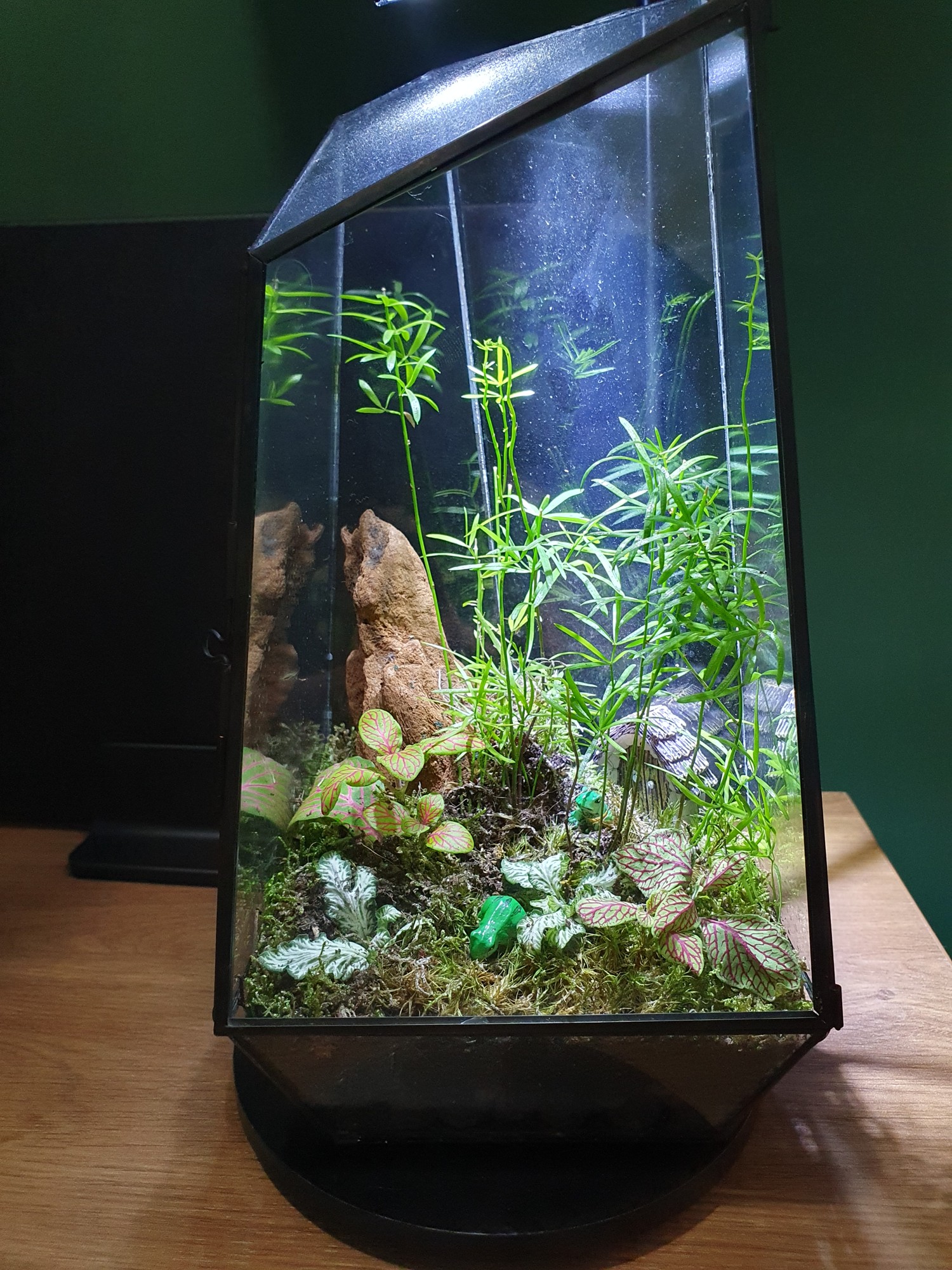
While creating my Pinterest mood board, I found a lot of inspiration for moss terrariums (also known as mossariums), and I also wanted a small living environment like that on my desk.
Buying a fully decorated one was quite expensive, but I bought a glass myself and found a nice DIY plant kit that let me create my own moss terrarium for a reasonable price.
Later, my local garden center also started selling moss terrariums, so it is worth checking there too.
Shortcut keyboard
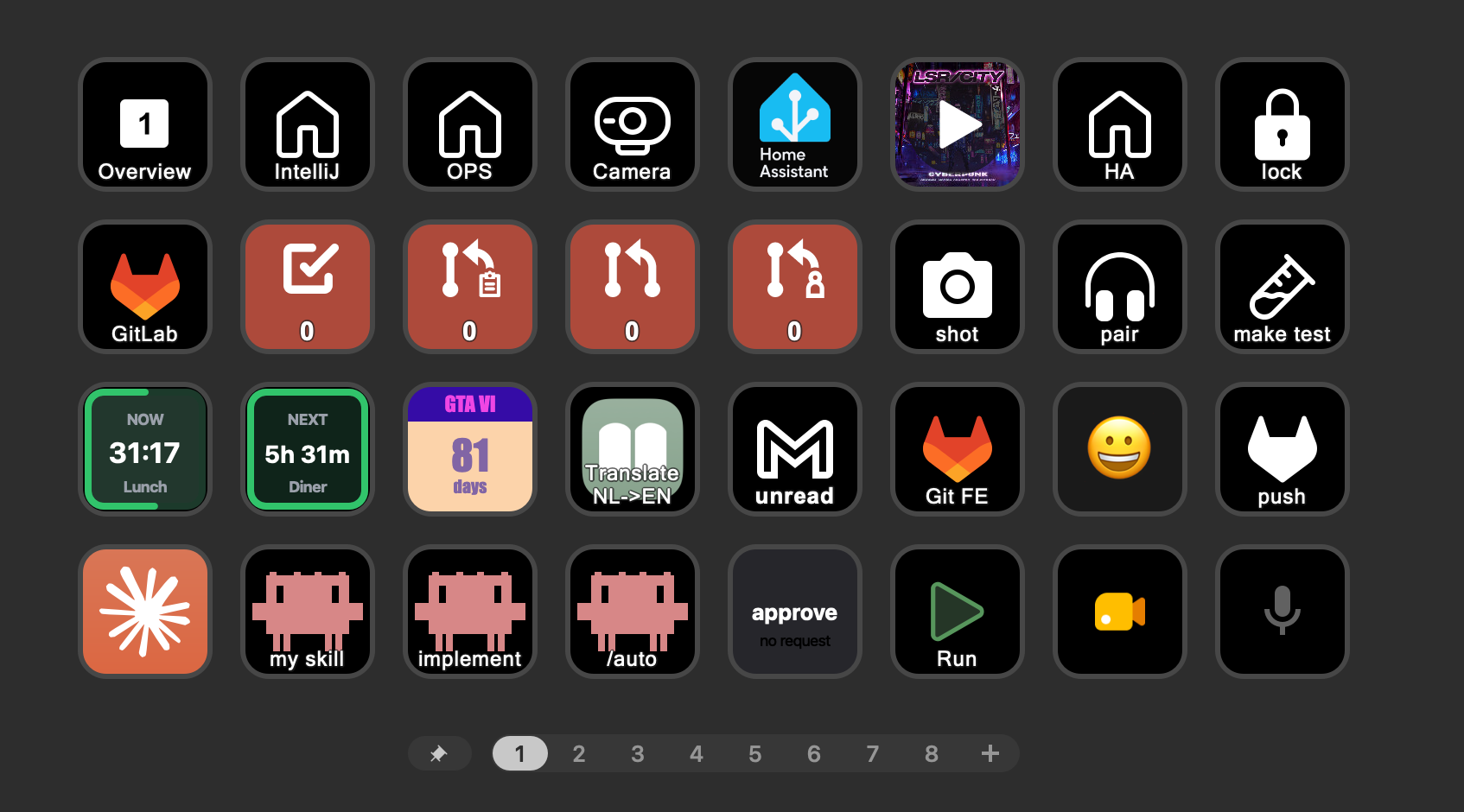
A desk keypad to direct trigger all kinds of actions.
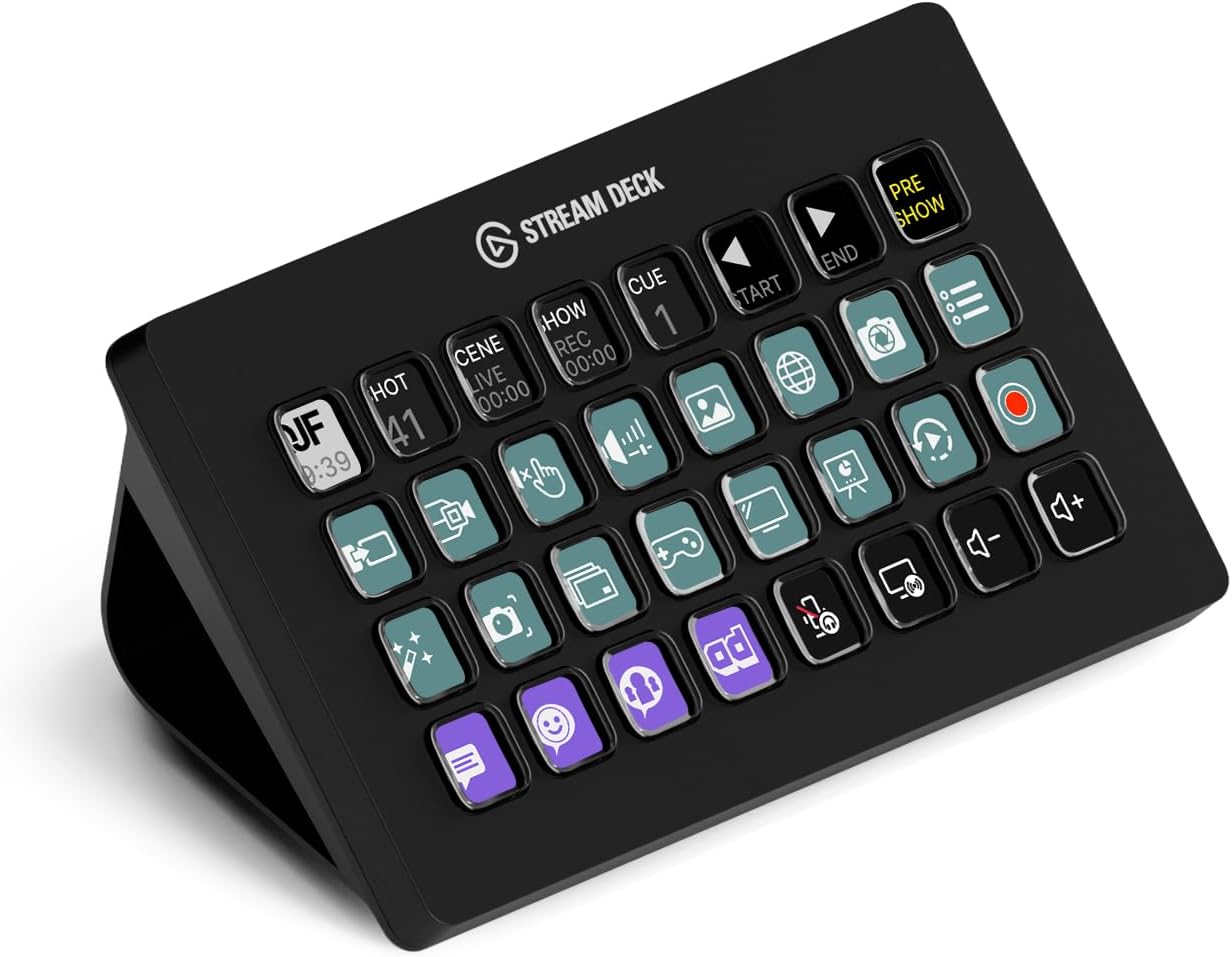
A macro keypad with 32 buttons to trigger all kinds of commands, scripts, apps, automations and other actions with a single click. You can search for custom icons from a library or upload your own, and a button can also be used as a small display for status updates, like current temperature or open issues.
Vacuum cleaner
With a portable vacuum cleaner for your desk (and keyboard), you can quickly remove small debris without scratching anything.
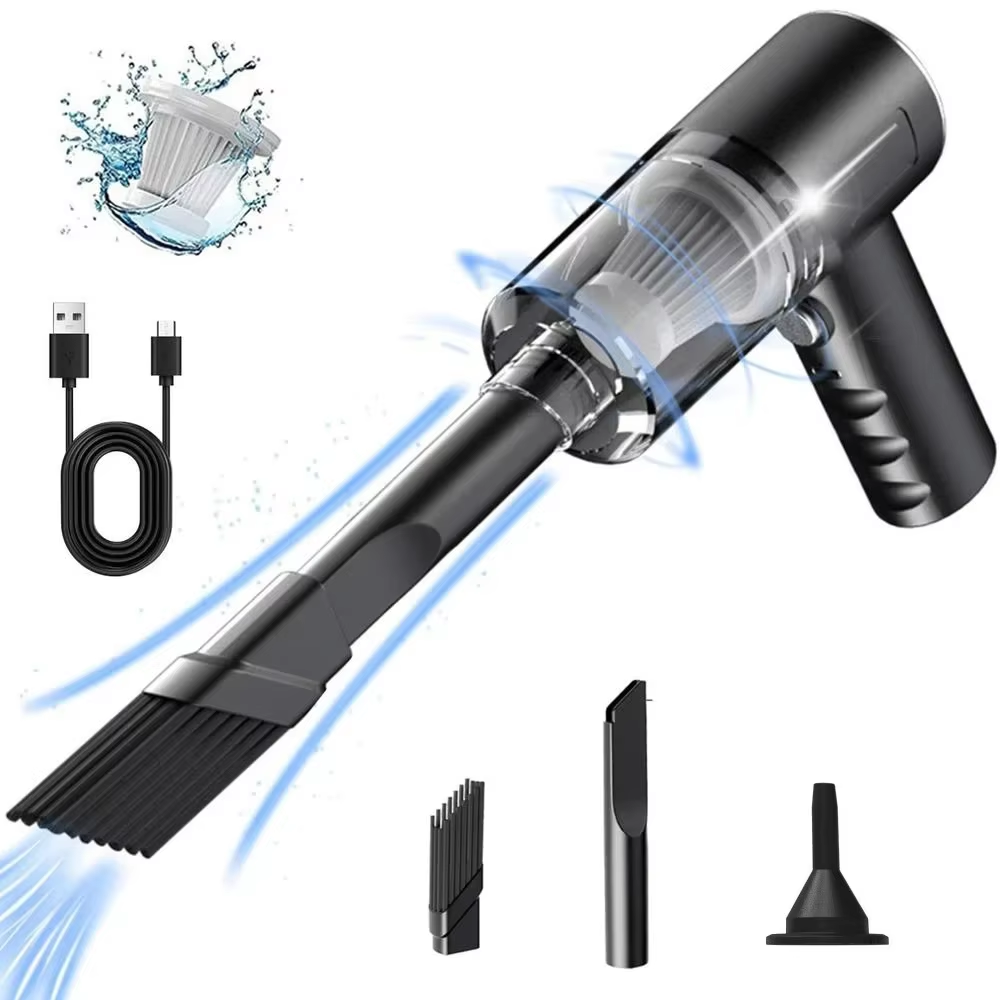
This one is strong and it can be charged with a USB-C cable.
Related articles
That it, thanks for your interrest. Have a nice day!
Home office:
Overview |
Mood board |
Virtual design with AI |
Room decoration |
Desk setup hardware |
Accessories
^^ Top | Homepage | Best Buy Tips | Automation Ideas | Blog posts | Sitemap