Stretch display
With a Home Assistant dashboard
Introduction
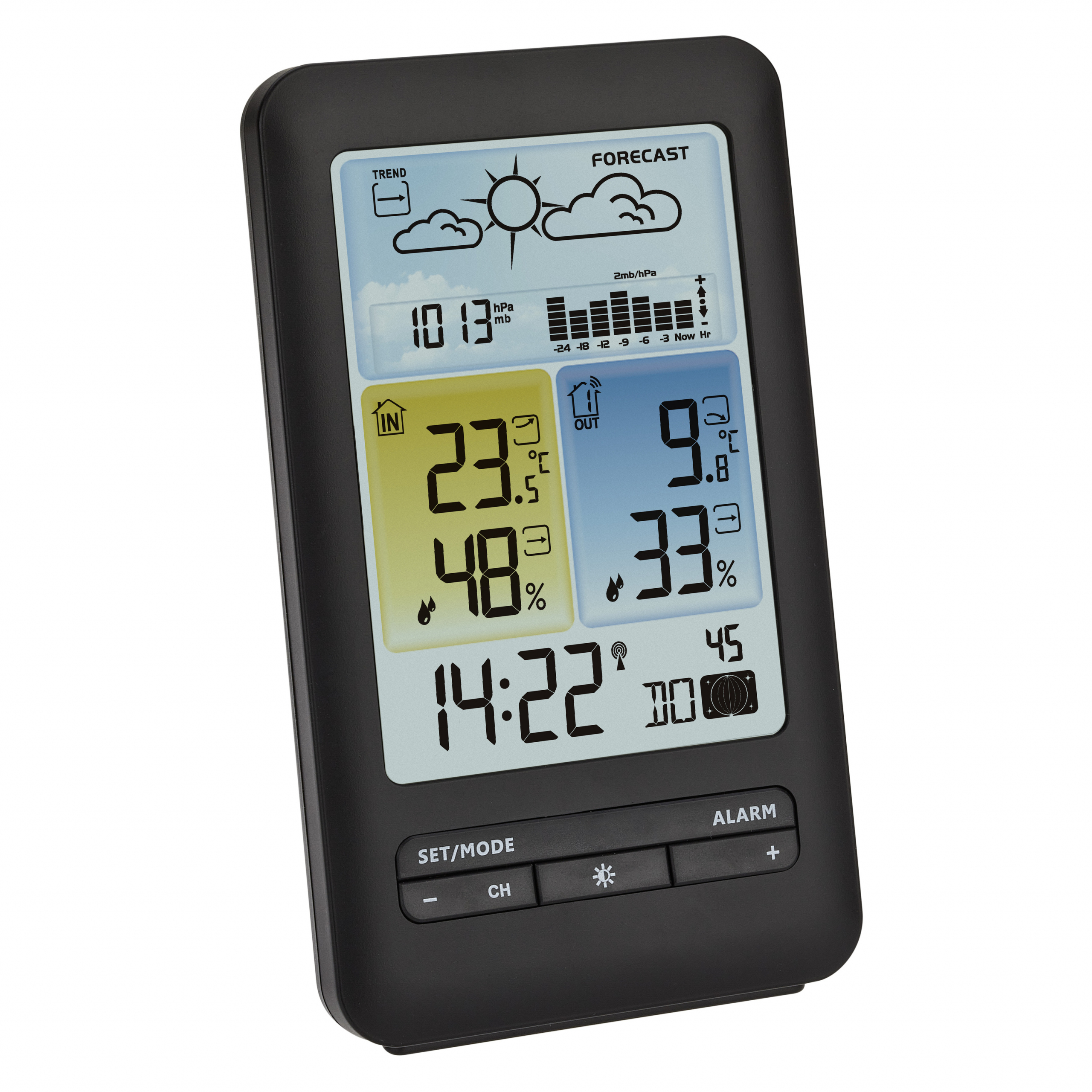 For years I had a basic weather station with a radio receiver to see the indoor and outdoor weather data (temperature, humidity and pressure). Now with Home Assistant and my local weather station, I have so much more weather data available that I want to replace my old weather station display with something new, based on the data in Home Assistant.
I was also looking for a small display to show the current CO2 and temperature data in my home office. I found that when the CO2 is too high and/or the temperature is above 23 degrees, my concentration drops.
This page is still under construction. I fill in all chapters one by one, describing how I set it up, so you can create exactly the same or use it as a reference for your own display project.
My solutions
A small stretched display, next to my monitor, where I can see my office climate data in a Home Assistant dashboard, controlled by a Raspberry Pi.
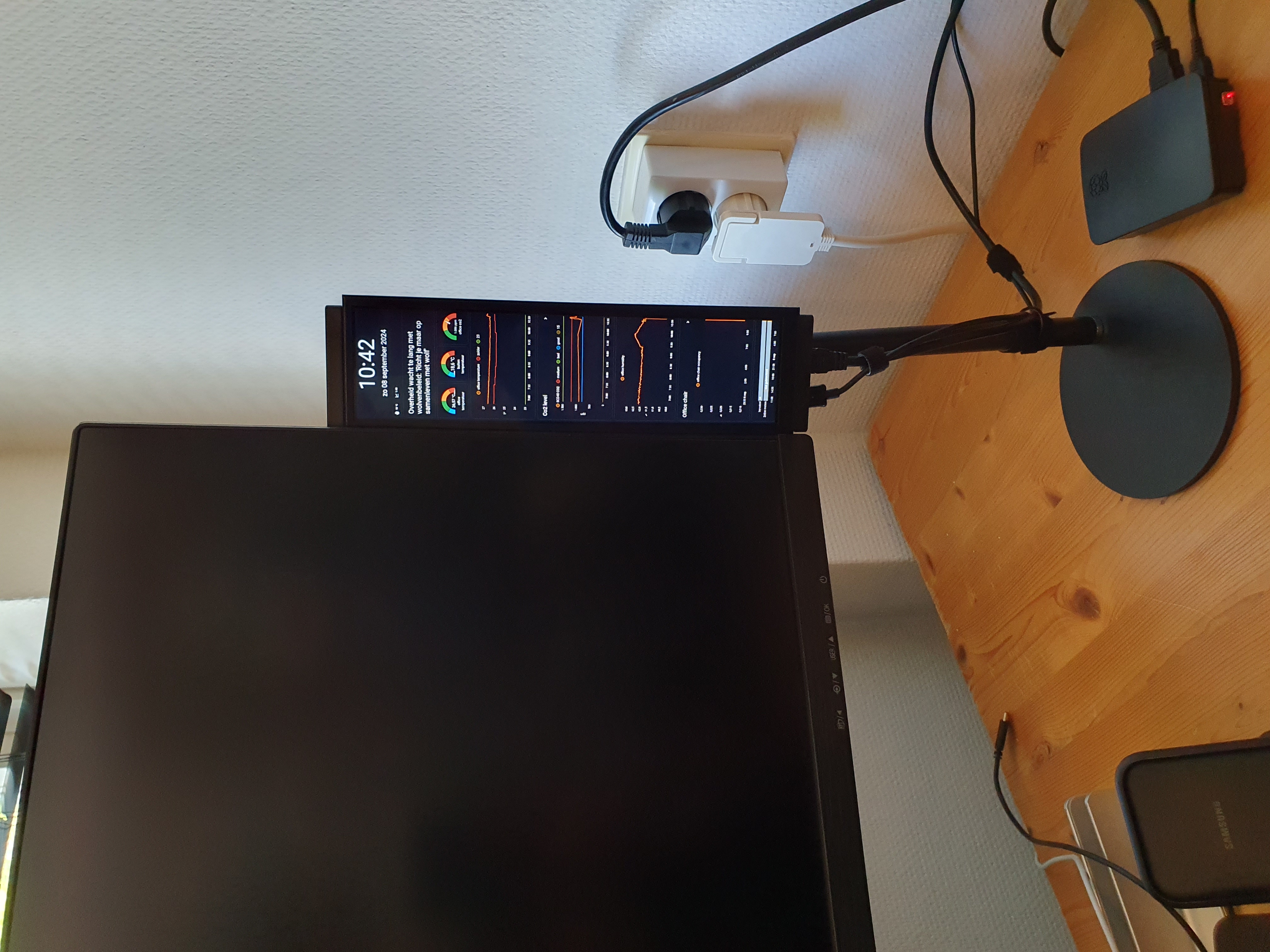
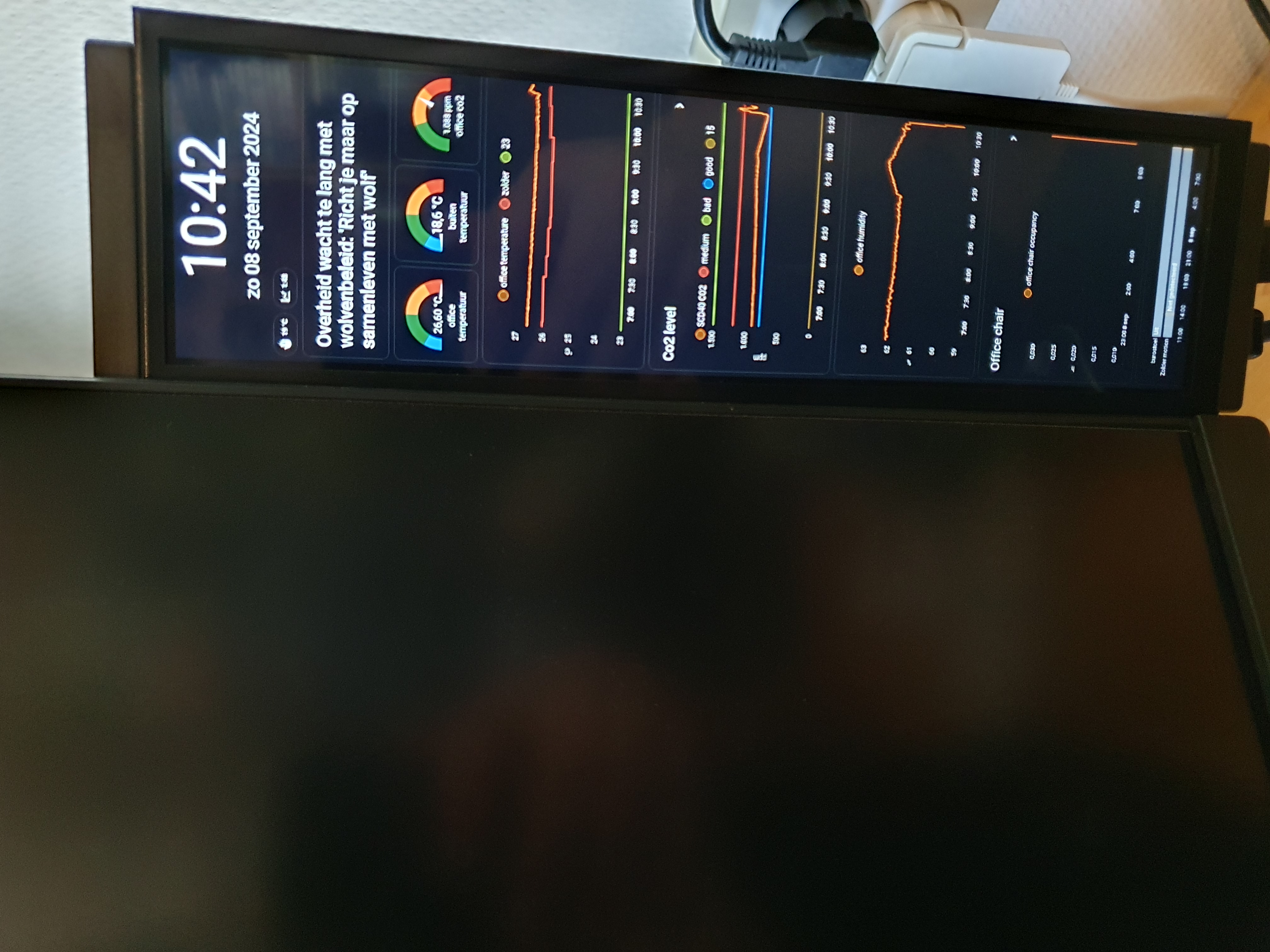
I created two Home Assistant dashboards: one for my office climate and the other as my weather data display.
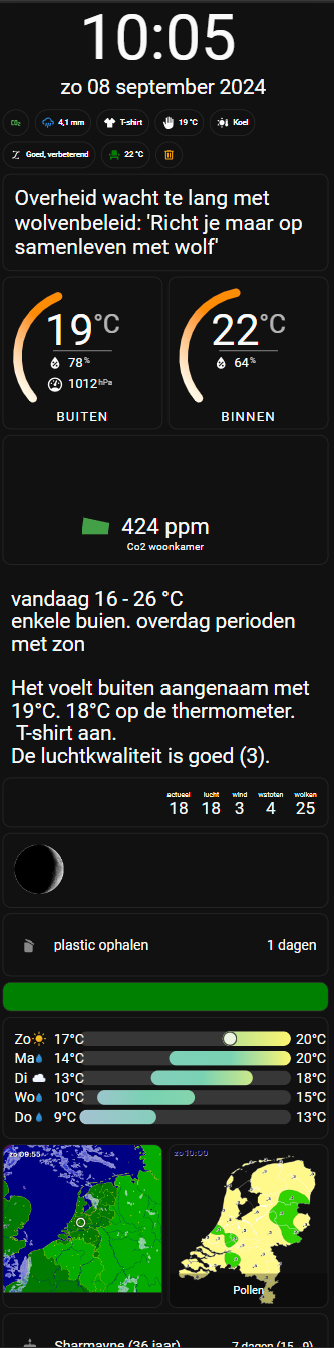
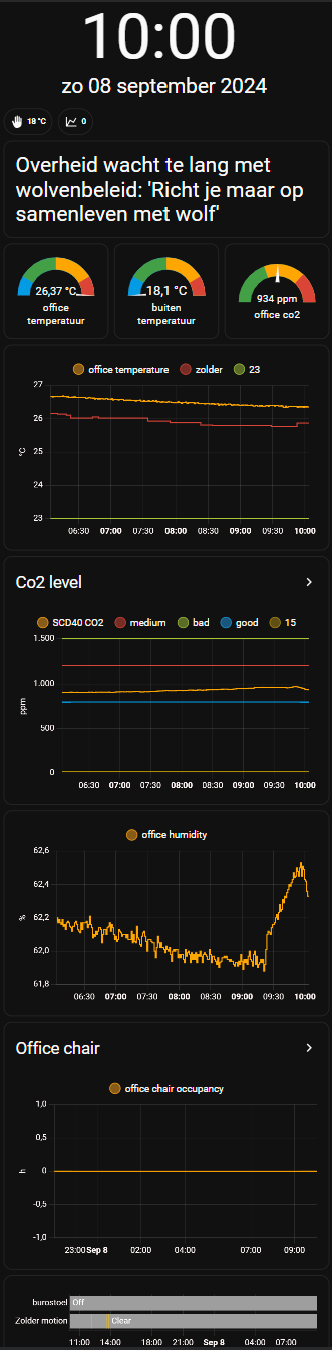

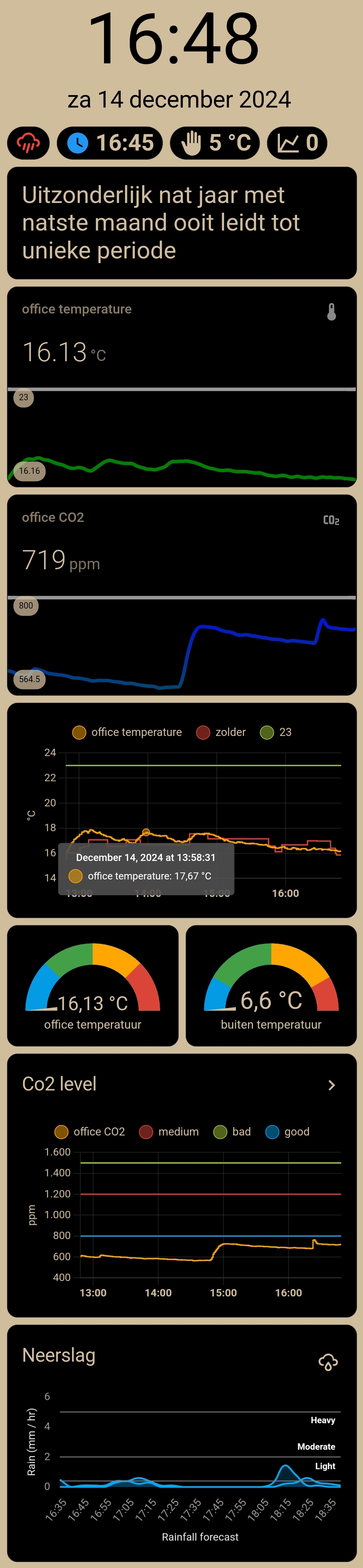
Table of Contents
Required hardware
It’s always good to use parts which you still have lying around, but otherwise you can buy these products as well to create this project yourself.
Affiliate links are also used here.
These hardware components (or alternatives) are required:
Stretch display
For my project, I use option 1, but there are a lot of displays available on the market!
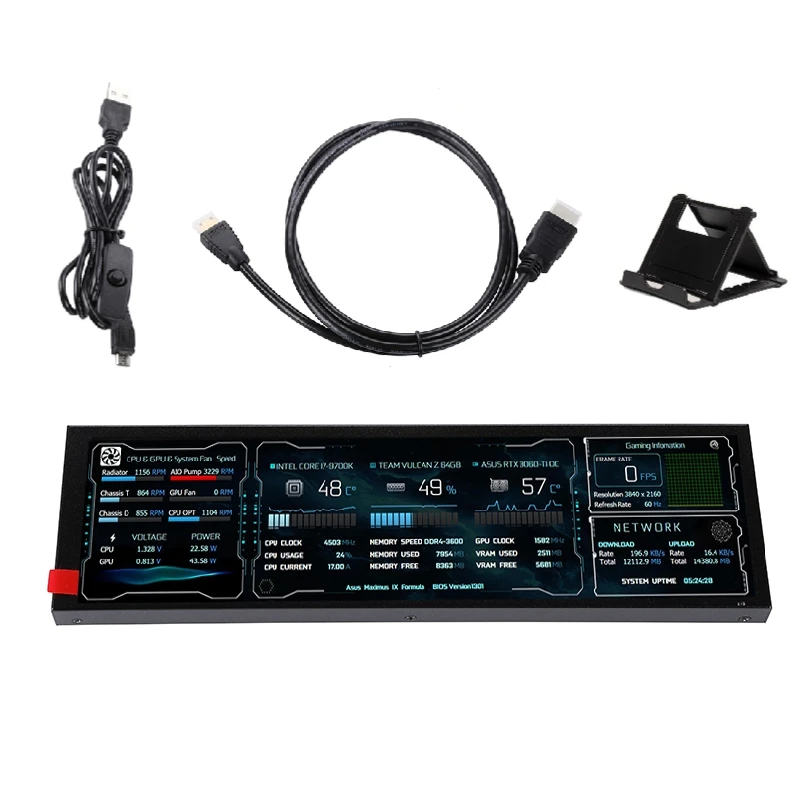
8.8 inch, resolution 1920 * 480, NO touchscreen. Comes with power and HDMI cable. This is the one I use.

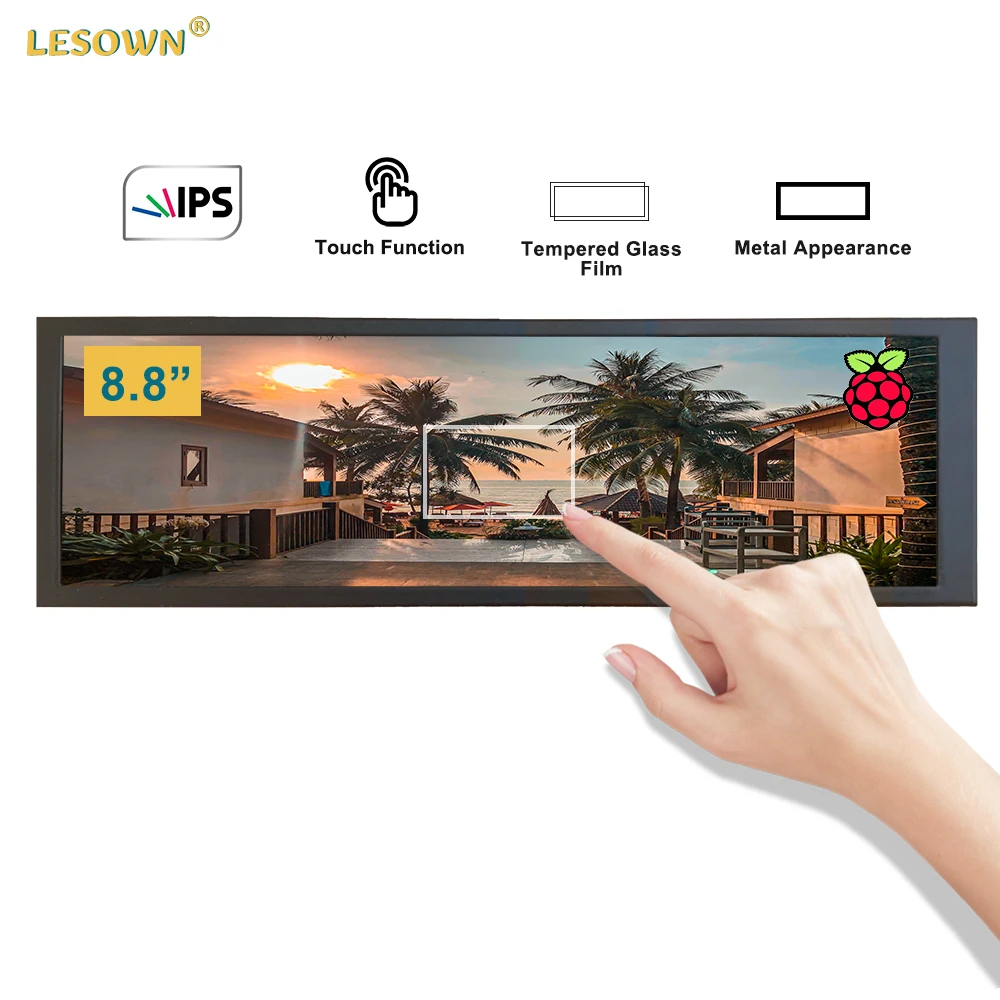
Same size and resolution but a better version: WITH IPS touchscreen, brighter colors and a Raspberry mount on the back. Select the touch variant.
Stretch displays are also available in all different sizes, like an 11.3". Of course, any other display can also be used!
Display holder
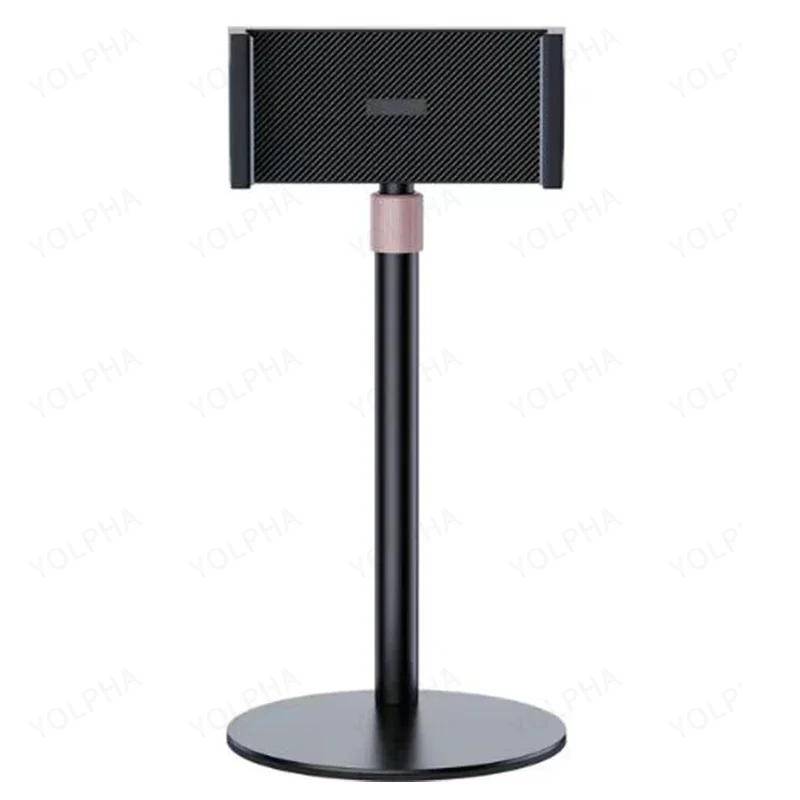
The stand itself can also adjust in height and angle to position the display in the right position. It fits perfectly between the claws, and the cables also fit perfectly through the bottom and directly connect to the ports, which gives it a smooth design. The big round heavy feet make it stand stable.

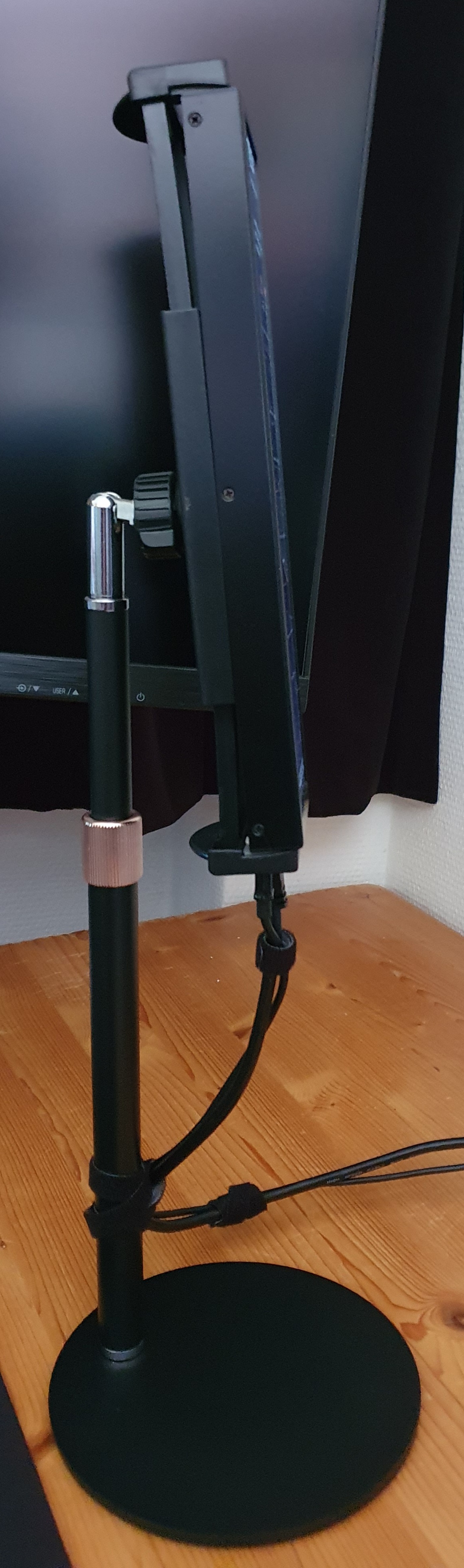
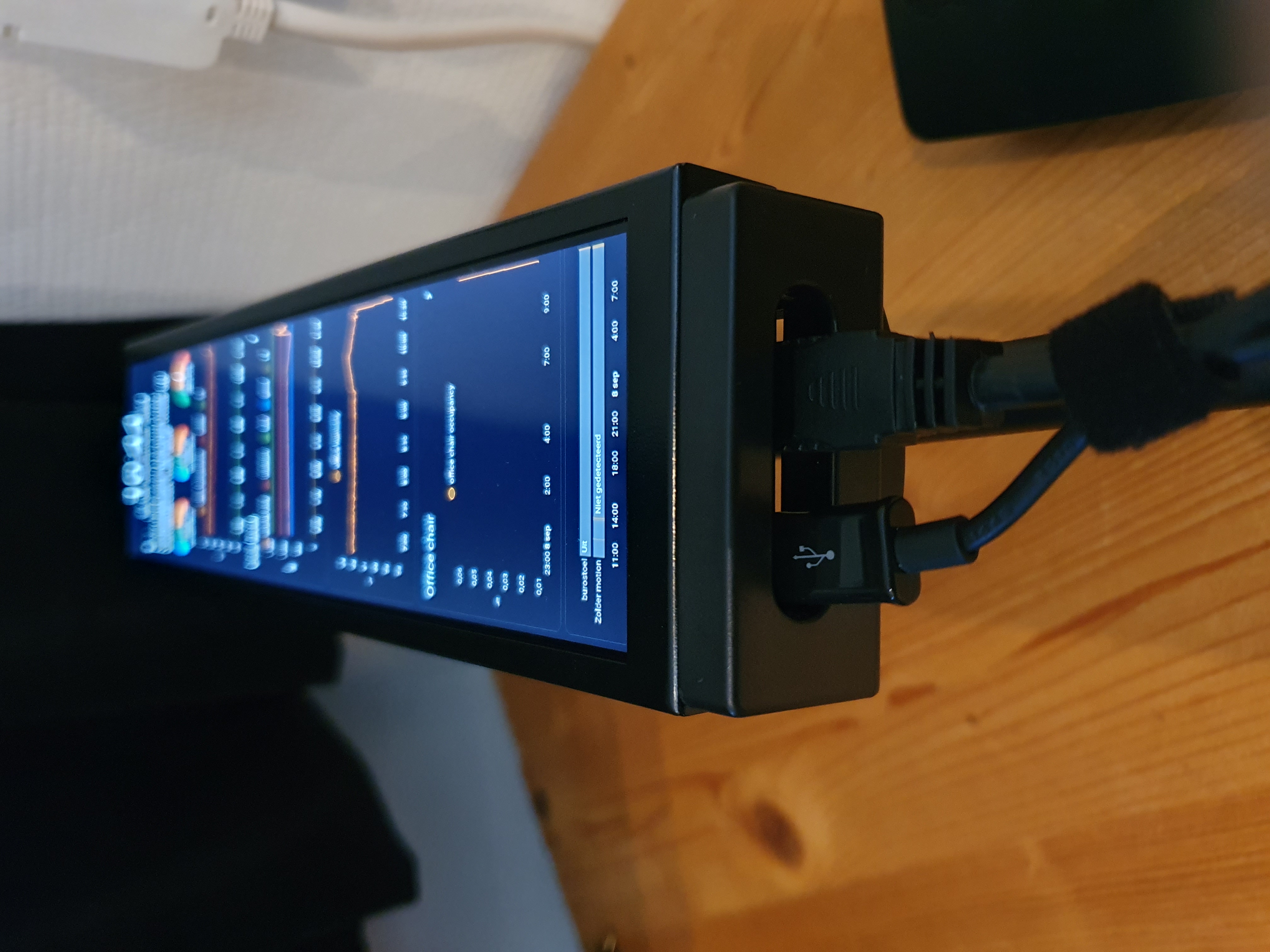
Device with a web browser
A small device with an OS which can run a web browser on it.
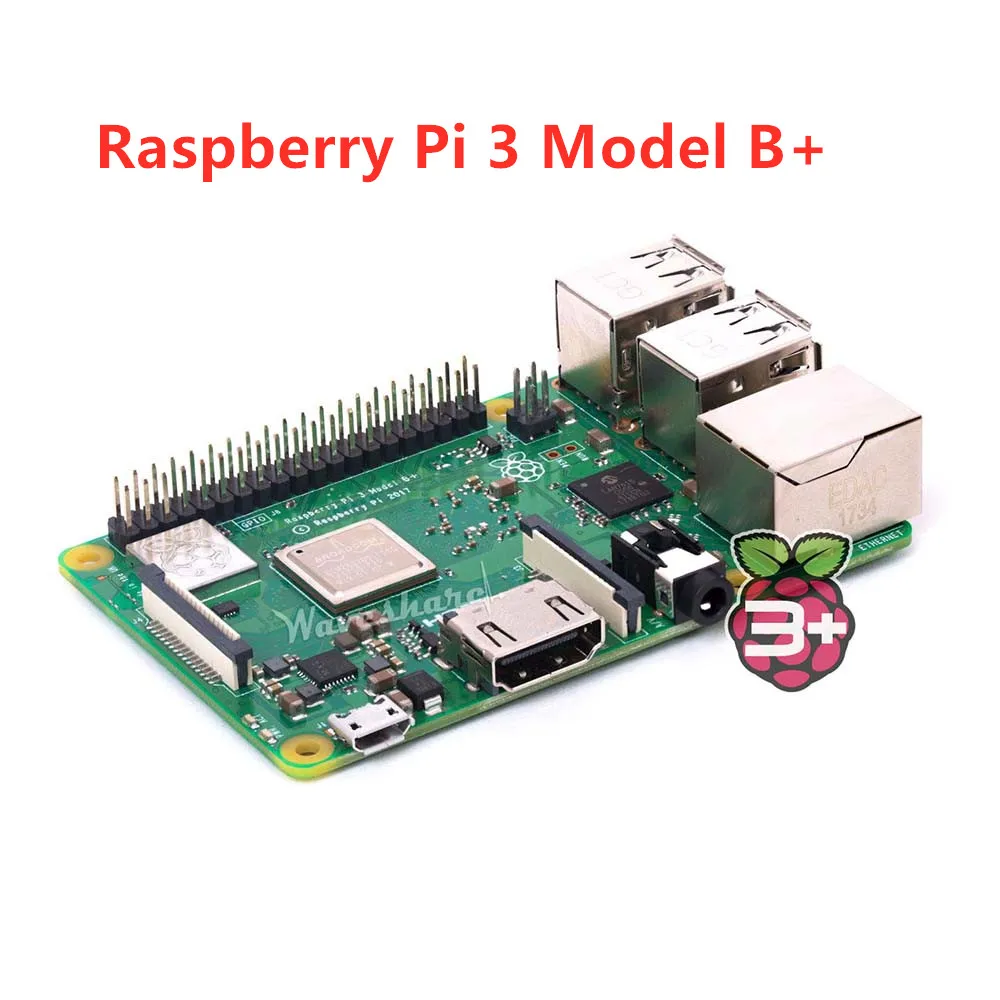
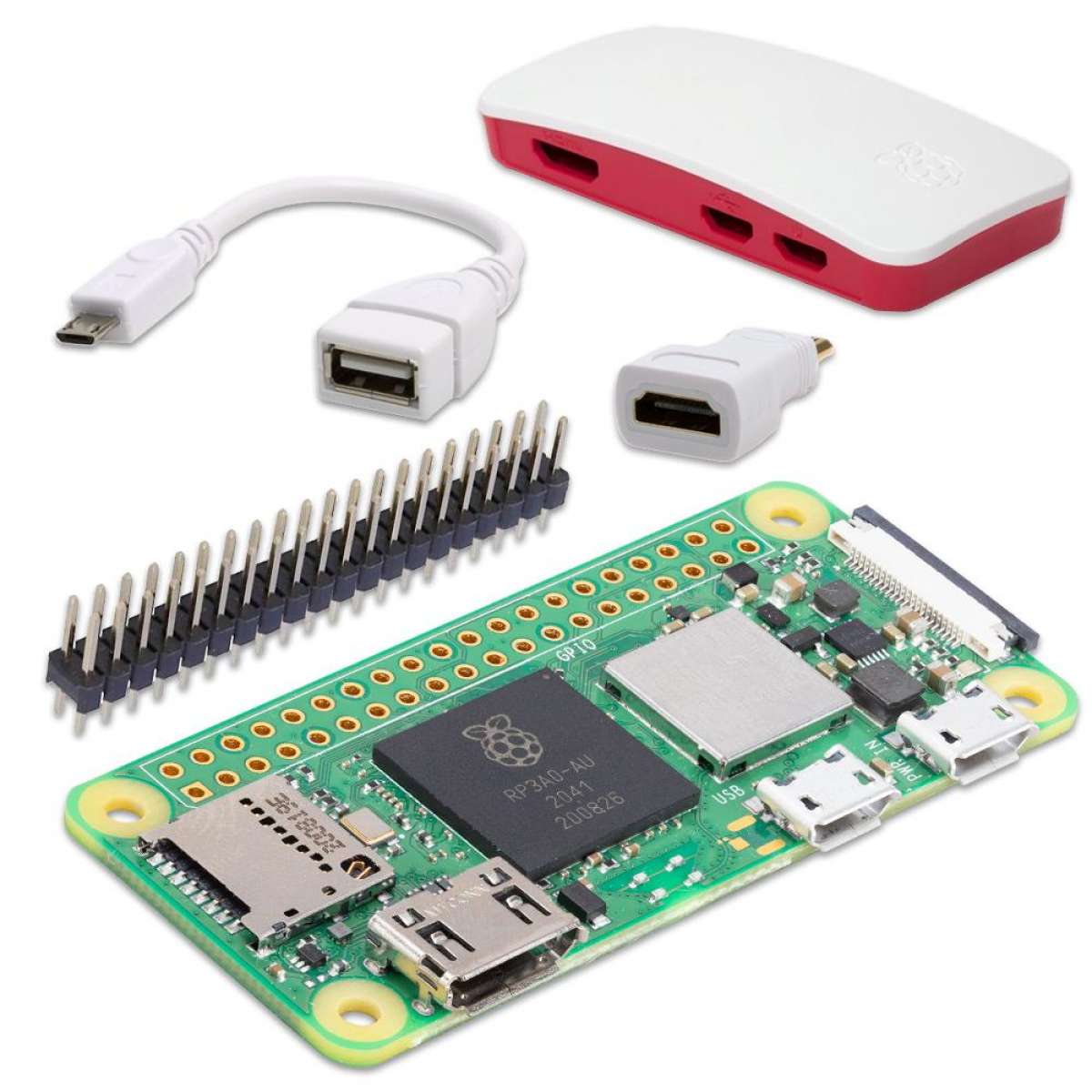
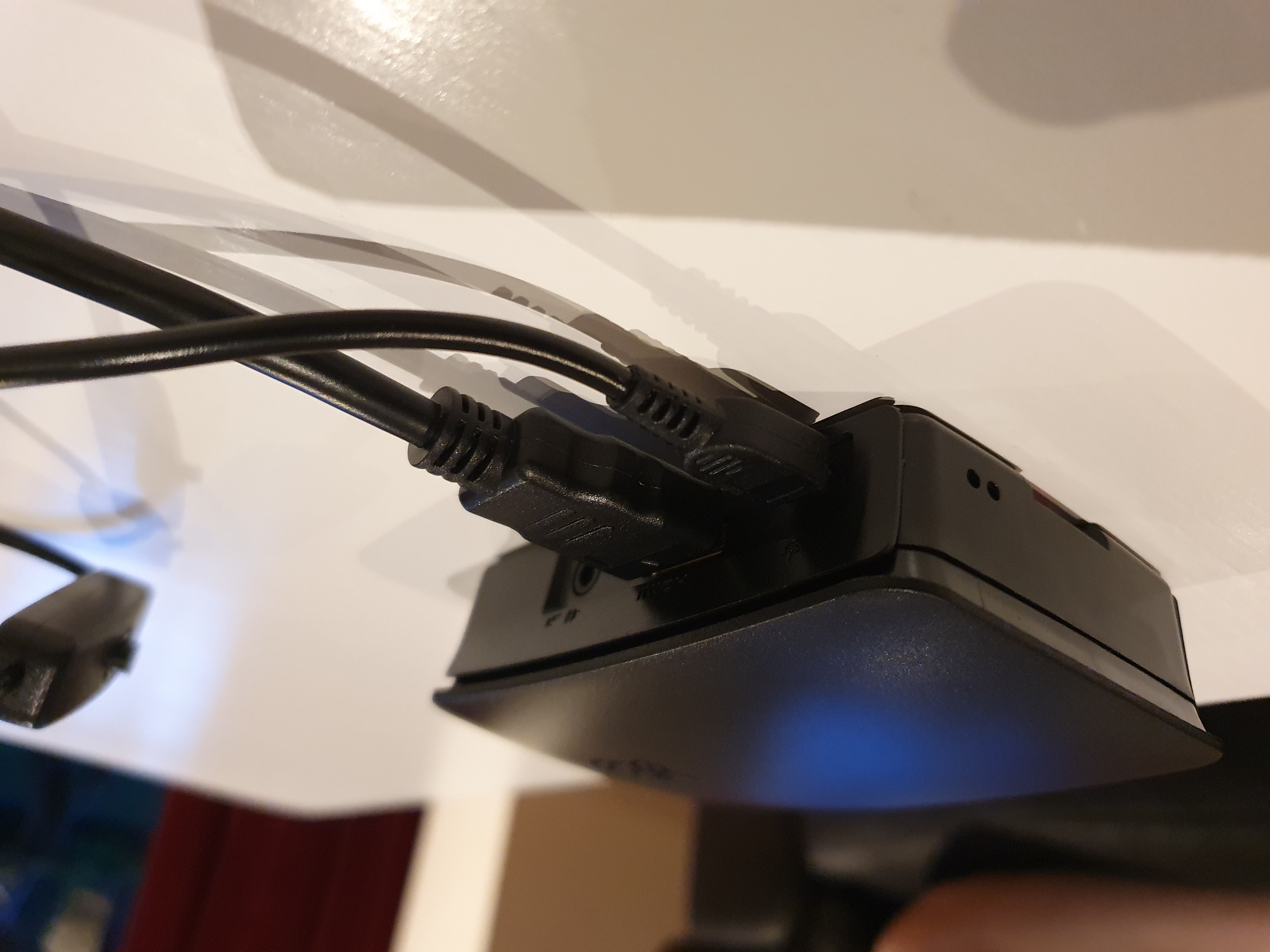
Or use an old mobile phone. For a mobile phone, I recommend removing the battery and hacking a USB power plug into it.
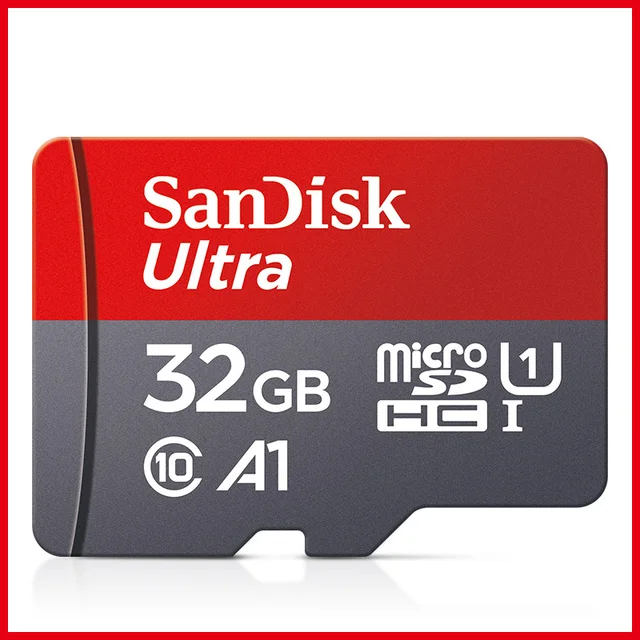
To install the OS on, such as Raspberry Pi OS desktop. A minimum of 8 GB is already enough. Speed is not an issue; it only boots and then doesn't need to read and write.
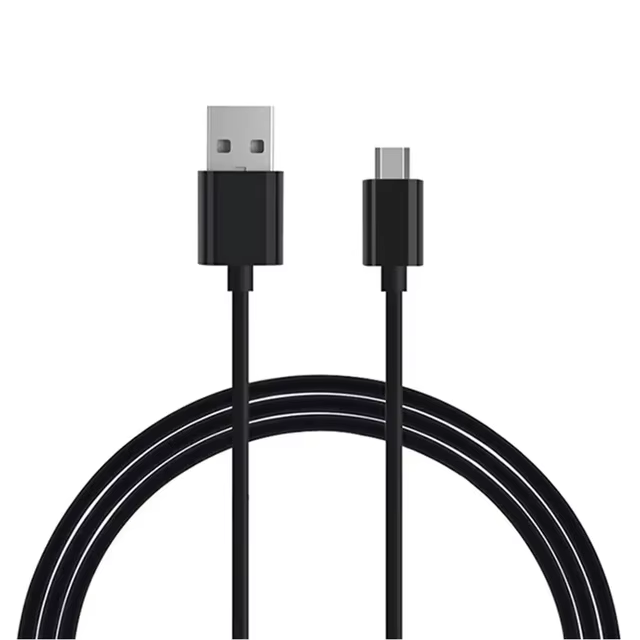
The Raspberry Pi 3B requires at least 5V with 3A, otherwise you get the message "Low voltage warning" in Raspberry OS.
Extras
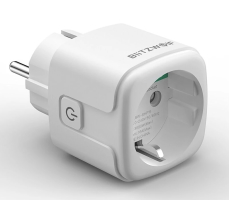
To only run the PC and display when someone is nearby, otherwise it can automatically be turned off to save energy.
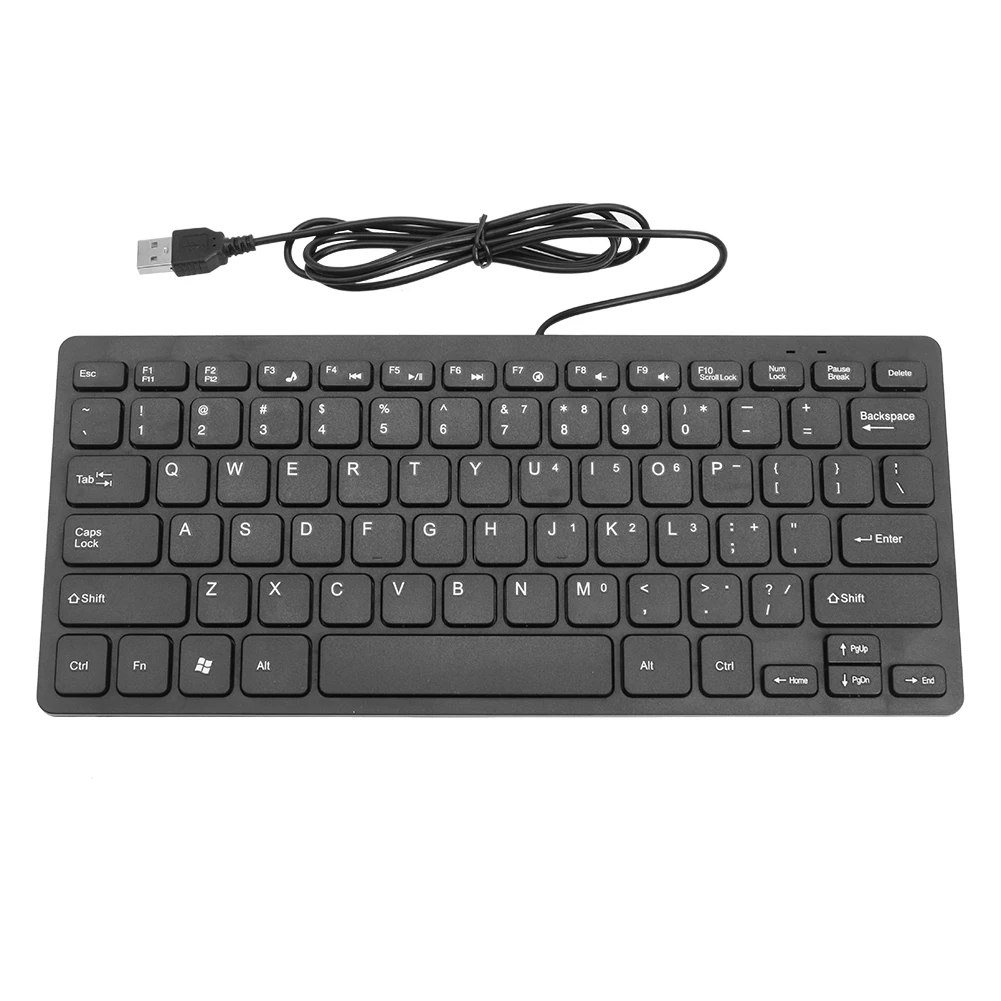
To set up the Raspberry Pi. They have different versions with different layouts. Once installed, it can be controlled via SSH.
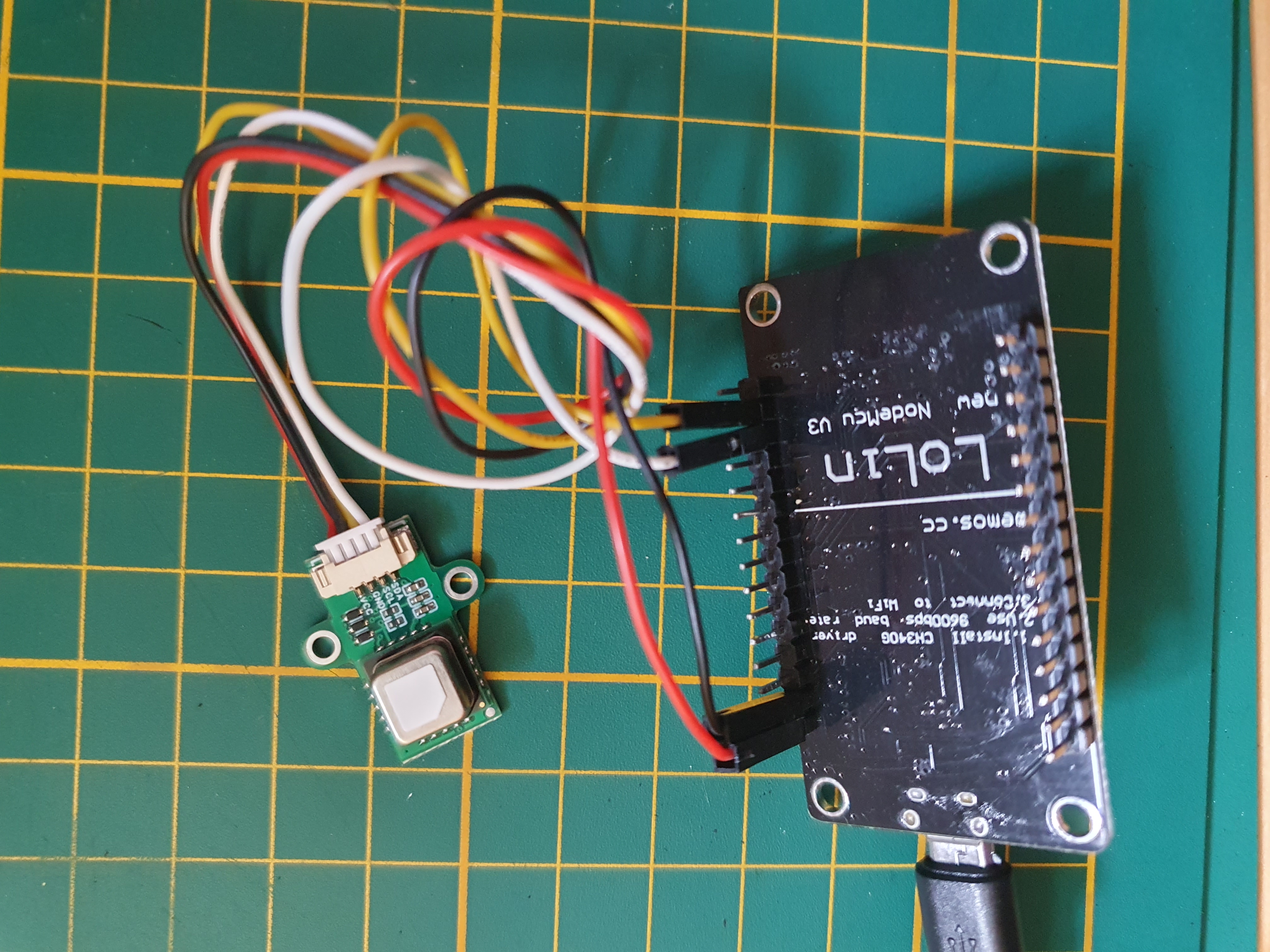
Found a dead link? Please inform me
Alternative links for above-mentioned products.
Required software
I installed Raspberry Pi OS with desktop, on which a browser runs.
I created an auto-boot script to load the Home Assistant dashboard in kiosk mode on boot.
(Later I’ll describe and add the example code here)
Home Assistant dashboard
See this separate page where I describe the different elements on the dashboard. I created a new theme and increased font sizes to make it easily readable from a distance.
Weather station stretch display
This is what my weather overview looks like:
Office stretch display
This is what my office overview looks like:
Stretch display layout explanation »
Links to other sections of this blog site:
| Main page | Other projects | Home Assistant | ESPHome | Node-RED |
^^ Top | Homepage | Best Buy Tips | Automation Ideas | Blog posts | Sitemap