Home office: Desk setup hardware
On this page you can read which hardware products I use on a daily basis in my home office. These products make my life easier and makes me happy to work with!
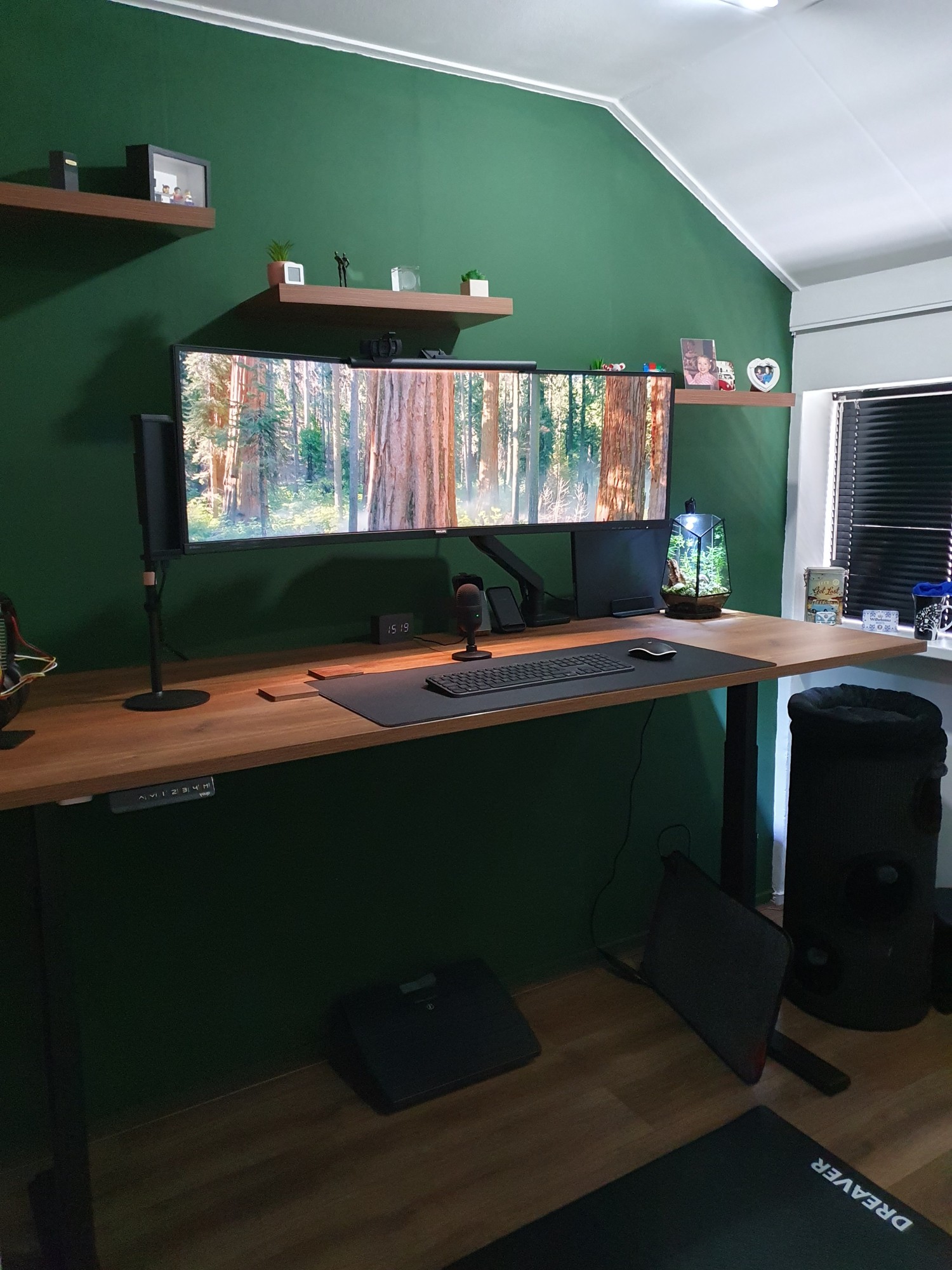
Final desk setup.
Overview | Mood board | Virtual design with AI | Room decoration | Desk setup hardware | Accessories
Table of Contents
- Amazon shop list
- Desk
- Laptop
- Laptop charger
- Laptop stand
- Laptop case
- Monitor
- Keyboard
- Chair
- Mouse
- Desk pad
- Camera
- Microphone
- ANC over ear headset
- Future improvements
NOTE: Links on this page can be affiliate links. You pay the same price AND support my blog.
Amazon shop list
The products on this page which are also for sale on Amazon are listed on
Amazon US and Amazon NL.
Not all products are also available on Amazon, and excluded from the lists, like:
- Desk
- Laptop case
Desk
I had a fixed desk made of wood plates. Now I want a standing desk, so I don’t sit all day long.
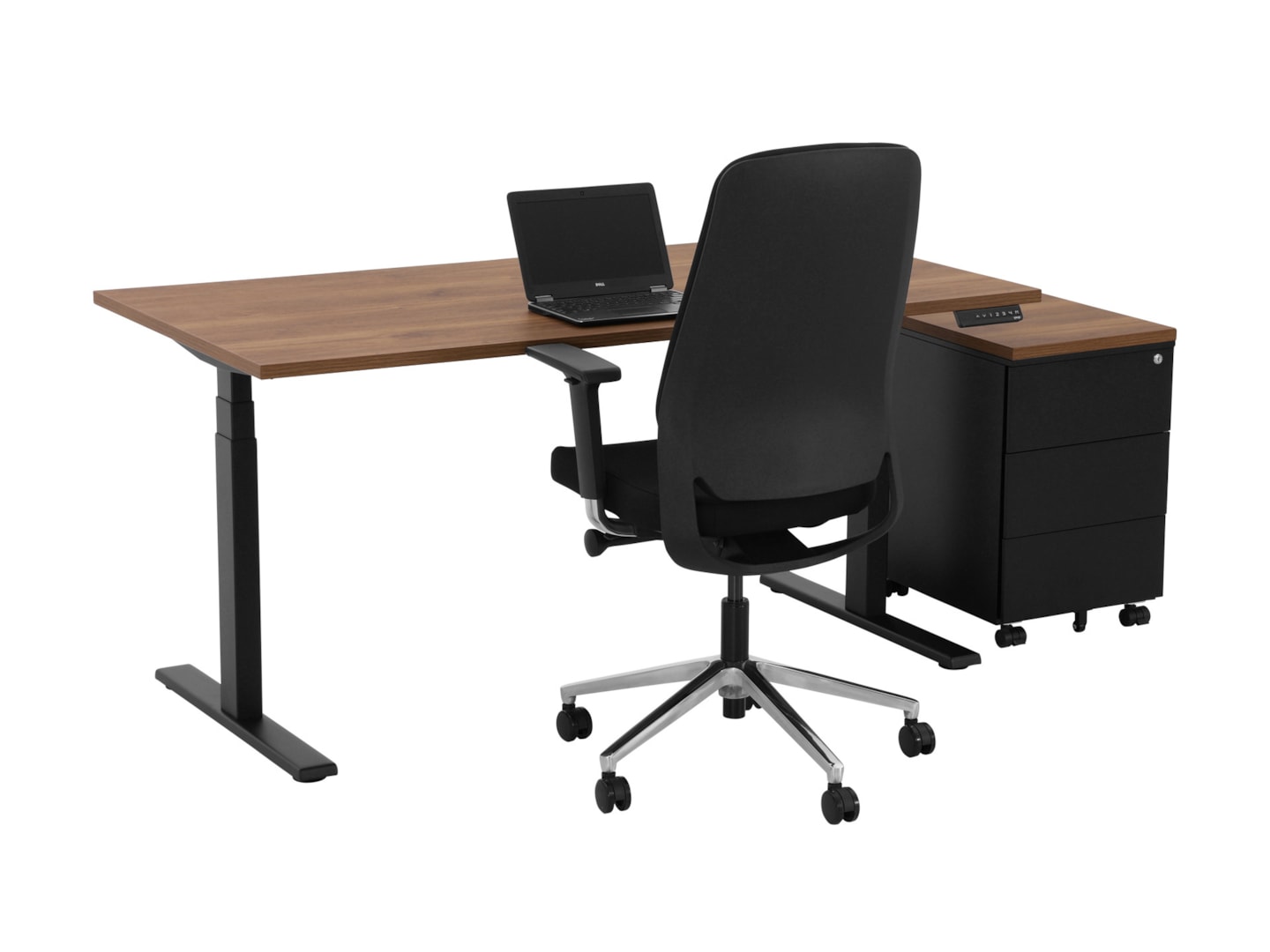
My wishlist for my new desk was clear:
- Walnut top
- 180 - 200 cm wide
- 80 cm deep
- Electric standing/sit desk
- Minimal 2 programmable preset heights
- Black legs
- Minimal wires visible
It took some time to find the perfect desk.
There are so many companies who sell such desks.
I eventually chose between:
- The
 Flexispot E7 Pro this one has good reviews but didn’t have the full 200 cm width desk top.
 - The YOUP02-Z-CW-128 Electric desk black Cognac Walnut matched all criteria but less reviews.
I eventually bought the YOUP02 from www.goedkoopinrichten.nl:
If you’re looking for more info about desk choices, you can take a look also at Reddit - StandingDesk.
Laptop
The laptop I use is a powerful Apple MacBook M4 Pro 16 inch for high performance daily tasks and perfect for on-the-go. MacBooks are more powerful and have much longer battery life compare to Windows laptops.
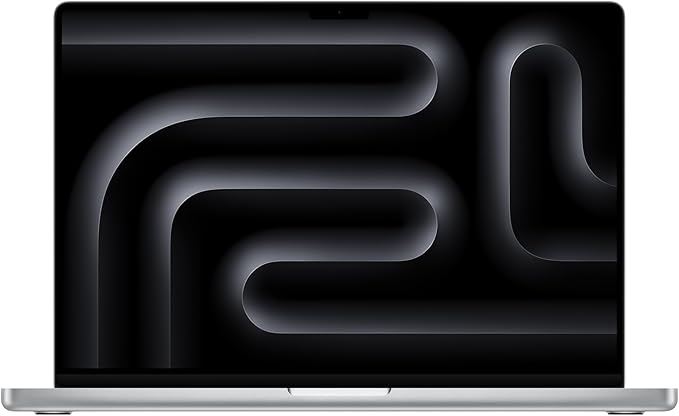
- Apple MacBook Pro M4 16” (Amazon US) (Amazon NL)
Laptop charger
I use a Xiaomi 120W USB-c charger to charge my laptop.
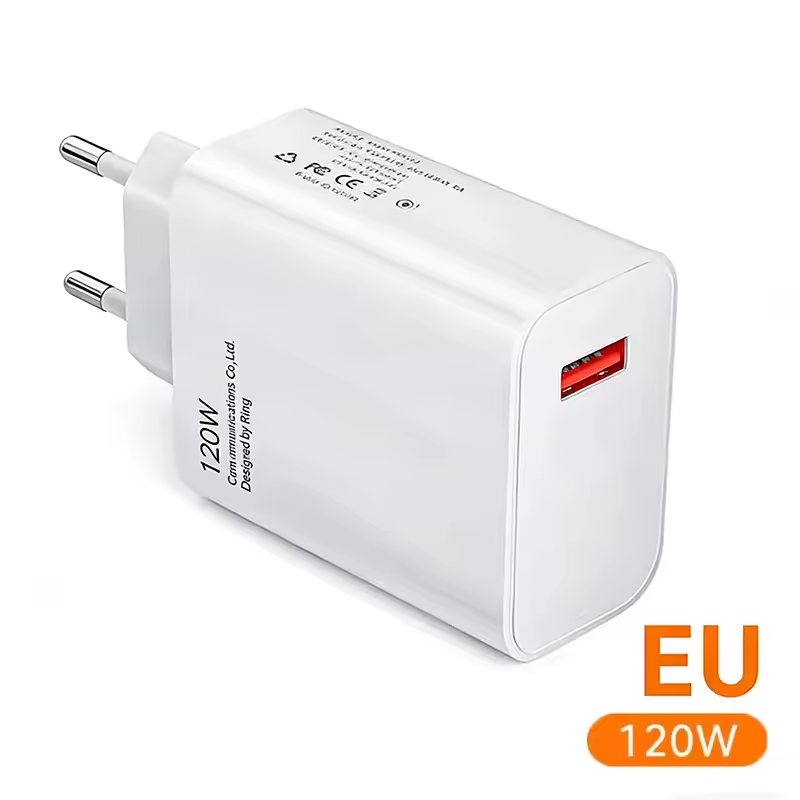
- Xiaomi 120W USB-c (AliExpress) (Amazon US) (Amazon NL)
Laptop stand
To make the desk clean, I have my laptop upright with a black vertical laptop stand. This way I can also easily detach it and replace it with my personal laptop.
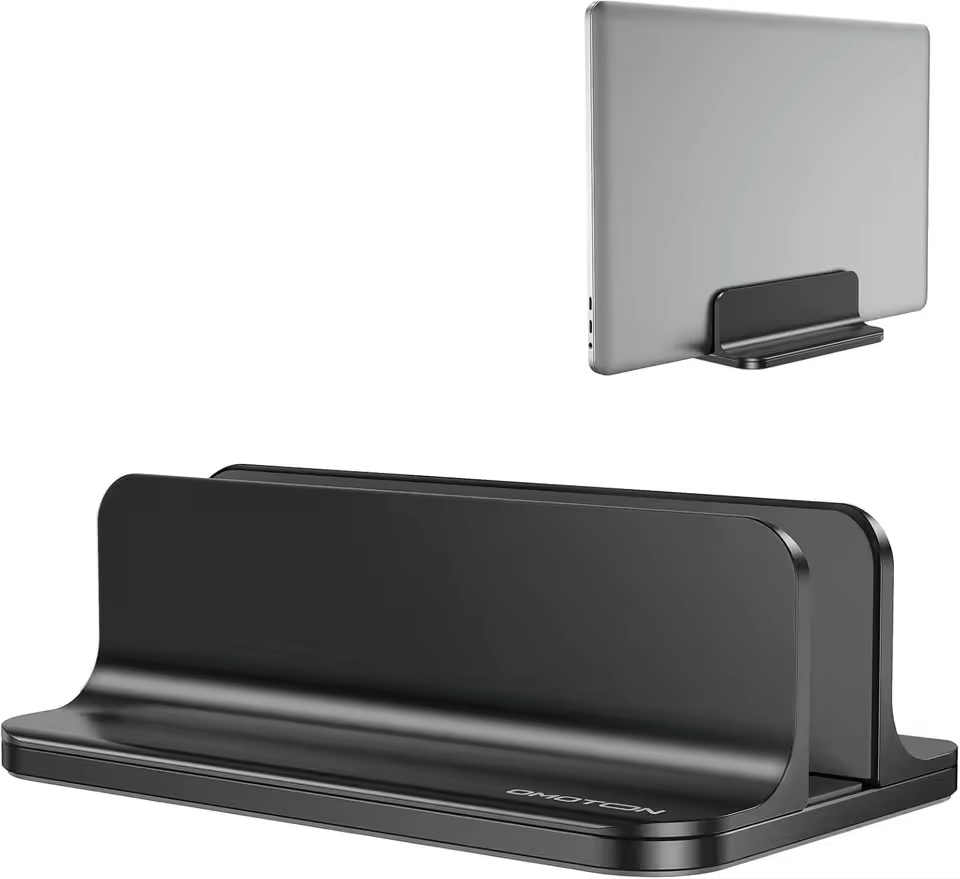
- Vertical laptop stand black (AliExpress) (Amazon US)
- Vertical laptop stand for two laptops black (AliExpress) (Amazon US) (Amazon NL)
Alternative solutions:
- Walnut stand upright (AliExpress) (Amazon US)
- Laptop mount under desk (AliExpress) (Amazon US)
- Laptop side desk mount (AliExpress) (Amazon US)
Laptop case
To avoid outside light reflections and distractions from the silver laptop on my desk I put a black case around my laptop. I chose to have all items below my monitor and on my desk in black.
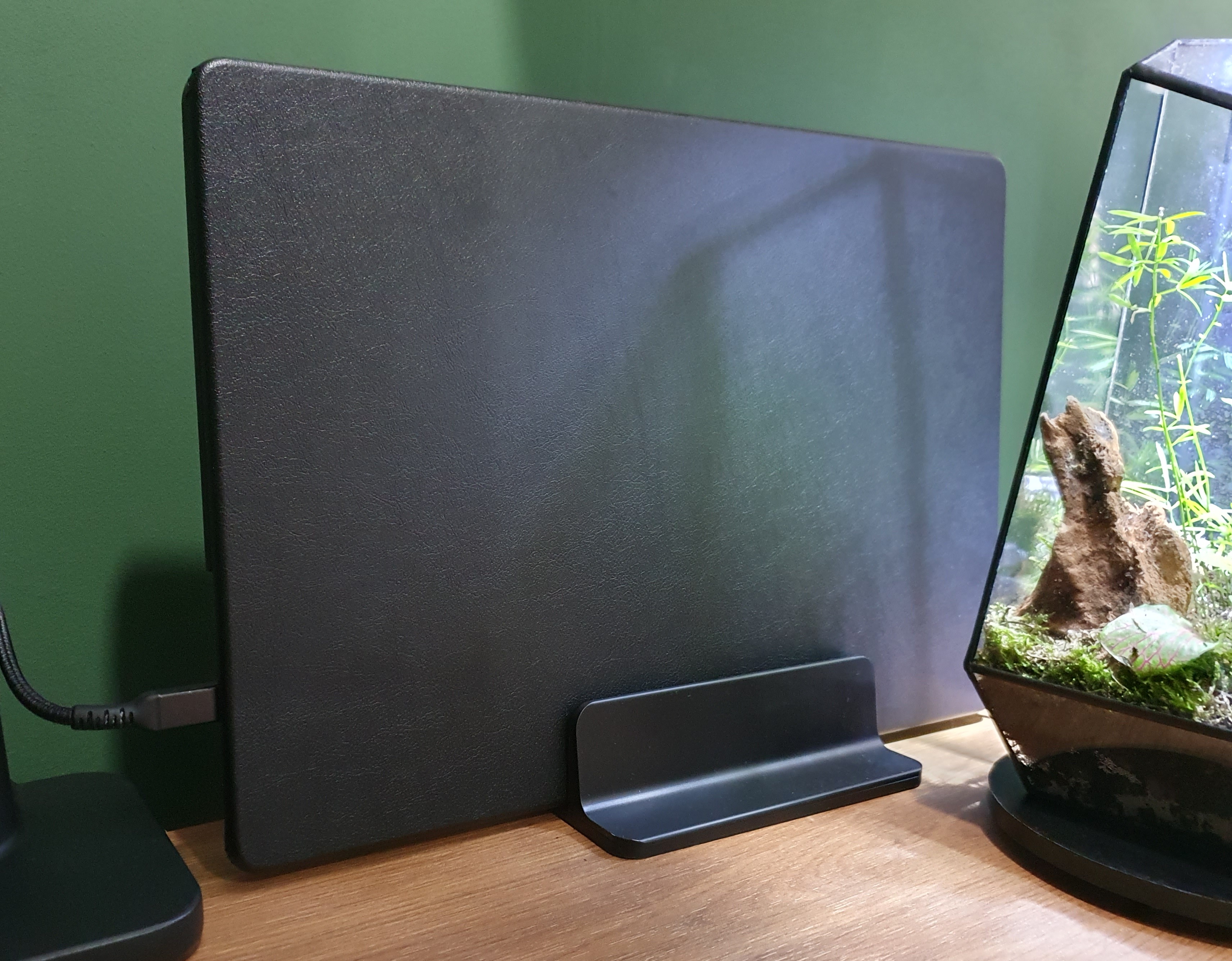
- MacBook Pro 16” cover (AliExpress) (Amazon US)
Monitor
The monitor is a Philips 49” curved screen with a resolution of 5120 x 1440. With an aspect ratio of 32:9 and curving of 1800R. It’s the size of two 27” next to each other.
This is one of my best purchases ever! I still love it every day. The big advantage compared to two separate 27” screens is that you can split your application windows however you like at any given moment. Sometimes into three equal app windows, or one big window in the middle and smaller ones on the sides.
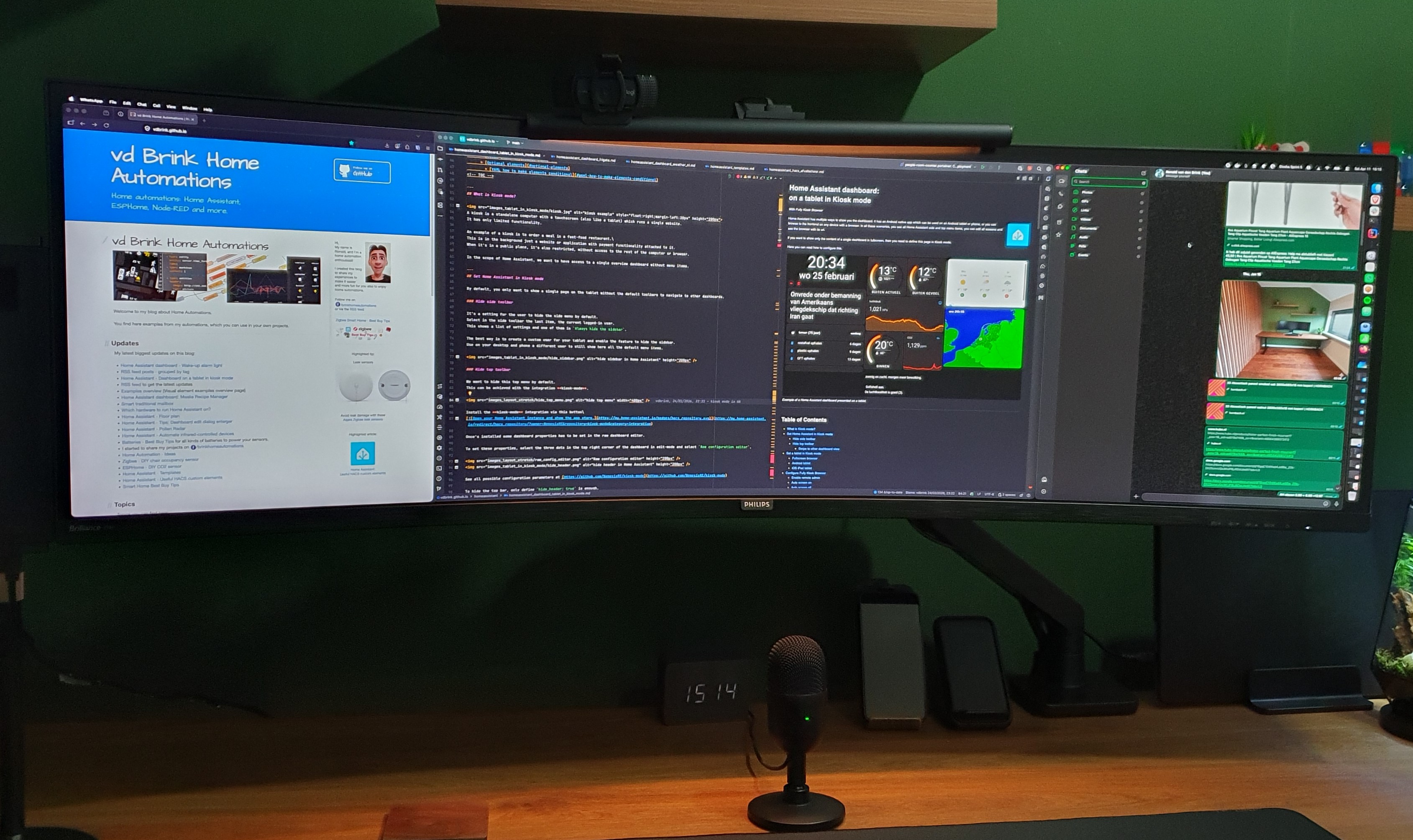
The model I have is the Philips P Line 498P9Z/00 (model from 2021). It’s now replaced with even better screens with the same sizes.
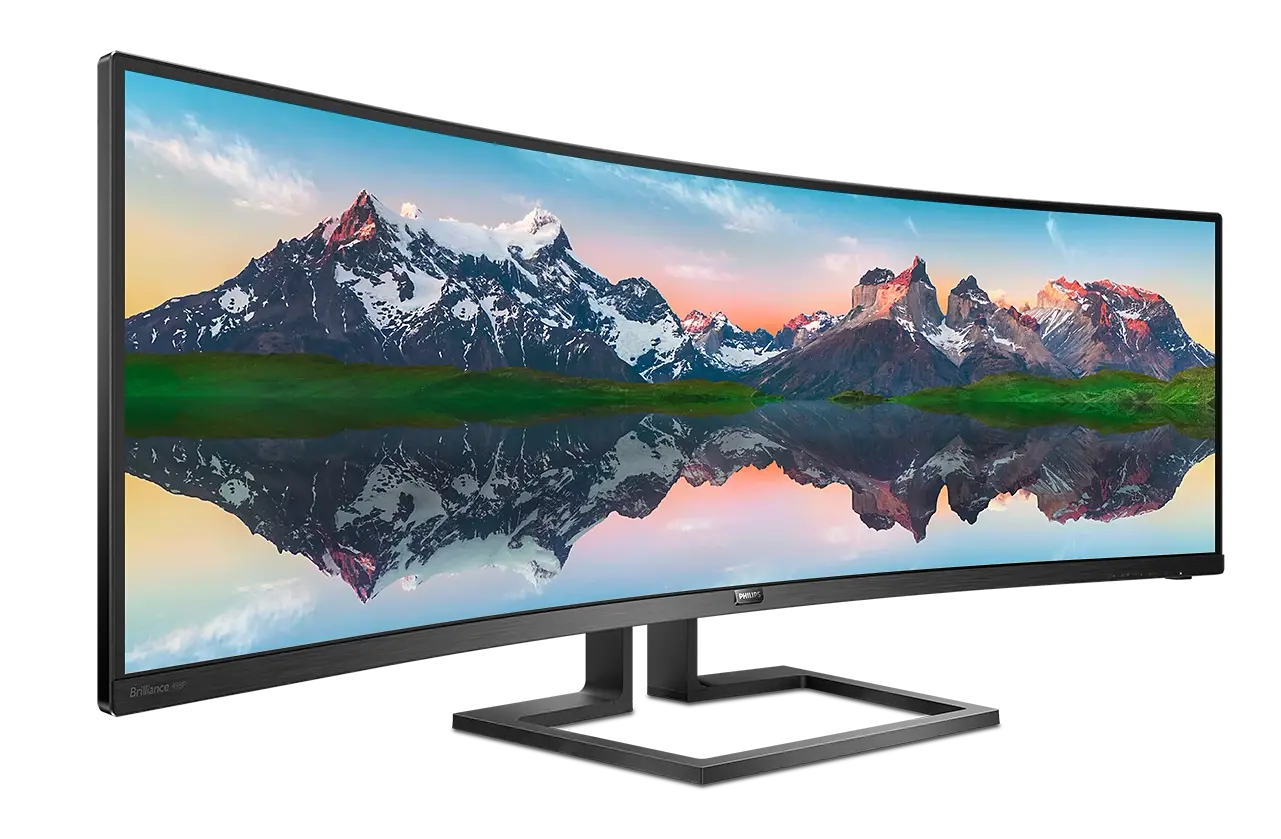
Alternative:
- Philips 49” curved monitor - 49B2U5900C (Amazon NL)
- Philips 49” curved monitor - Evnia 49M2C8900L (Amazon US)
Monitor cable
The Philips monitor has a single DisplayPort 1.4 and 3x HDMI 2.0 ports.
To get the maximum resolution of 5120 x 1440 with 165 Hz, I use a single DisplayPort cable.
- USB C/Thunderbolt 3 to DisplayPort 1.4 Cable 8K (Amazon US) (Amazon NL)
- Similar cable from Ugreen (AliExpress) (Amazon US)
Monitor arm
To keep a clean desk, I was looking for a monitor arm that holds the screen stable, not wobbly, and is attached to the desk. Now the monitor “floats” above the desk. It should also easily hold the weight of the 12 kg 49” screen. It hides the wires and doesn’t stick out on the back, otherwise I would have to move the desk away from the wall and lose space. I can easily pull and push the screen back and forward.
I end up with the ACT AC8340 It’s made of strong metal and can hold up to 20 kg, match all my requirements and cost not too much.
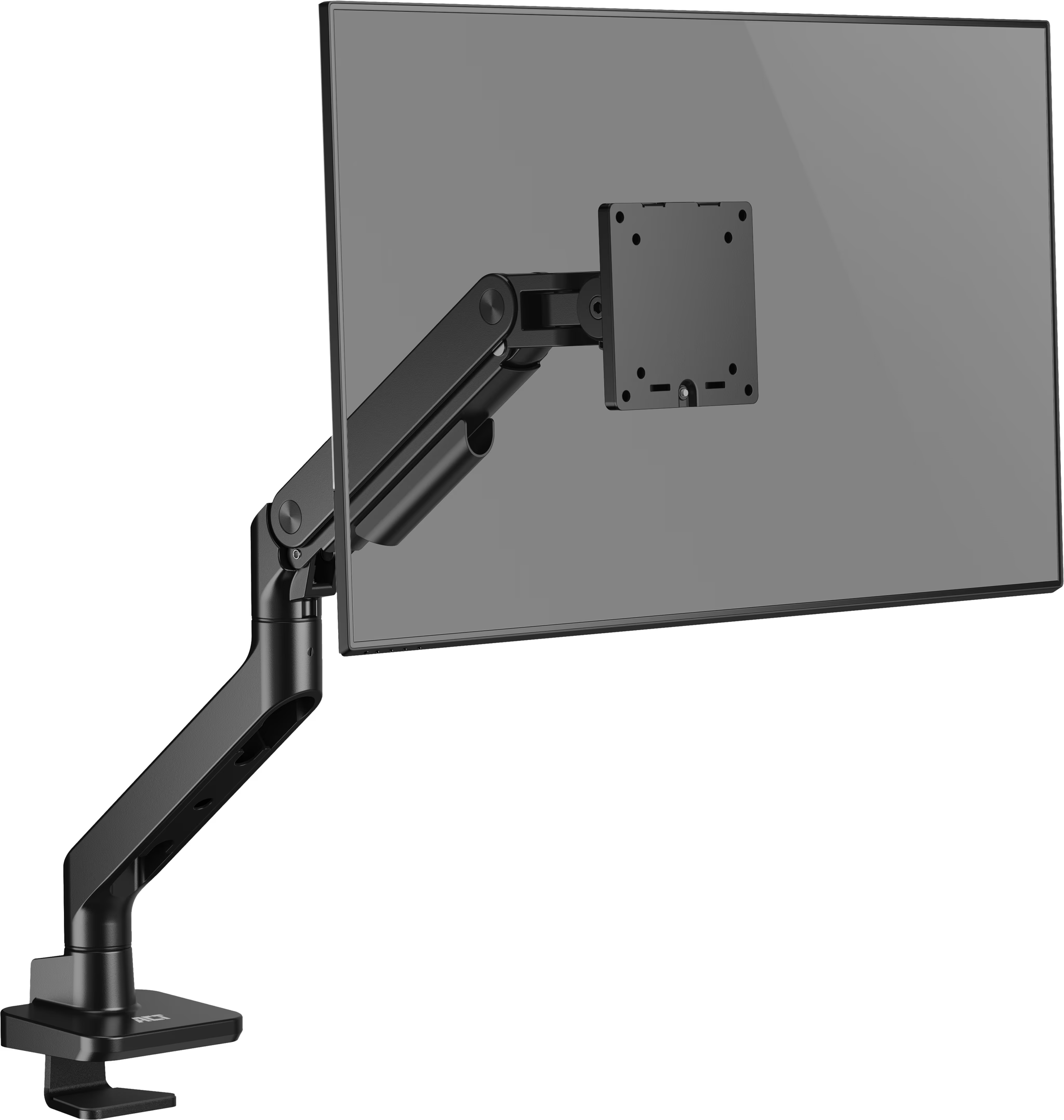
- Monitor arm - ACT AC8340 Amazon US N/A (Amazon NL) (Tweakers NL - Dutch price compare site)
Monitor light
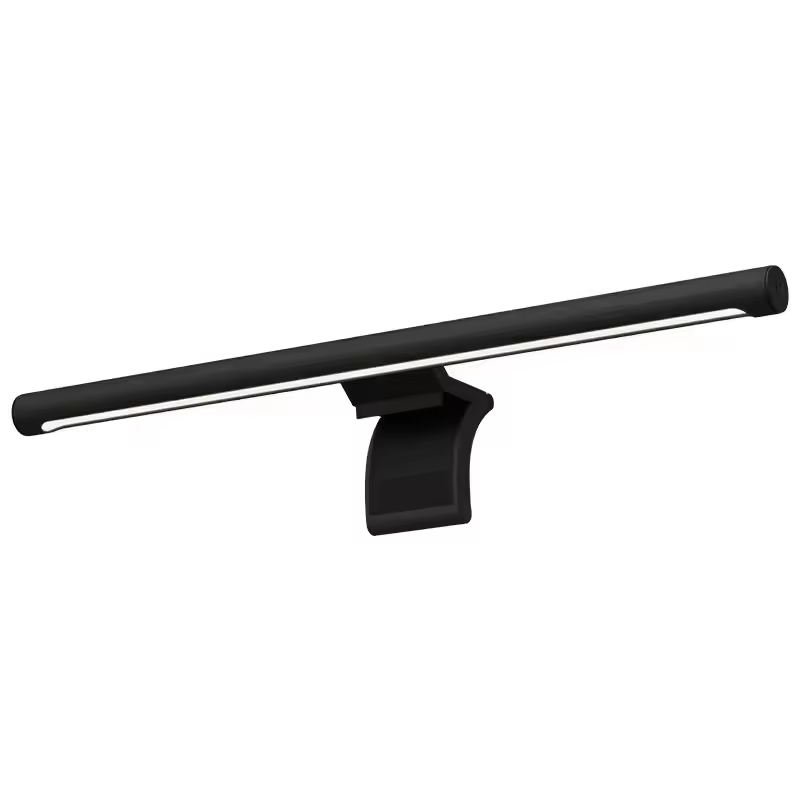
- Xiaomi Mijia monitor light desk bar (AliExpress) (Amazon US) (Amazon NL)
Keyboard
For a keyboard, I want a wireless, silent, smooth typing, with big shift and return button, volume buttons and a numpad.
The Logitech MX Keys S (Qwerty) was a logical choice, it’s much more than what’s on my wishlist. It can easily switch between three devices, it lights up when you come closer, charging via USB-C.
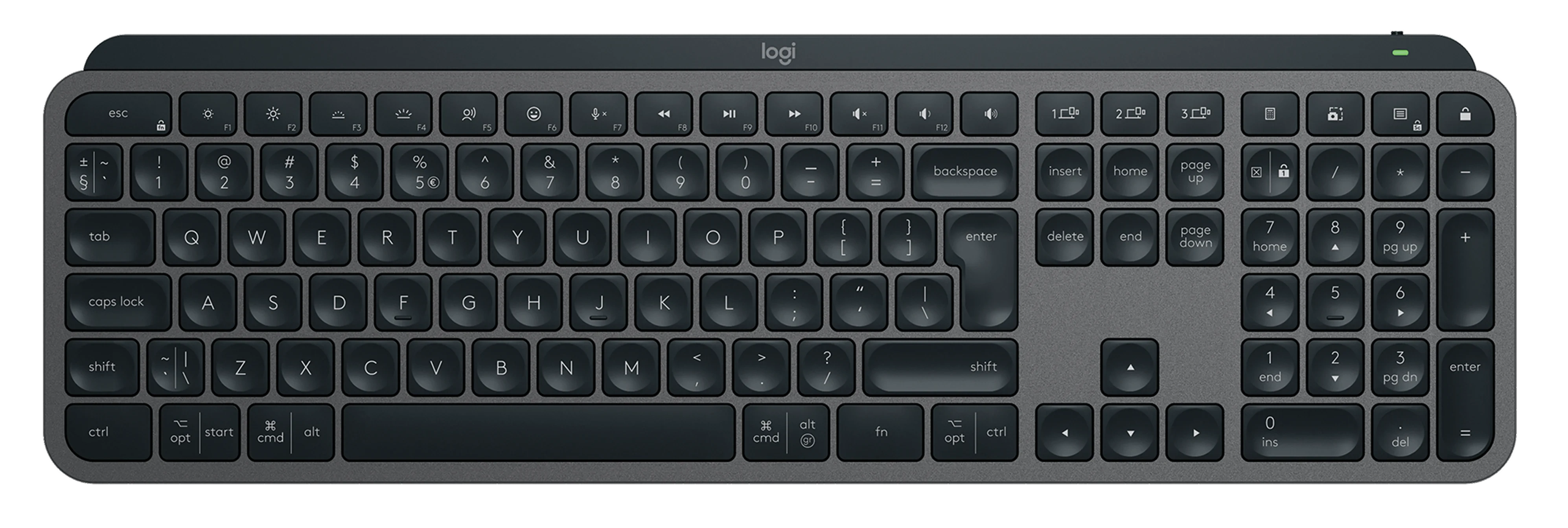

YouTube product video about the Logitech MX Keys
- Logitech MX Keys (Amazon US) (Amazon NL)
Chair
The chair I use is an old model from Ikea but still sits pretty comfortable.
Alternative:
- MILLBERGET (Ikea NL)
Mouse
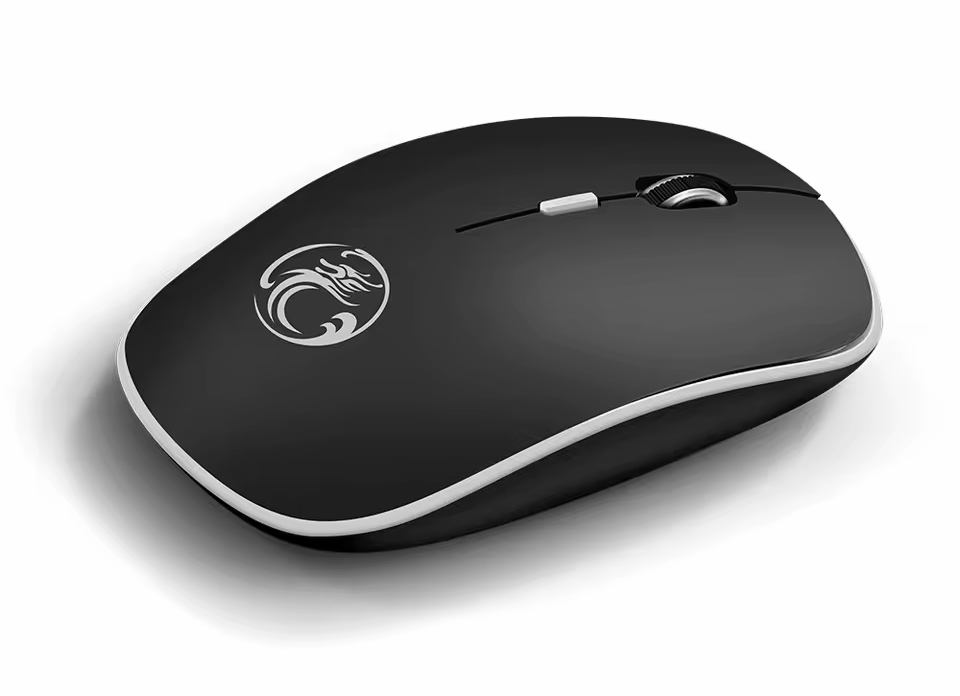
The mouse I use is a basic wireless soft-click and scroll one. Simple but perfect for years! Works with a single AA battery.
Desk pad
I use a very large mouse pad underneath my keyboard and mouse. The top material is soft with a smooth surface for the perfect sliding with the mouse. The bottom material is made of rubber to keep it in place.
I use a full black one without any art distractions on it.
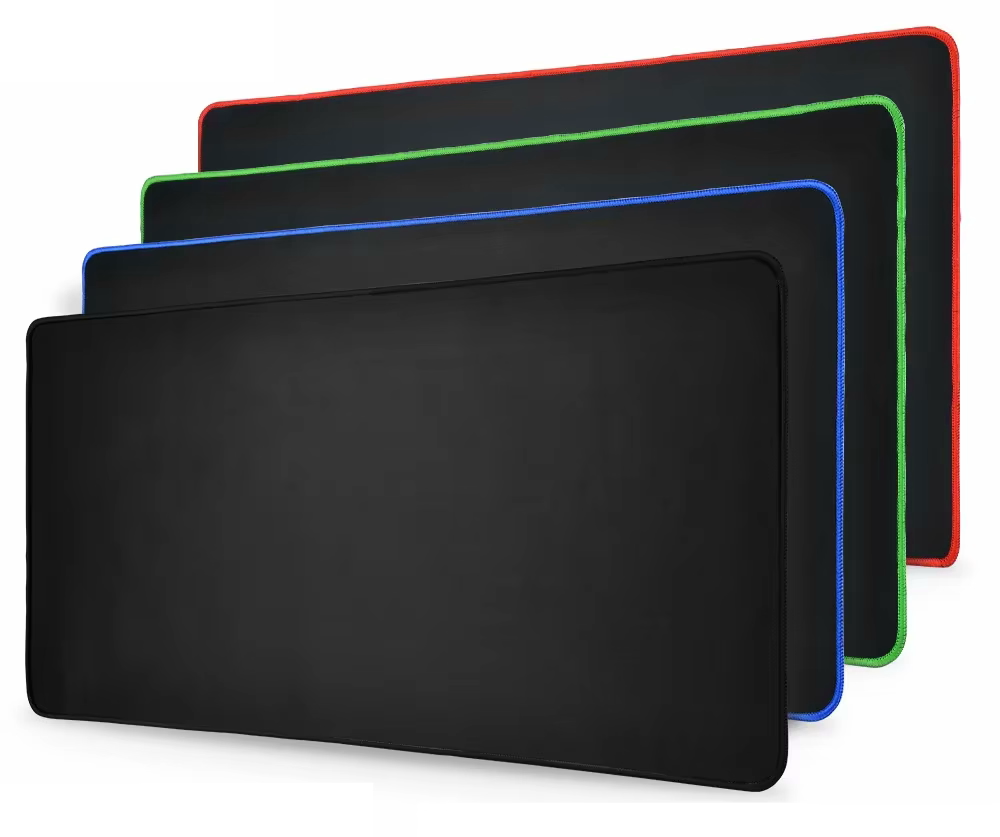
The size of my pad is 400 x 900 x 3 mm. They are available in many different sizes and with different border colors. I have the all-black version.
- Large anti-slip mouse pad (AliExpress)
Amazon US
Alternative:
- Other all black big pad (AliExpress)
Camera
I chose a basic camera (years ago) for the features:
- HD USB camera with a lens cover
- 30 fps
- Light correction
- Good sound and microphone quality (now I use a separate microphone)
- A mount with contra weight to place on top of a monitor
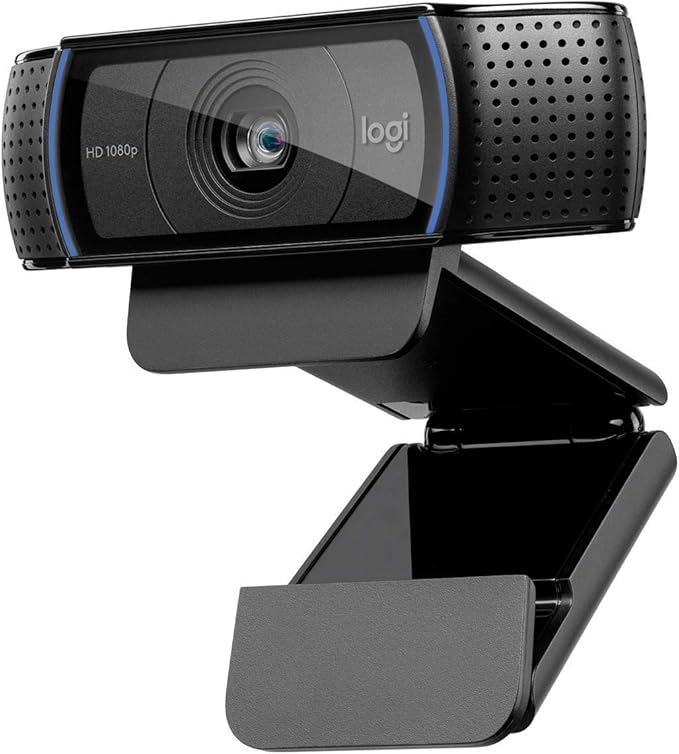
Back in the days, the Logitech C920 HD Pro Webcam was a perfect match for me, and it still works fine. But it can be upgraded to a newer one with a 4K resolution with auto follow feature. I’m open for any good suggestions!
- Logitech C920 HD Pro Webcam Amazon US (Amazon NL)
Microphone
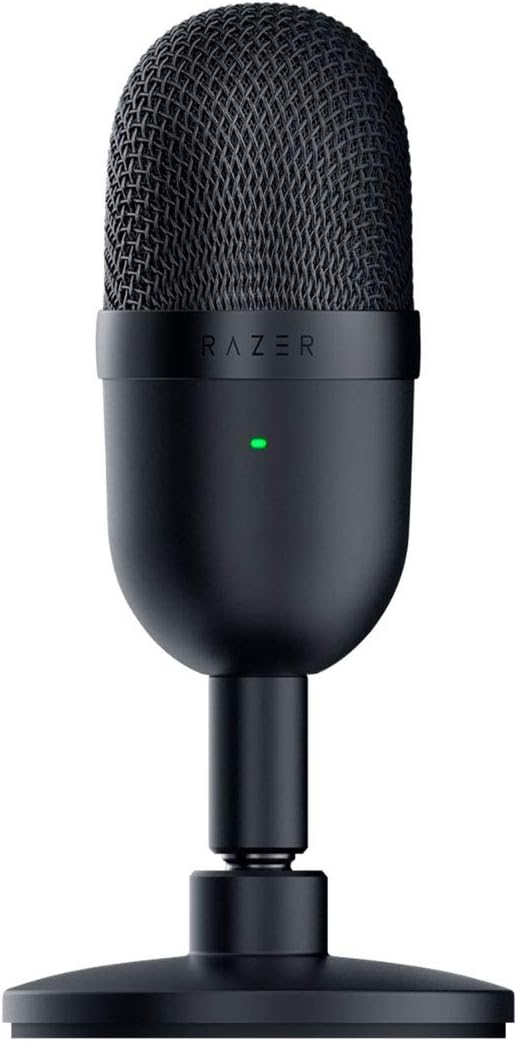
For an affordable basic microphone, I’ve chosen the Razer Seiren Mini black - USB condenser microphone.
- Razer Seiren Mini black (Amazon US) (Amazon NL)
ANC over ear headset
For my new office I looked for a newer and improved over ear headset. The development of ANC is improving every year and my daily used three-year-old headset could get an upgrade. I want to go for the overall best option, the Sony WH, but the price is very high for a headset. This keeps me looking further. I heard and read good stories about the QCY H3 and when I found out the improved 2026 version H3S was released, I went for this one! In the past I had already good experience with the QCY in-earbuds for on-the-go.
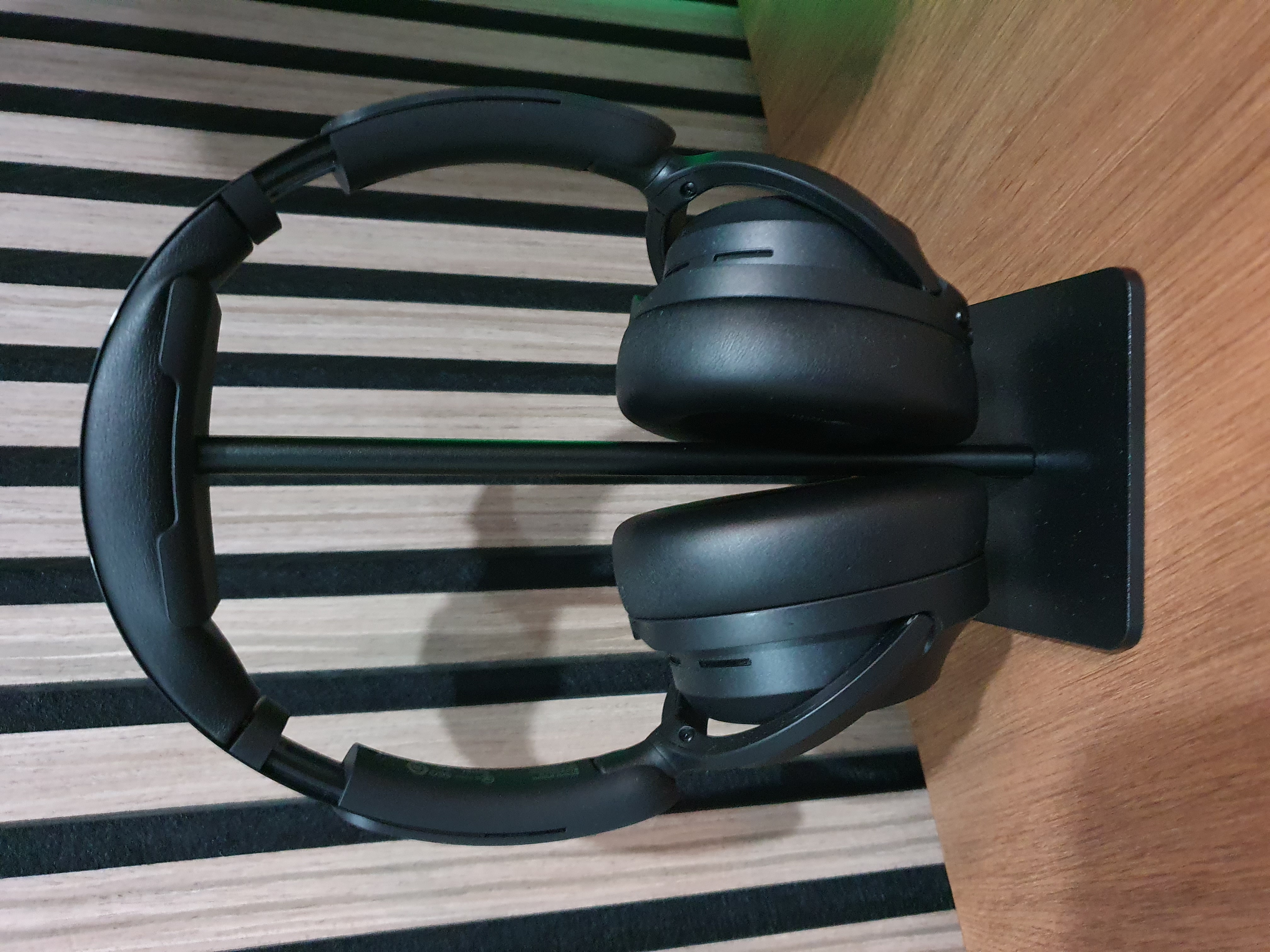
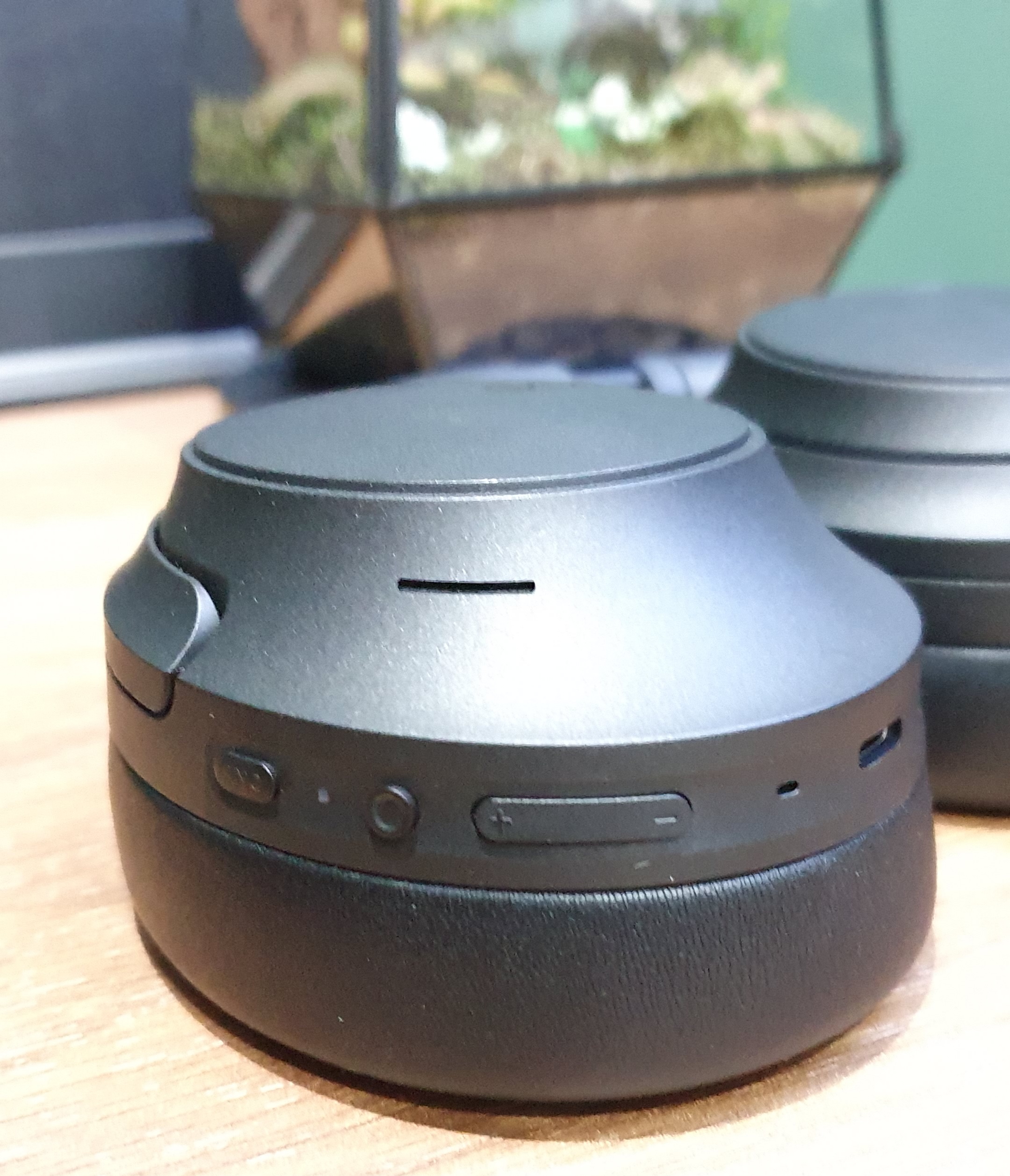
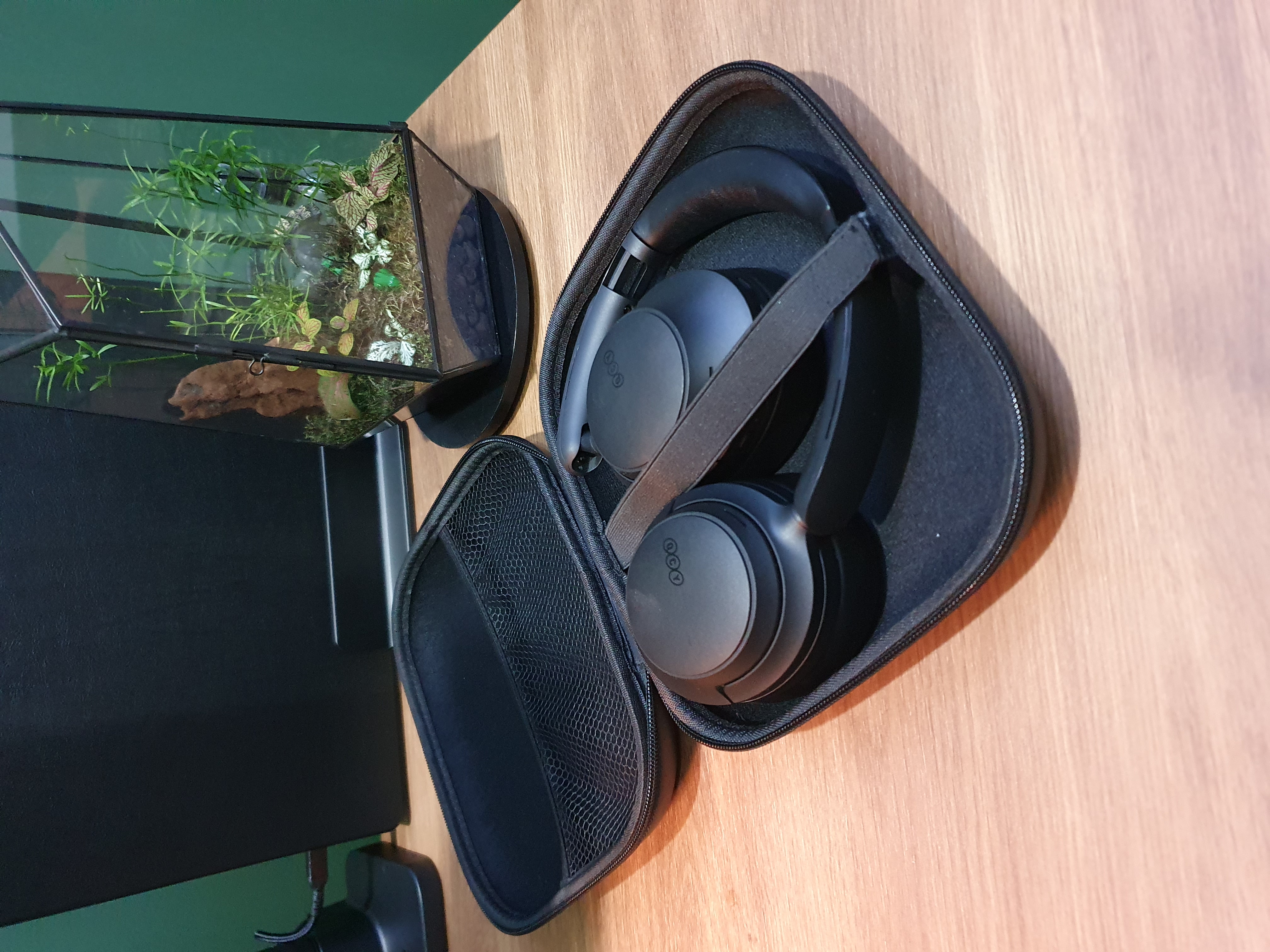
- Dual device connect - possibility to connect at the same time to two devices (laptop and phone)
- Soft top - no hard plastic pressure on your head
- QCY app - to set custom sound settings and the level of noise cancellation
- Bluetooth 6 - long battery life
- Physic buttons - to control ANC/sound/calls
- 5 modes Adaptive ANC Noise cancellation (Adaptive/Crowded/Commute/Indoor/Anti-Wind)
- Foldable headset with a hard case for traveling
Just read the reviews!
Available in Black/White/Gray:
- ANC over ear headset QCY H3S (AliExpress) (Amazon US)
Alternative:
I’m also a fan of the Sony WH range, but the price is 10x the price of the QCY, but it isn’t 10x better.
For now, I stick to the QCY.
- Sony WH-1000XM6 (Amazon US) (Amazon NL)
Headphone stand
A basic plastic headphone stand.
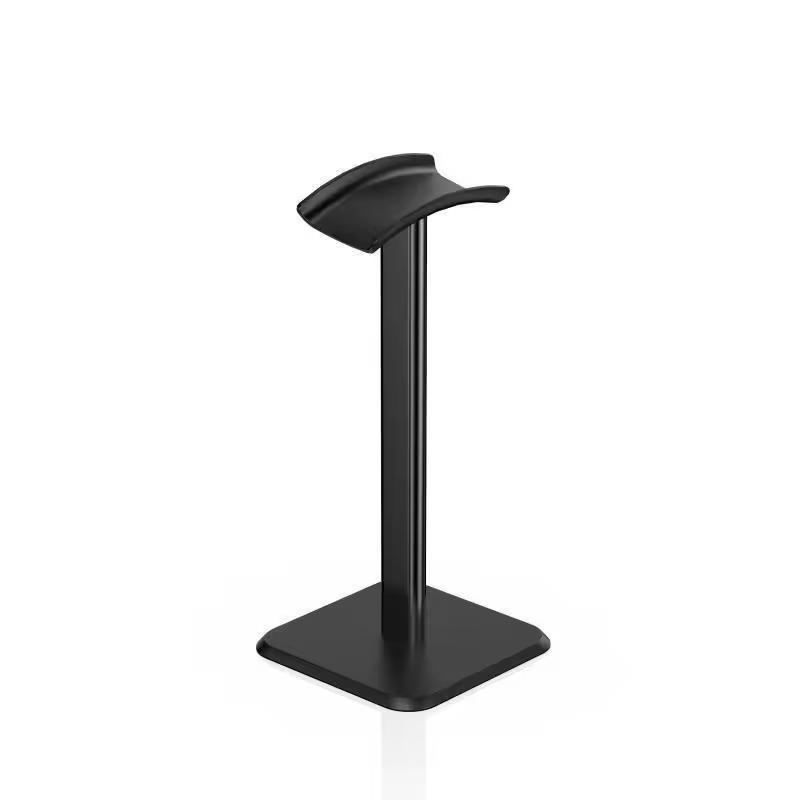
- Headphone stand (AliExpress) (Amazon US) (Amazon NL)
Alternative:
- Walnut stand (AliExpress) (Amazon US)
Accessories
Check this page for all accessories.
Future improvements
There are always things to improve. Sometimes it take some time until you find the perfect product which meets all your wishes, or at least most of them. I have also some of them on my list.
If you know where I can get one of below products, please let me know!
Clock
I’m still looking for a matching wall clock. This is the kind of clock I want, very minimalistic, without numbers or gold and in the walnut color.
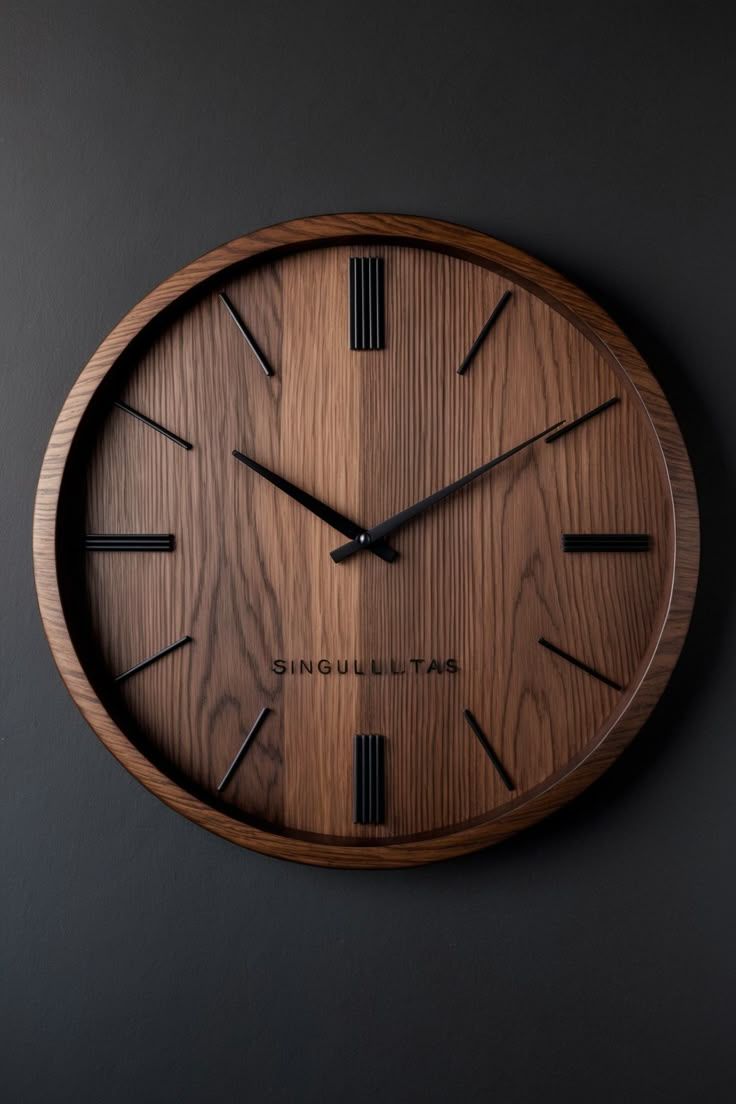
Alternative:
- Wall clock with acoustic panel look (Amazon.nl)
Docking station
I’m looking for a docking station that can connect my (work/private) laptop to the monitor and other peripherals as well with a single cable.
It must also match minimal these requirements:
- Main Monitor 49” 5K @ 180Hz
- Future Second monitor 4K @ 60Hz
- Power 60W+
- Network connection
- USB peripherals
- Wake up MacBook
I found the ultimate one, the CalDigit TS5, it’s only very expensive.
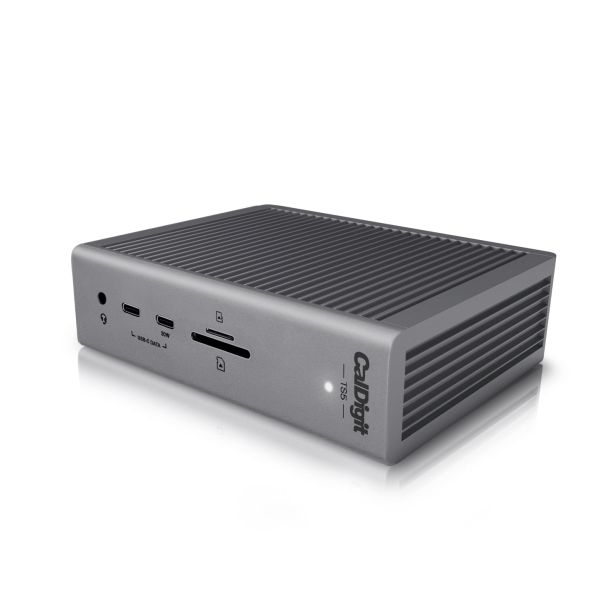
- CalDigit TS5 docking station
(Amazon US)
(Amazon NL)
If you have good suggestions for a docking station which match my requirements, please share it with me!
Camera
A newer 4K camera with auto zoom and auto follow feature would be a nice upgrade. Then everybody can see me sharp and sparkly!
Do you have good upgrade suggestions for my office? Please share it as comment on my posts.
Overview | Mood board | Virtual design with AI | Room decoration | Desk setup hardware | Accessories
^^ Top | Homepage | Best Buy Tips | Automation Ideas | Blog posts